
Work with research
Research is the middle rail: what the workspace established, with the evidence attached. Reading it well — including knowing when not to believe it — is most of the skill in using this module.
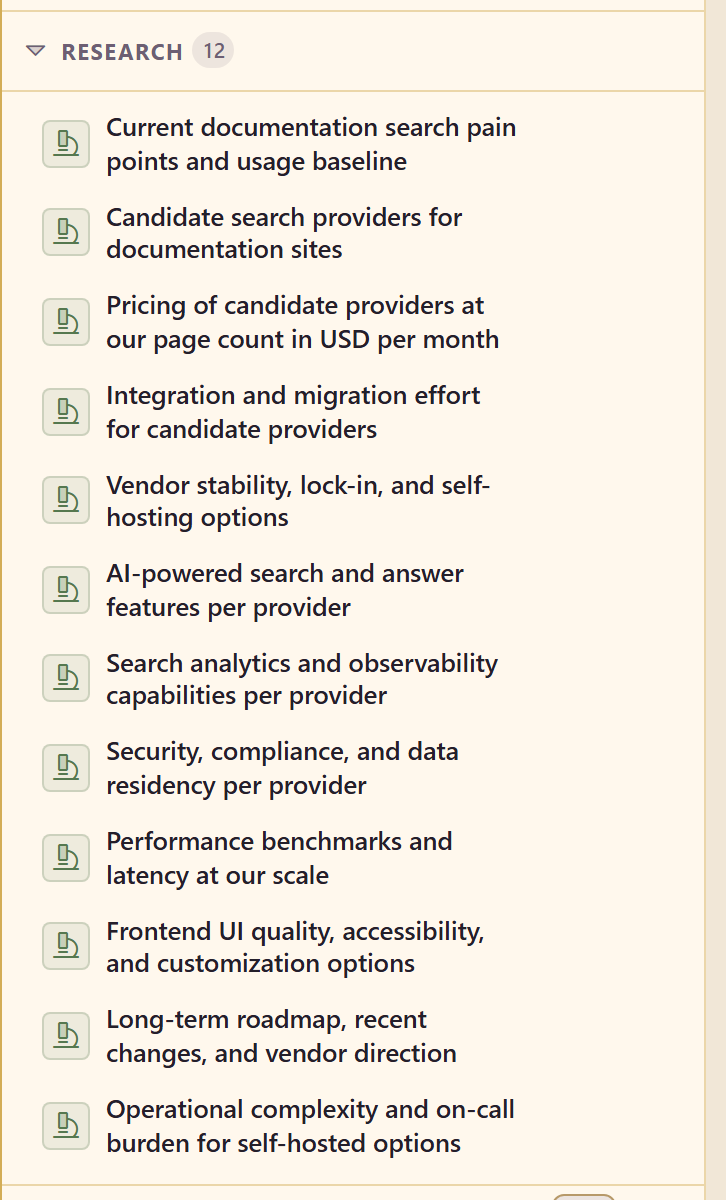
What a research item contains
Section titled “What a research item contains”Open one from the Research rail.
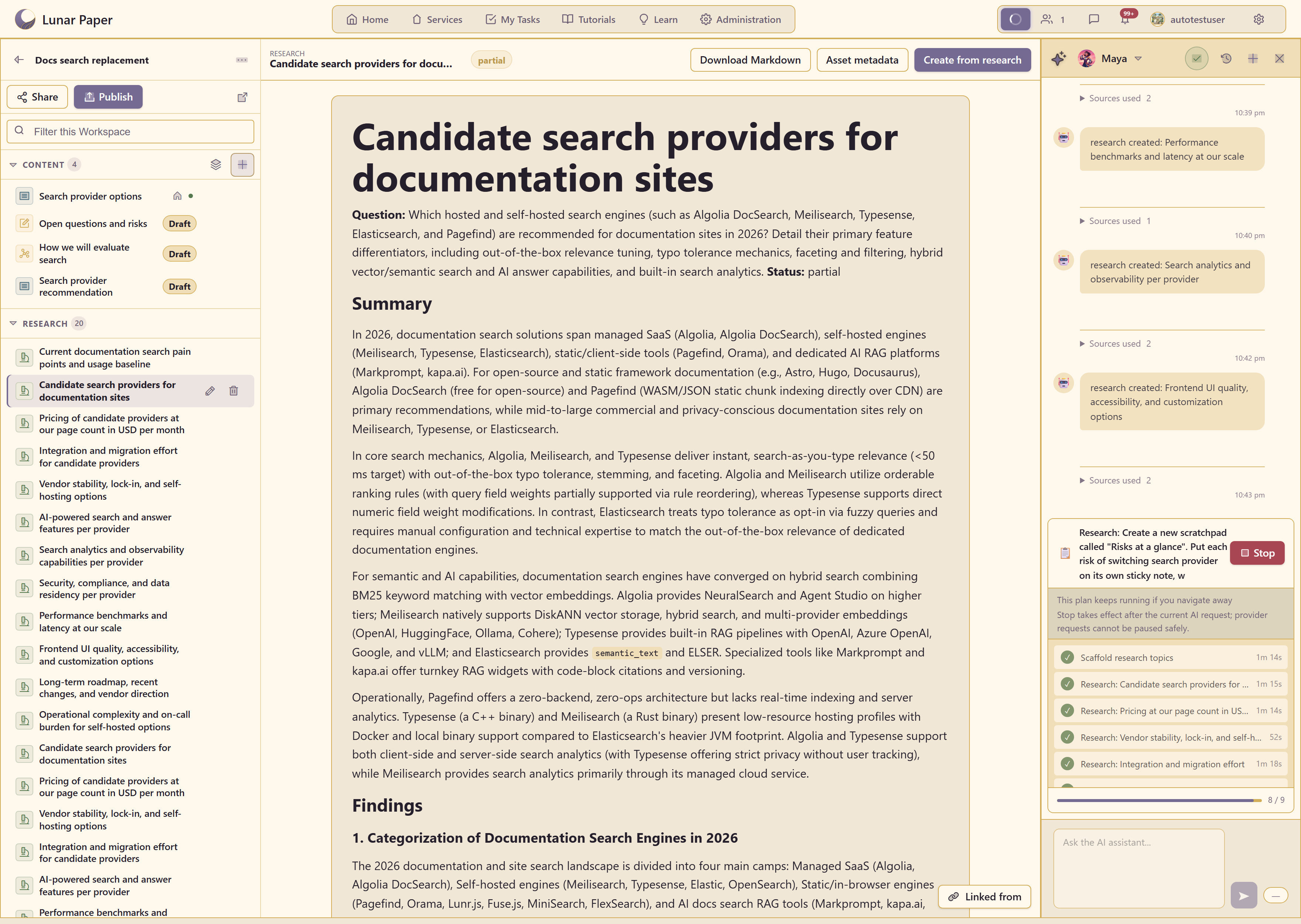
Every item has the same structure.
Question — what it set out to answer. Worth reading first, because it tells you what the AI thought you were asking.
Status — whether it completed, and whether it completed with gaps.
Summary — the short answer.
Findings — the detail, section by section.
Sources — real links, listed with the findings they support.
Each item also carries a five-star rating. Use it — research that turned out to be wrong is worth marking while you still remember why.
Read it in the right order
Section titled “Read it in the right order”Question, then sources, then summary. Not the other way round.
The summary is the most confident-sounding and least checkable part. Reading it first anchors you to a conclusion before you have seen what it rests on.
Reading the question first catches the most common failure: the AI answered a slightly different question than the one you meant. That is cheap to fix by re-asking and expensive to discover after you have written the document.
Judge the evidence
Section titled “Judge the evidence”Three questions separate research you can use from research that only sounds finished.
How many sources, and what kind? Every step in the AI panel carries a Sources used count you can expand.
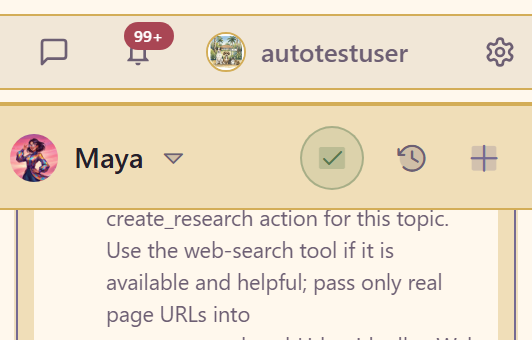
A finding backed by three vendor documents is not the same as one backed by a single blog post, and the prose gives no clue which you have.
Do the sources say what the finding says? Follow at least the load-bearing ones. Summarisation drift is real, and it is worst on numbers.
What is missing? The panel reports “Research completed with evidence gaps” instead of hiding them. A gap on a criterion that matters is a task, not a footnote.
Steer it with instructions rather than corrections
Section titled “Steer it with instructions rather than corrections”If research keeps coming back in the wrong shape, fix the workspace’s AI instructions rather than arguing in chat.
Three instructions reliably improve output: constrain source quality, force a comparable unit, and require gaps to be declared. The example workspace uses all three, which is why its pricing research reports one comparable number per provider instead of “pricing varies by plan”, and why the finished document flags every claim it could not source.

Turn it into content
Section titled “Turn it into content”Three actions sit along the top of an open research item.

Create from research writes a content item from it and carries the provenance across. This is the normal path.
Download Markdown takes the item out as a file, for when it belongs somewhere other than this workspace.
Asset metadata edits how the item appears in the service’s Asset Library, so it is findable outside the workspace.
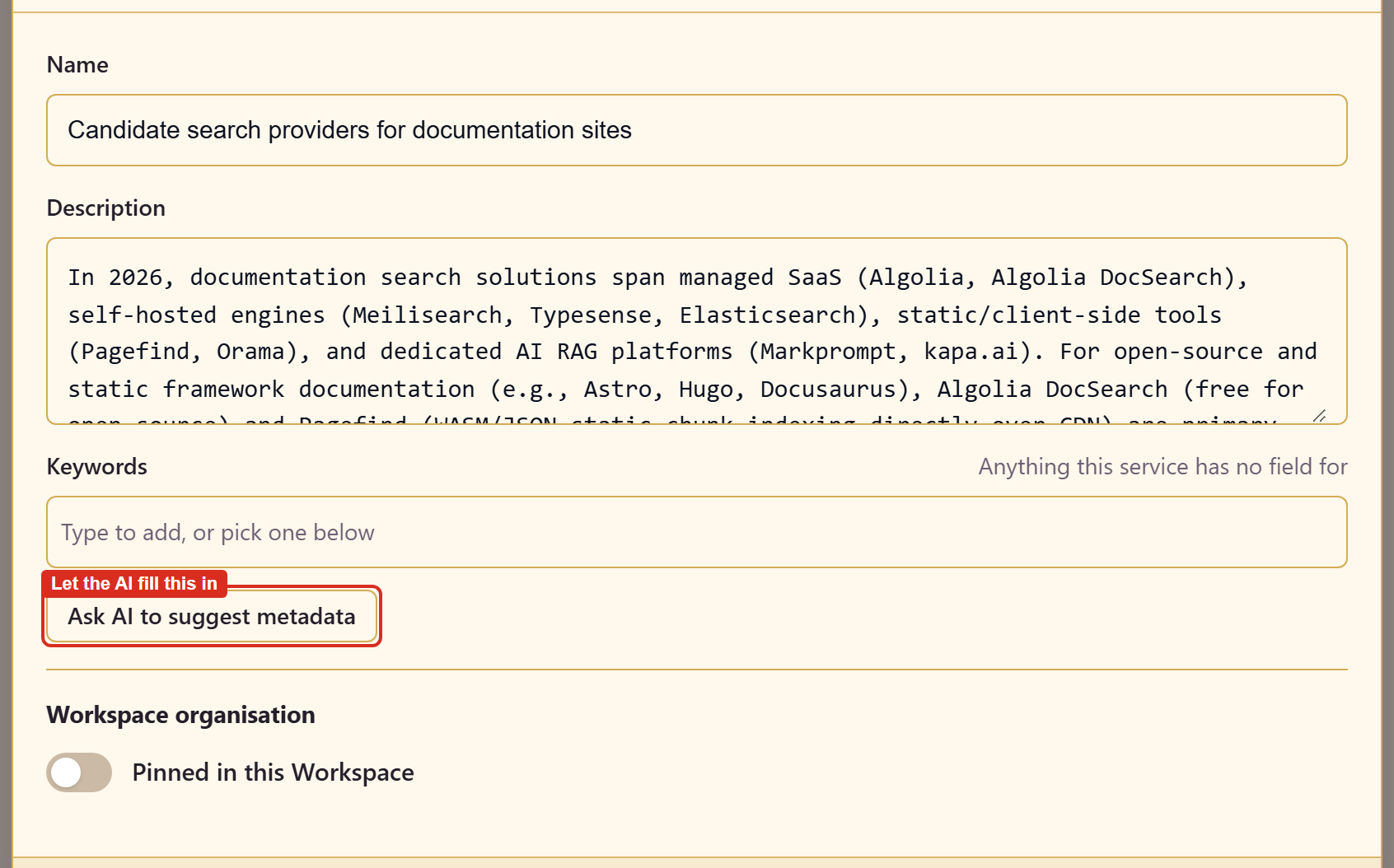
Ask AI to suggest metadata fills those fields for you, and Pinned in this Workspace keeps the item to hand.
Research items get no page status, landing page, or collection, because research is never published from the workspace. What the metadata does instead is make the item findable from outside: research and scratchpads are registered as service assets, so they appear in any asset picker under Workspace Research and Workspace Scratchpad. That is the only route evidence takes between workspaces. Content and metadata settings covers every field.
Do not delete research you disagreed with
Section titled “Do not delete research you disagreed with”Remove takes an item out of the workspace, and it is tempting to clear out the research that did not support the conclusion.
Keep it. A decision record holding only supporting evidence proves nothing. The rejected option, with its evidence intact, is what makes the choice credible a year later.
Related
Section titled “Related”Run a decision end to end puts research in the context of the whole job. Evidence and provenance explains what the workspace is tracking and why.