
Uploads
Uploads takes image files from your machine.
Opening it
Section titled “Opening it”Click Uploads in the tool rail. The panel opens beside the rail; clicking the button again closes it.
Unlike the seven canvas tools, the panels do respond to a click — the rail’s click problem affects only the tools above the divider. Troubleshooting has the detail.
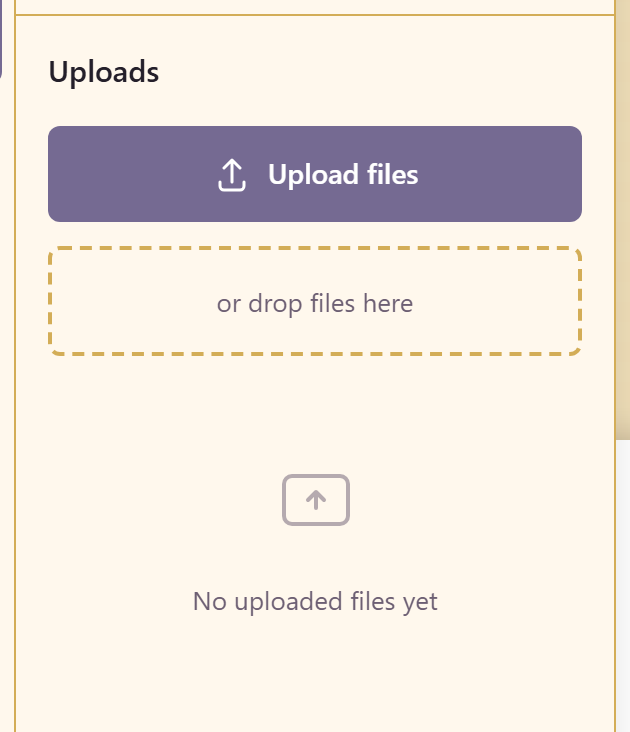
Use Upload files, or drop files onto the panel. Uploads are listed there for reuse once added.
Uploads belong to the design. For an image the whole organisation should reach — a logo, a product shot, a photograph on the brand — put it in the Asset Library instead and pull it in through Photos, so one copy serves every design.
Related
Section titled “Related”Photos reaches stock and service imagery. Brand reaches the brand’s own marks.