
Sound Playground
Double-click empty space on the timeline to open the instrument picker, then choose 🎹 Sound Playground.
Less an ambience tool than a sketchpad, for finding an idea quickly.
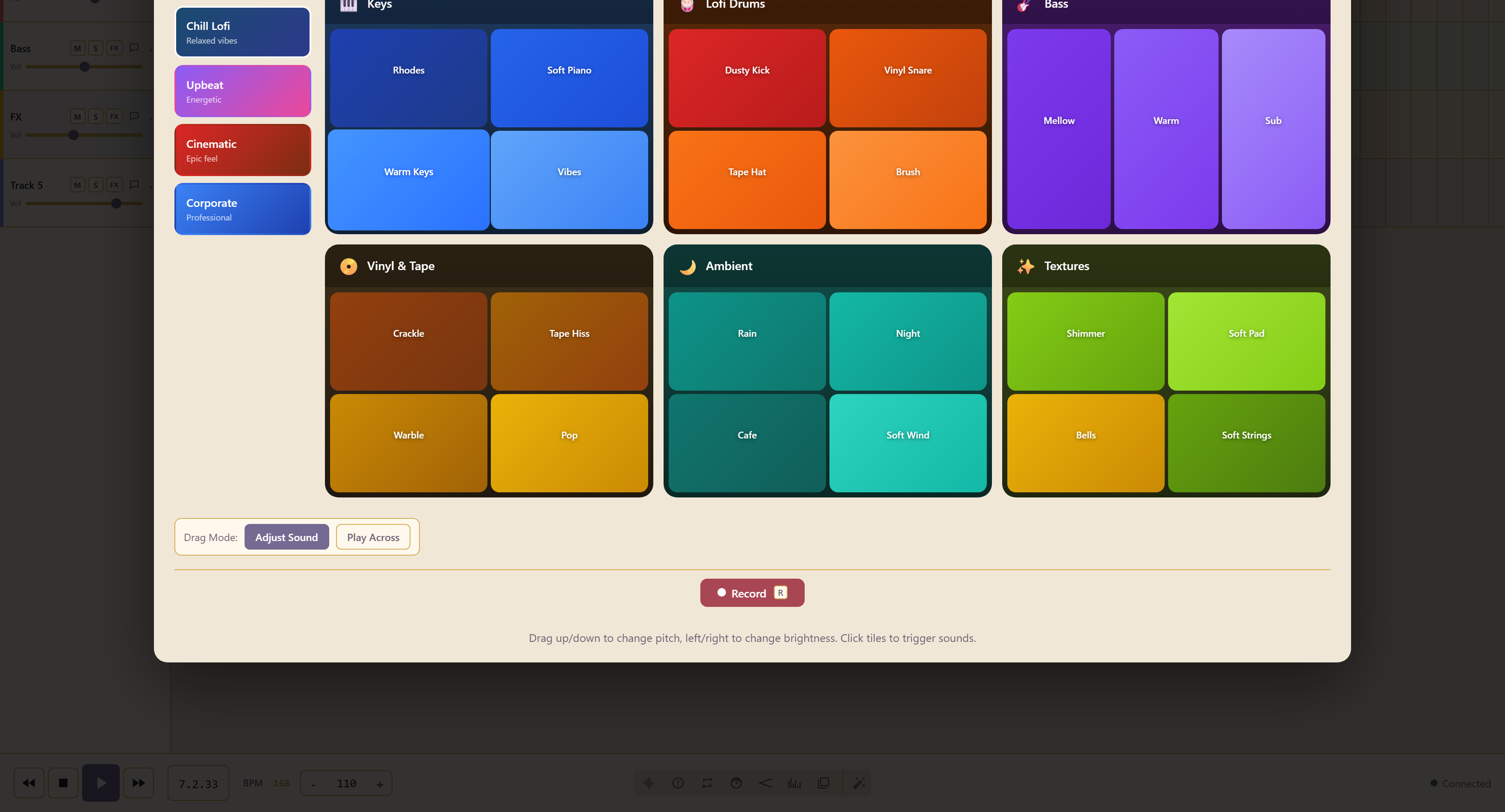
Pick a style
Section titled “Pick a style”Chill Lofi (relaxed vibes), Upbeat (energetic), Cinematic (epic feel), or Corporate (professional).
Each gives a board of tiles grouped by role: keys, lofi drums, bass, vinyl and tape, ambient, and textures.
Dragging is the point
Section titled “Dragging is the point”Click tiles to trigger sounds. What makes it a playground is the drag: drag up and down to change pitch, left and right to change brightness, so one tile covers a range of sounds rather than one.
Drag Mode switches what dragging does. Adjust Sound shapes the tile you are holding; Play Across triggers tiles as you move over them, which is how you play a run rather than a single hit.
Record captures what you play.
Related
Section titled “Related”Soundscape Builder and Scene Composer are for finished background rather than sketching.