
Reuse with snippets and templates
Two libraries hold things you can reuse. Snippets hold single blocks. The template library holds whole emails. Both are worth setting up early, because the work of rebuilding a footer for the fourth time is exactly the work they remove.
Save a block as a snippet
Section titled “Save a block as a snippet”Hover the block you want and choose the save icon in its toolbar.
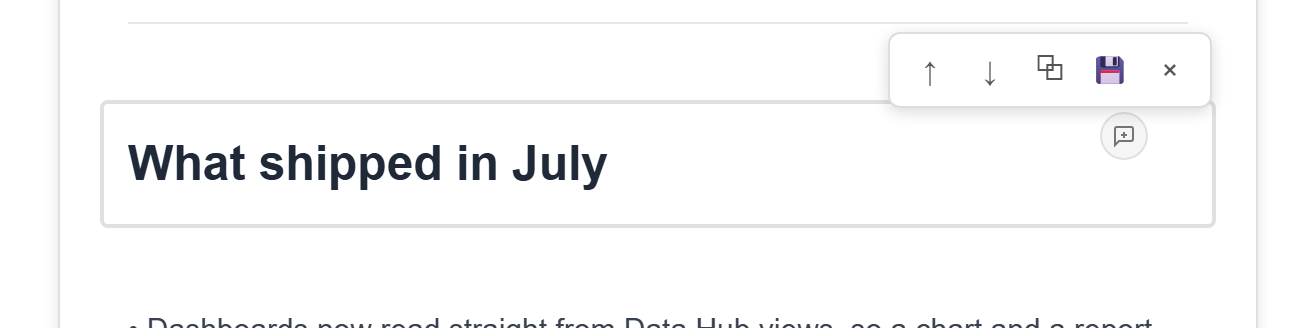
Give it a name and a description. The description is what tells the next person whether this is the footer with the real address or the one from a draft.
Good candidates are the pieces that should look the same everywhere: a footer with your company details, a call-to-action button in the house style, a signature block.
Use a snippet
Section titled “Use a snippet”Choose Snippets in the toolbar.
The library covers the whole service, so a snippet saved in one email is available in all of them. A category filter sits at the top for when there are enough to need it.
Insert one and it drops into the canvas as an ordinary block, which you can then edit like any other.
Save a whole email as a template
Section titled “Save a whole email as a template”Templates in the toolbar opens the template library, and you can save the email you are editing into it.
Templates that ship with the platform are marked System and appear in every service. Ones your service saves belong to that service.
Each entry has a Use Template button, which starts a new email from it.
Duplicate an existing email instead
Section titled “Duplicate an existing email instead”For a one-off — “the same newsletter as last month, with new content” — the template library is more work than you need. Use Duplicate on the card in the module page and edit the copy.
This is also how you work with a System template. Those cannot be edited in place, so duplicating one gives you a copy of your own with the same starting content.
Everything here copies
Section titled “Everything here copies”This is the part worth internalising: none of these keep anything in sync.
Insert a snippet into five emails, then change the snippet, and those five emails keep the old version. Start three emails from one template, then change the template, and the three do not move.
Every insert is a copy taken at that moment. There is no link back, and nothing warns you when the original moves on.
The practical consequence is that shared content has a real maintenance cost. When your company address changes, you update the snippet so future emails are right, and then you update every existing email one at a time.
That is not a reason to avoid snippets — rebuilding a footer by hand is worse. It is a reason to keep the number of things you reuse small enough to update by hand when they change.
Related
Section titled “Related”Reuse and versioning sets snippets and templates against versions and edit history, which are easy to confuse from the toolbar.