Audio and narration
Slideshow audio has two main layers: narration tied to slides and background music tied to the presentation.

Narration tracks
Section titled “Narration tracks”Narration tracks can come from microphone recording, imported audio, or AI voiceover. Tracks can include waveform data, duration, start time, language, source text, and cue markers.
Languages
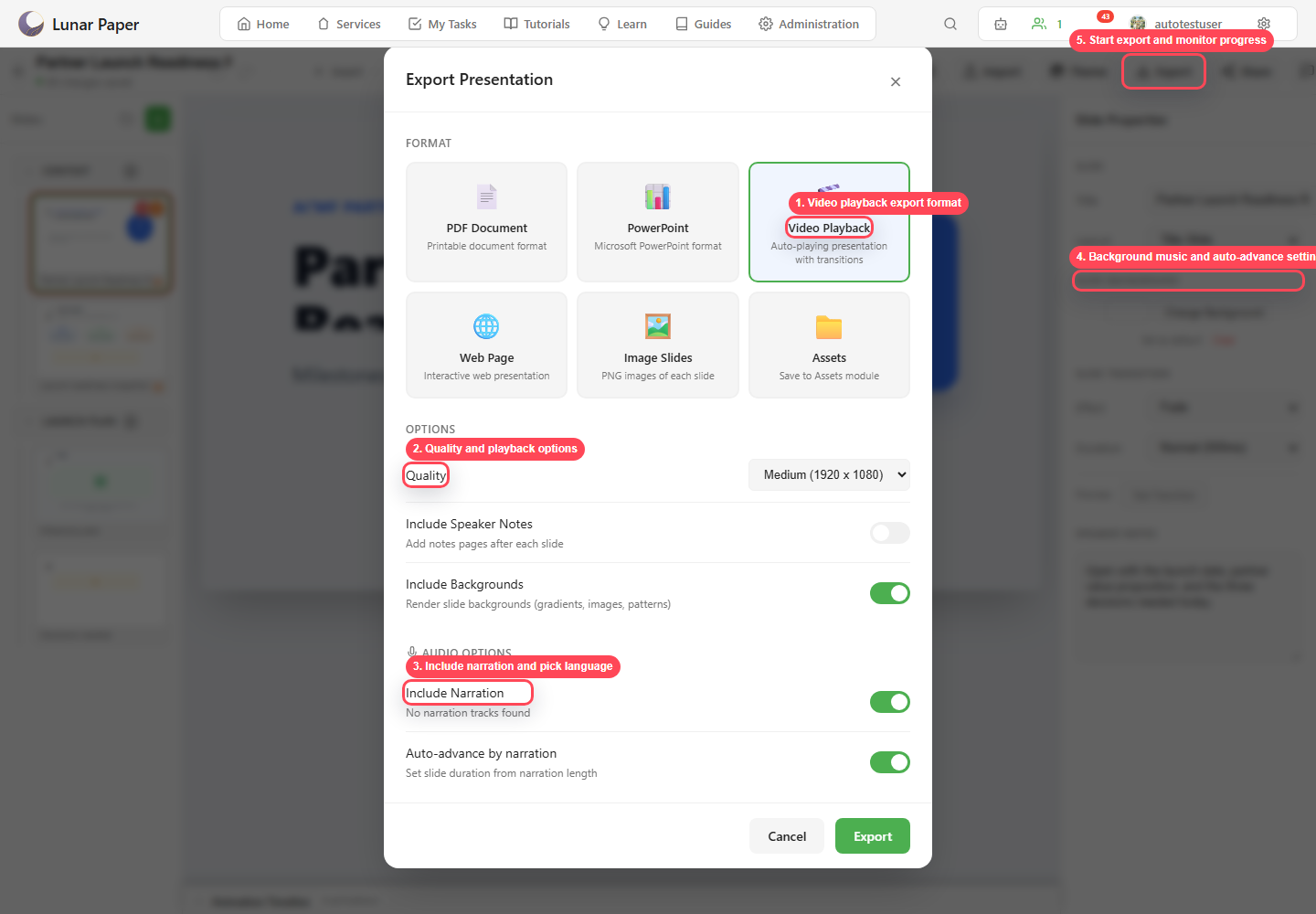
Section titled “Languages”Narration can be organized by language. Use the active language selector on the timeline while you edit a translated narration. Then choose the language during export, for output formats that support audio.
AI voiceover
Section titled “AI voiceover”AI voiceover can generate narration for one slide or for all of them. The source text can come from the speaker notes or from the slide content. Use the voice, speed, and language settings to keep the voiceover consistent across the deck.
Background music
Section titled “Background music”Background music can be enabled at the presentation level. Music settings include volume, loop, fade in, fade out, and ducking during narration.
Export behavior
Section titled “Export behavior”Video and web exports can include narration and background music. Use Auto-advance by narration when slide duration should follow the audio length.