
Sampler
Double-click empty space on the timeline to open the instrument picker, then choose 🎚️ Sampler.
A library of sampled instruments, filed under Presets and Files.
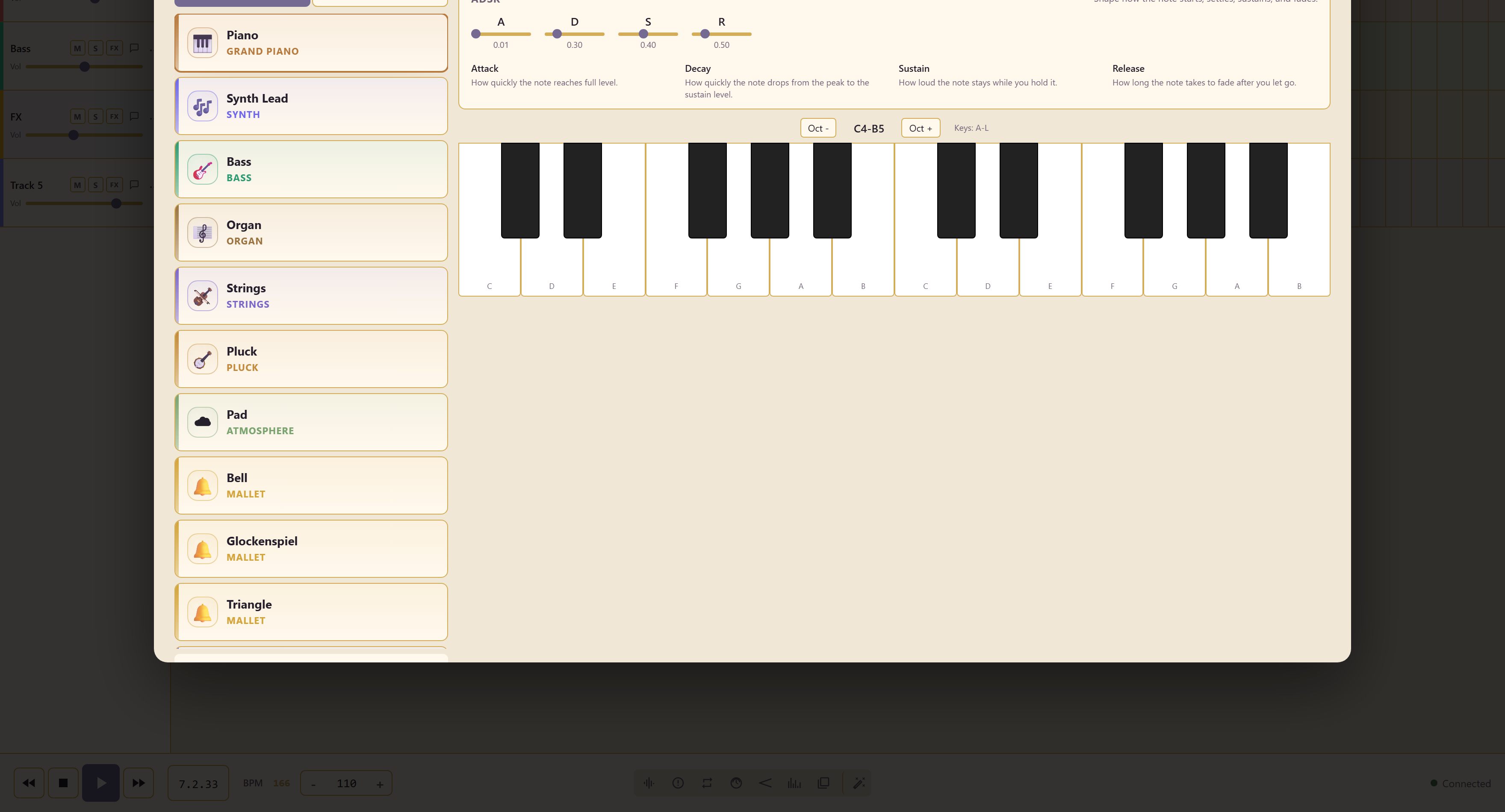
What the presets cover
Section titled “What the presets cover”Orchestral and band instruments in depth, each tagged with its family: grand piano, electric and nylon and acoustic guitar, violin and string ensemble, french horn, trombone, trumpet, tuba, bassoon, contrabass, harmonium, harp, and the mallet instruments — bell, glockenspiel, triangle, marimba, xylophone.
Most instruments offer several characters
Section titled “Most instruments offer several characters”French Horn comes as Solo, Cinema, and Low. Trumpet as Fanfare and Muted. Grand Piano as Soft and Bright. Contrabass as Bow, Deep, and Short.
Choose a character that suits the part. You can reopen a recorded Sampler clip, choose a different preset in Instrument, and keep its saved note sequence. Use Performance to adjust the notes and audition the result before saving.
Files is where your own samples go, for anything the presets do not cover.
Edit a recorded take
Section titled “Edit a recorded take”Reopen the clip and choose Performance to edit note pitch, Start (beats), Length (beats), and Velocity. Its sequence and sample mappings are restored, so you can correct one note without replaying the part. Saving custom samples stores their source audio with the service; use Relink source audio if an older file is missing.
Edit recorded performances covers save/copy options and adding more notes.
Related
Section titled “Related”Browse Sounds pulls in clips the team has already made. Piano Roll writes the notes a sampled instrument plays.