
Saxophone
Double-click empty space on the timeline to open the instrument picker, then choose 🎷 Saxophone.
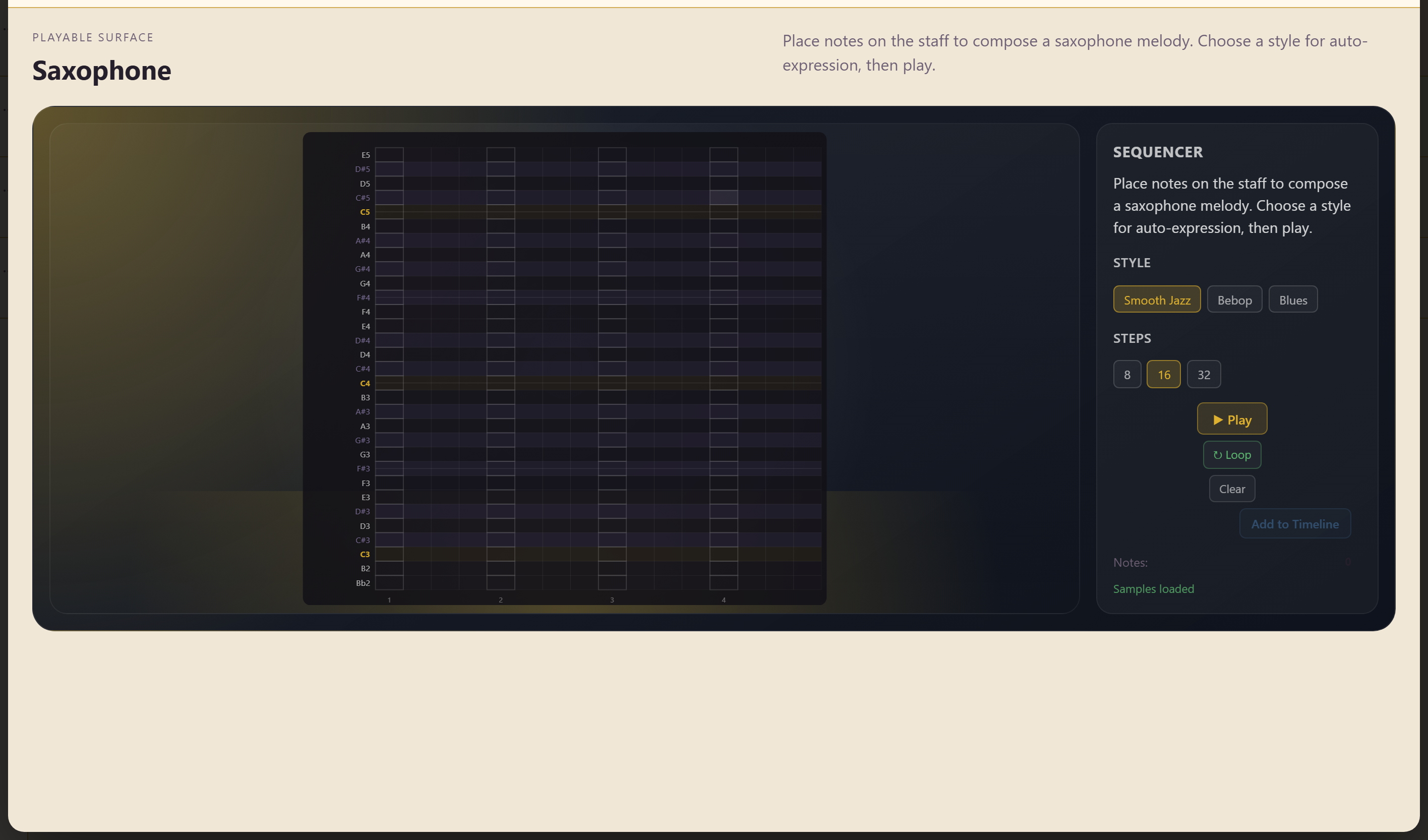
The Saxophone is written rather than played. You place notes on a staff, choose a style, and the instrument supplies the expression.
Range and styles
Section titled “Range and styles”The range runs B♭2 to E5, and four styles are available.
| Style | Character |
|---|---|
| Smooth | Even, legato phrasing |
| Jazz | Swung, with jazz articulation |
| Bebop | Faster, harder-tongued |
| Blues | Bent and vocal |
Writing a line
Section titled “Writing a line”Place notes on the staff to compose the melody. Steps sets the pattern length to 8, 16, or 32.
Play and Loop audition it, Clear starts again, and Add to Timeline commits the result.
What the style setting does
Section titled “What the style setting does”The style applies expression automatically — phrasing, articulation, and timing appropriate to the idiom. The same notes under Smooth and under Bebop are noticeably different performances.
Write the notes first and try the styles afterwards. It is quicker than trying to imagine which will suit, and the differences are large enough to change what you write next.
Related
Section titled “Related”Clarinet works the same way with a different range and style set. Woodwind is the played alternative.