
Kalimba
Double-click empty space on the timeline to open the instrument picker, then choose 🎶 Kalimba.
Pluck the tines, or play them from the keyboard. Longer tines produce lower notes, and dragging across them gives an arpeggio.
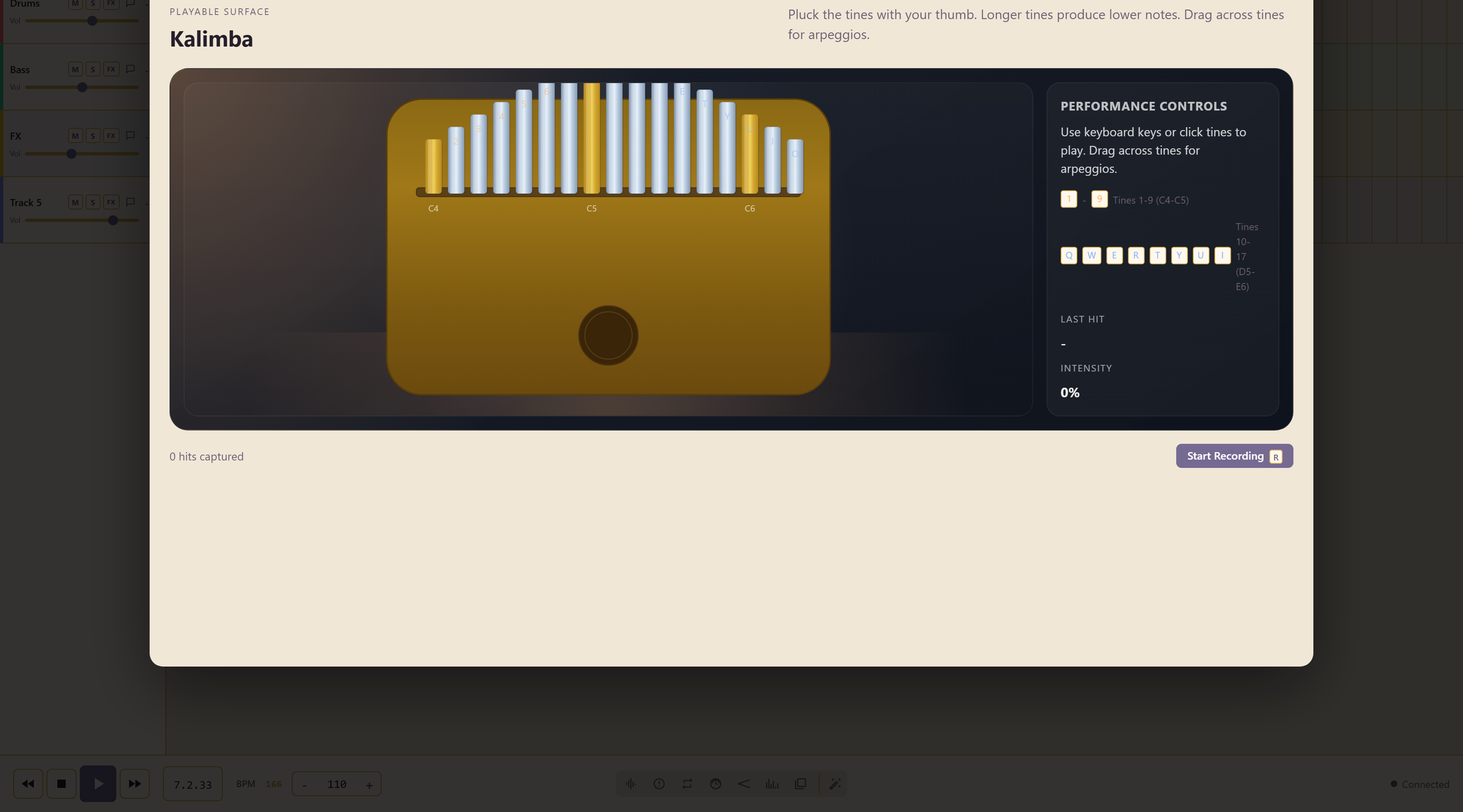
The keyboard map
Section titled “The keyboard map”| Keys | Tines |
|---|---|
| 1–9 | Tines 1 to 9, C4–C5 |
| Q W E R T Y U I | Tines 10 to 17, D5–E6 |
Why dragging gives an arpeggio
Section titled “Why dragging gives an arpeggio”The tines are laid out the way a real kalimba is, alternating outward from the centre rather than running left to right in pitch order.
Playing a scale therefore means moving between the two halves, which is why dragging straight across produces an arpeggio rather than a run.
Recording a take
Section titled “Recording a take”Start Recording, or the R key, begins the take, and the counter tracks the hits as you play. A last hit readout shows what your most recent gesture registered, which is usually the difference between a hit that sounded wrong and a hit you did not make the way you thought.
Play the shape before you record it. These instruments reward a second attempt, because the surface registers speed and position rather than just which note you pressed.
Related
Section titled “Related”Harp is the other plucked instrument. Glockenspiel covers similar register with a struck tone.