
Subtasks and blocked work
Subtasks hold smaller completion checks inside the parent task. The Blocked flag signals that progress cannot continue.
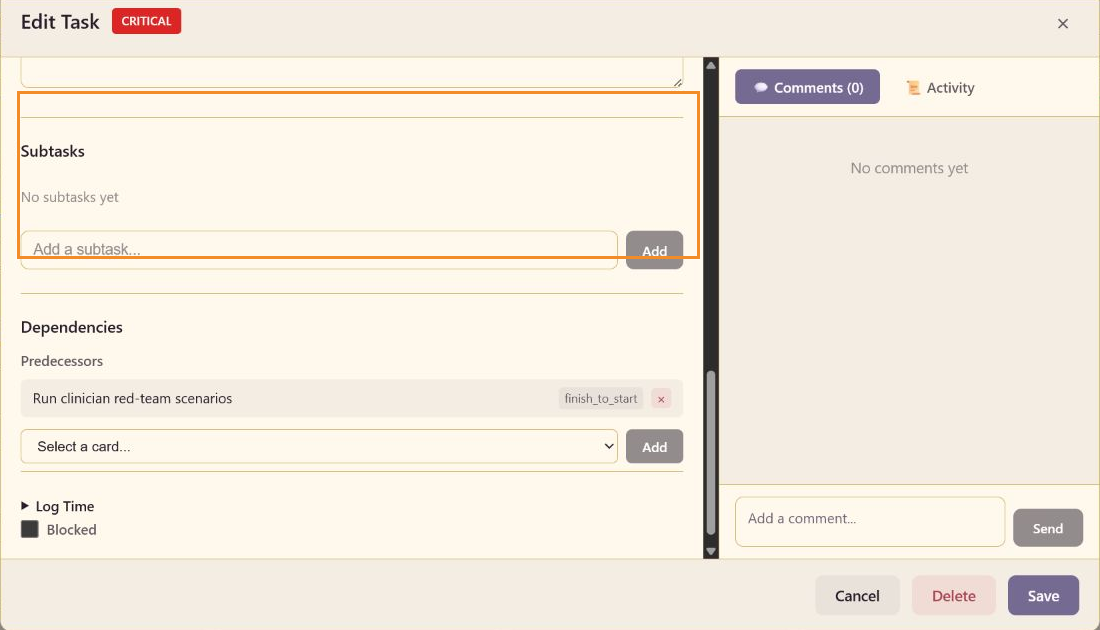
Subtasks
Section titled “Subtasks”Enter a short check in Add a subtask, then select Add. Keep subtasks small enough to complete and verify on their own. Use a separate board task when the work needs its own owner, milestone, dependency, discussion, or report history.
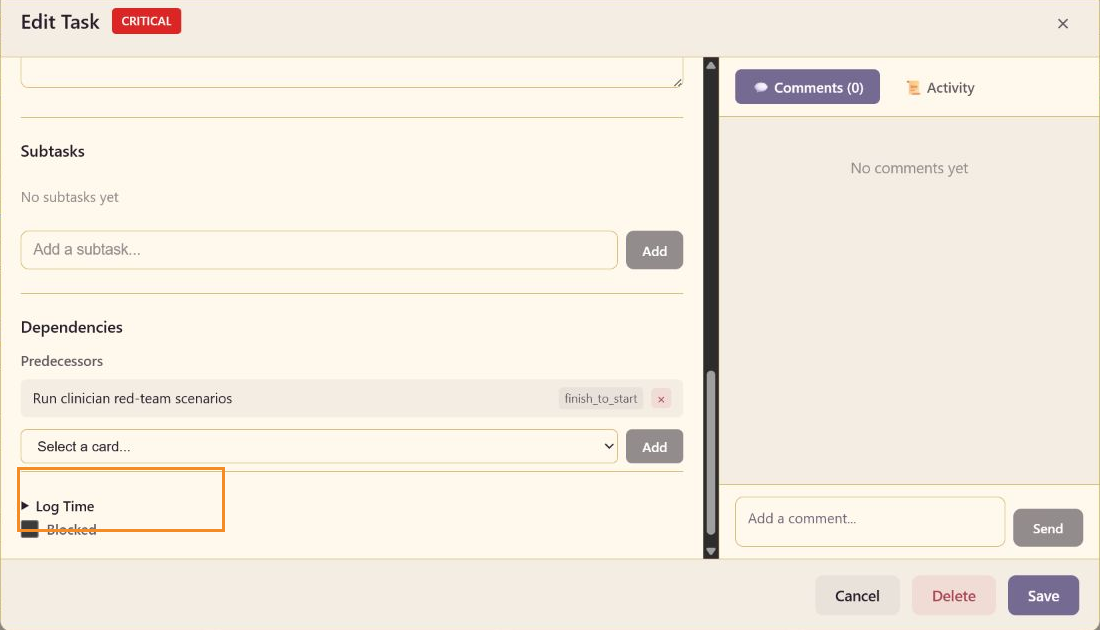
Blocked state
Section titled “Blocked state”Select Blocked when an external condition prevents the next action. Pair the flag with a comment that names the blocker and the person or decision needed to remove it. Reports count blocked work separately from ordinary WIP.