
Set up a new service
Setting up a service takes twenty minutes. Most of it is decisions rather than typing, and the decisions are easier now than after ten people have started working in it.
Decide what the boundary is first
Section titled “Decide what the boundary is first”A service is a boundary, and everything inside it shares membership and a publishing ceiling. So the question is not “what are we working on?” but “who should see all of this, and how far may any of it travel?”
One service per team, per product, or per client generally works. One per project usually does not — the same people end up maintaining the same connections in several places, and the artifact map in each shows a fragment of the real picture.
If two groups of people should see different things, that is two services. There is no way to hide a module from some members of one service.
Name it for what it is
Section titled “Name it for what it is”Service Settings, General.
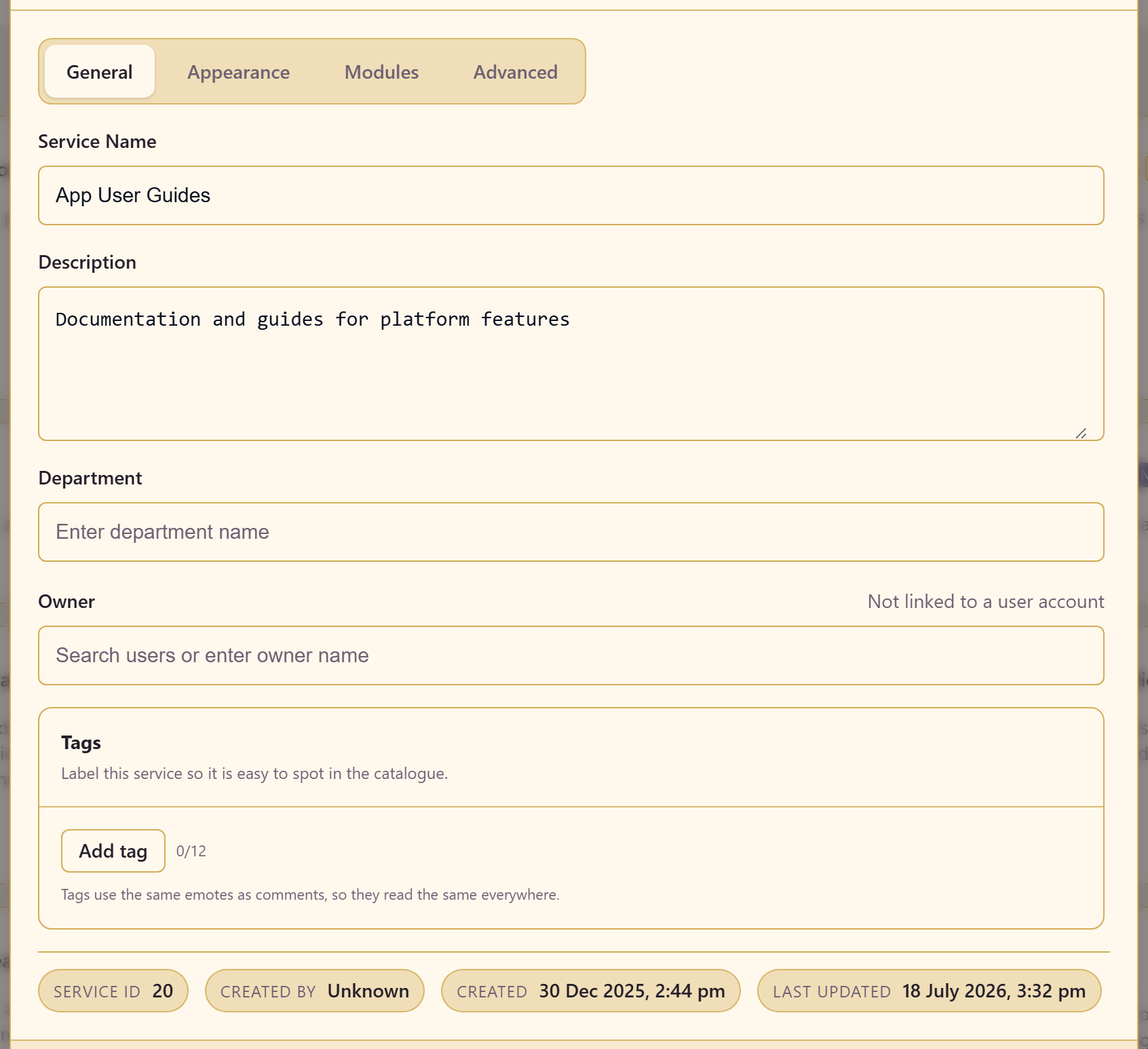
Set the name, a description, the department, and an owner.
Write the description for someone who has never seen the service. It is what a person browsing the catalogue reads to decide whether to open it, and it is the difference between a service people find and one they recreate because they did not know it existed.
Name the owner properly. A service without a named owner is the one nobody reviews.
Add tags — up to twelve — so it can be found by subject as well as by name.
Make it recognisable
Section titled “Make it recognisable”Appearance: an emoji icon, an accent colour, and optionally a banner.
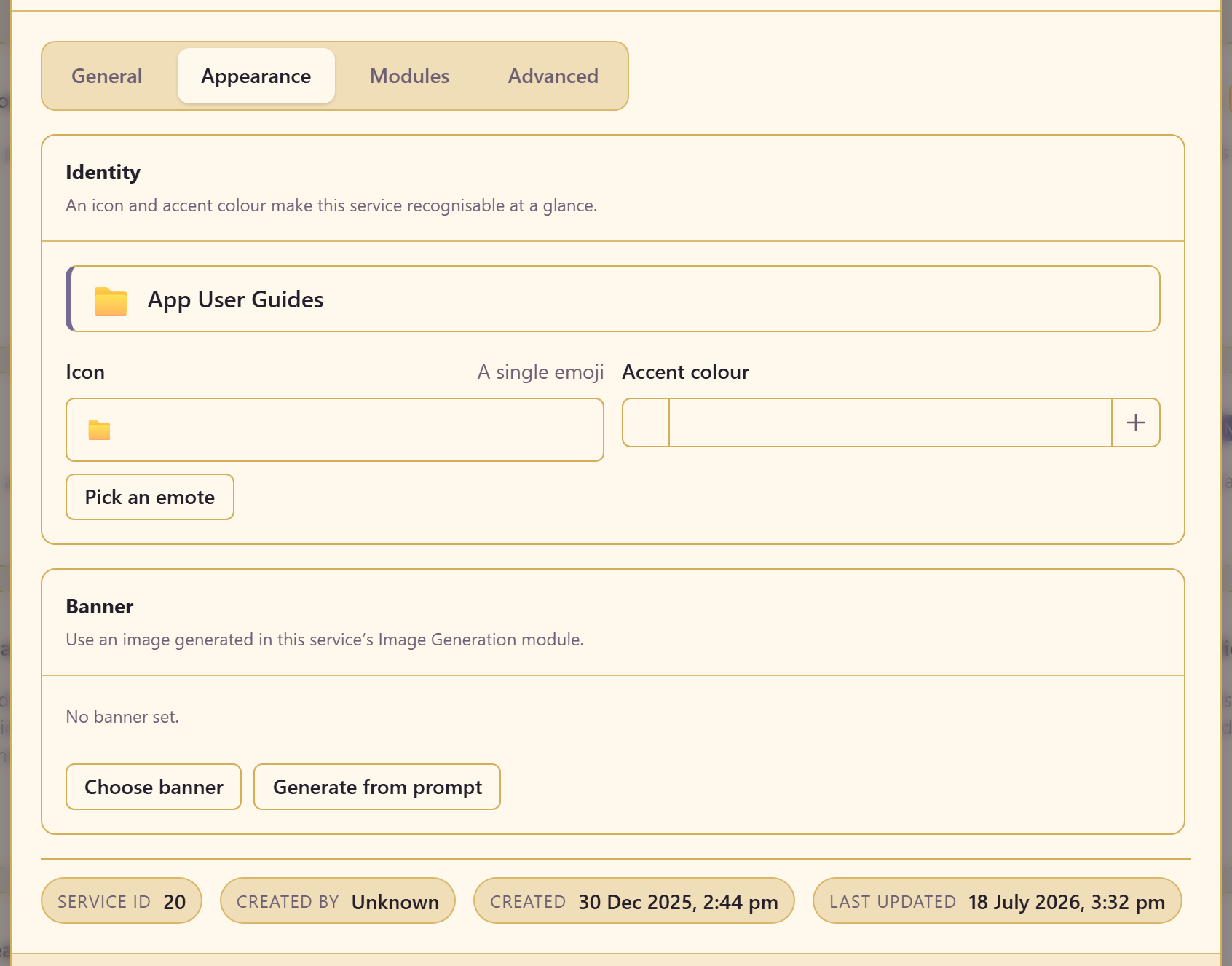
Worth thirty seconds. People work across several services in a day, and a distinct icon is how they notice they are in the wrong one before doing the work rather than after.
Cut the module list down
Section titled “Cut the module list down”Modules: turn off everything this service will not use.
Nothing is deleted and it can be reversed at any time, so be decisive. You can always turn a module back on when someone needs it, and it comes back with its content.
Set the publishing ceiling before anyone publishes
Section titled “Set the publishing ceiling before anyone publishes”Content Access. Decide the widest audience anything here may reach, and whether external publishing is allowed at all.
Do this before people start working, not after. Tightening a ceiling later does not retract what has already gone out — you would have to find and change each item, which is exactly the work the ceiling exists to avoid.
If you are unsure, start strict. Widening later is a two-click change; narrowing after the fact is a cleanup.
Let people in
Section titled “Let people in”Team. Link a platform team where one exists, and add individuals only for genuine exceptions.
Do this last. A service that people arrive in before it has an identity, a module list, and a publishing ceiling is a service that develops habits you then have to undo.
Give it a readable URL
Section titled “Give it a readable URL”Advanced: set a URL slug. Links to this service will be pasted into chat and tickets for years, and /s/app-user-guides tells the reader something that a number does not.
Then create something
Section titled “Then create something”Open a module from the service sidebar and use the create action on that module’s landing page.
Making one real thing is a better test of the setup than reviewing it again. If the first thing you build feels like it belongs somewhere else, the boundary is probably wrong, and that is much cheaper to discover now.
Related
Section titled “Related”Manage people and access and Control what gets published go deeper on the two decisions that matter most.