
Photos
Photos supplies imagery without leaving the editor.
Opening it
Section titled “Opening it”Click Photos in the tool rail. The panel opens beside the rail; clicking the button again closes it.
Unlike the seven canvas tools, the panels do respond to a click — the rail’s click problem affects only the tools above the divider. Troubleshooting has the detail.
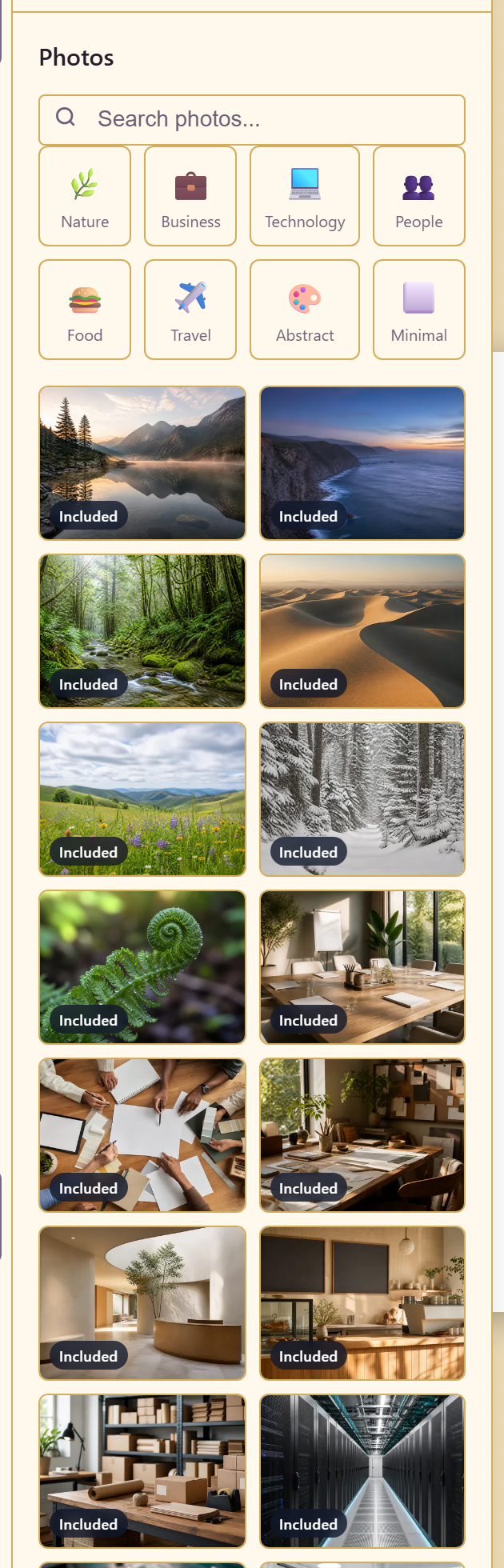
Eight categories: Nature, Business, Technology, People, Food, Travel, Abstract, and Minimal. Every image is marked Included, so there is no licence question to resolve before using one.
A search box across the top searches the service asset library, which is how you reach photography your organisation already owns rather than the stock set.
Search the asset library first. A real photograph of your own building beats a stock office every time, and the search is right there.
Related
Section titled “Related”Uploads brings in files from your machine. Asset Library is where service imagery lives.