
Export and share
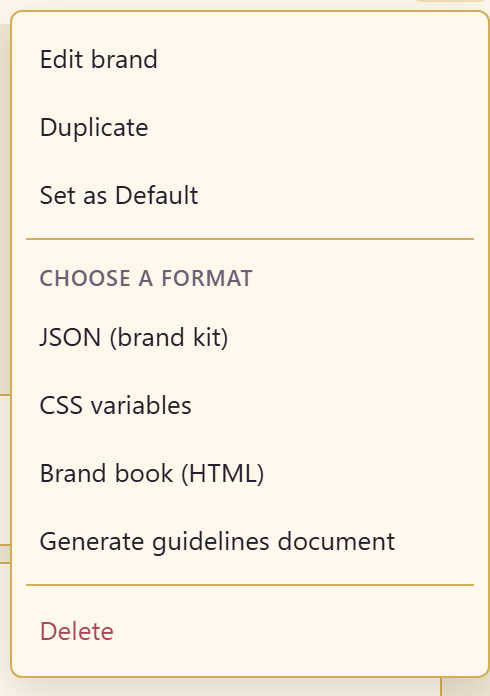
More brand actions in the header holds everything that gets the brand out of the module.
The four exports
Section titled “The four exports”| Export | What it is for |
|---|---|
| JSON (brand kit) | The whole brand as a file, for importing into another service |
| CSS variables | The brand as custom properties, for a site or app |
| Brand book (HTML) | A presentable brand book for people rather than machines |
| Generate guidelines document | A written guidelines document |
Match the export to the audience. A developer wants CSS variables or the token exports. An agency wants the brand book. Another Lunar Paper service wants the brand kit JSON, which is what Import brand kit on the module page reads.
The other actions
Section titled “The other actions”Edit brand changes the name, description, and type. Duplicate copies the brand, which is the right way to start a seasonal variant rather than editing the house brand. Set as Default moves the default flag. Delete removes it.
Token exports are separate
Section titled “Token exports are separate”Design tokens has its own Export CSS, Export SCSS, and Export JSON buttons covering the token set alone.
Use those when a developer wants the tokens and nothing else, and the brand-level exports when they want the whole identity.
Related
Section titled “Related”Design tokens covers the token-level exports. Create a brand covers importing a brand kit at the other end.