
Run a review workflow
Move a task into Review only when it is waiting for a person to make a decision. A CareArc task handled this way is ready for a named approval, has a clear remaining action, and can move to Done once the decision is recorded.
1. Choose a task ready for review
Section titled “1. Choose a task ready for review”Use Sign off consent copy and fallback messages as the example. Its 90% progress signals that implementation is nearly complete, while its Review column position signals that a decision is needed.
2. Open the task editor
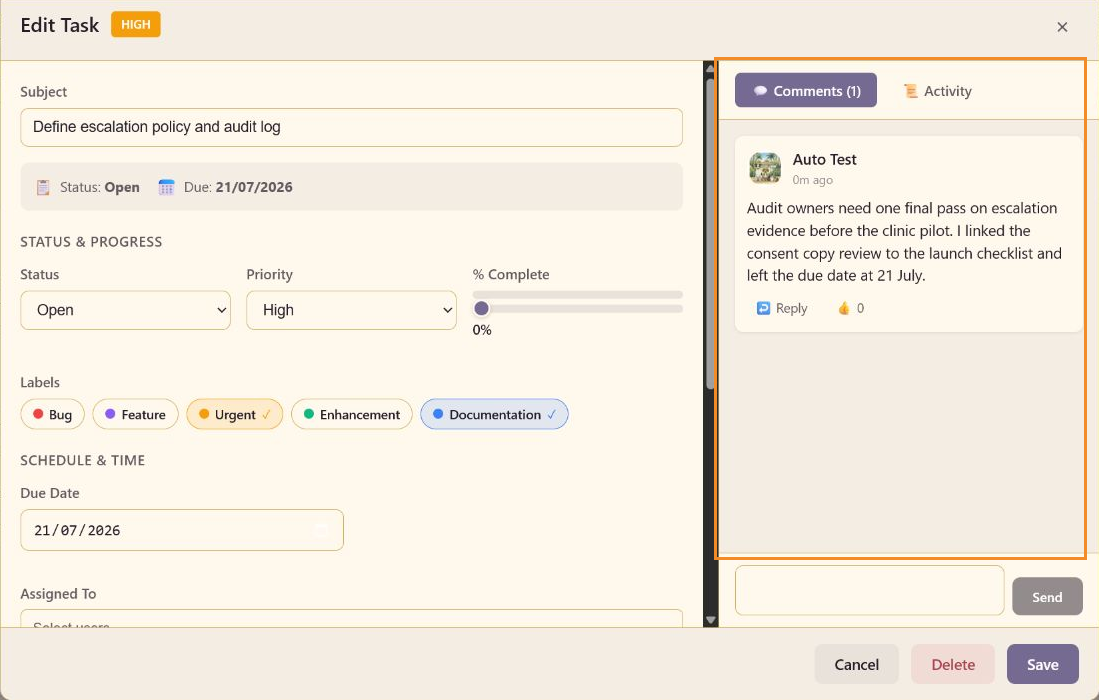
Section titled “2. Open the task editor”Select the task card. Confirm the task title, status, priority, progress, labels, and due date. Keep the task in In Review while it waits for a review decision, and use the board’s Review column for the same handoff in the larger workflow.
3. Add the decision context
Section titled “3. Add the decision context”Put the acceptance criteria in the description, where they stay with the task. Use Comments for the conversation that leads to the decision. A good comment says what was checked, what remains, and which outcome is expected.
4. Save or move to Done
Section titled “4. Save or move to Done”Select Save after editing. Once the reviewer has accepted the work, move the task to Done and set its status to Completed. The board keeps completed tasks available through the Completed toggle.
A handoff anyone can check
Section titled “A handoff anyone can check”Review is now a handoff anyone can see and check afterwards. The task card shows the state, the comments keep the reasoning, and completed work can be shown again when a launch review needs the evidence.