
Create a parallel feedback digest
This workflow demonstrates independent parallel AI work and a reusable return contract. The matching draft is Docs 10 - Parallel Feedback Digest (workflow 592) in service 20.
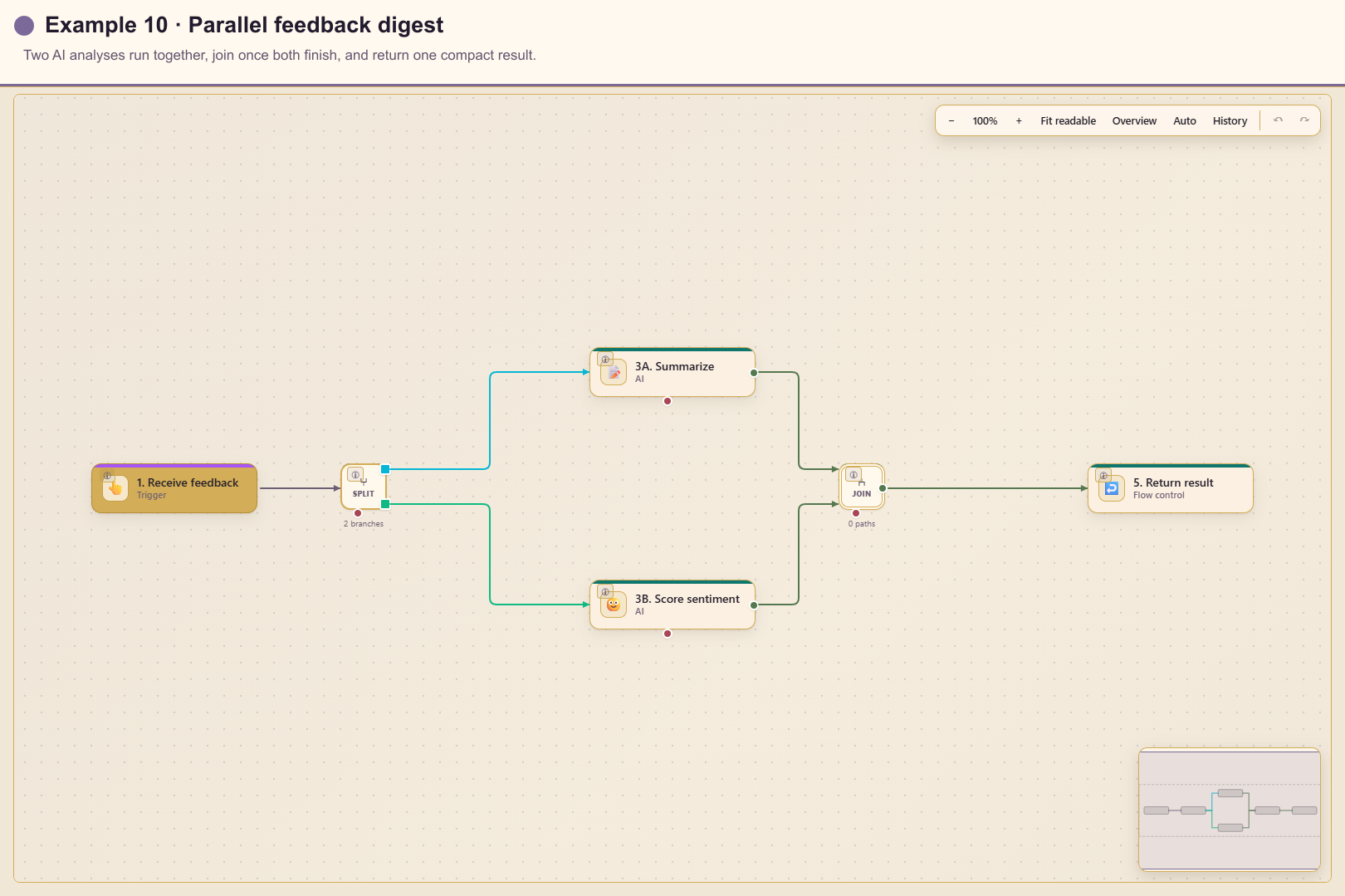
Outcome
Section titled “Outcome”A manual or parent workflow supplies feedback. Automation starts two independent AI branches, produces a short summary and sentiment result, waits for both, and returns three named values.
Before you start
Section titled “Before you start”- Configure an AI registration for Workflows.
- Define the maximum feedback length and privacy rules.
- Decide whether the caller requires all branches or can accept partial results.
- Agree on the stable returned field names.
Build the workflow from start to finish
Section titled “Build the workflow from start to finish”Create a blank workflow in service 20. Save the input contract first, then build the two independent branches before adding the join and return cards.
1. Add and configure the trigger
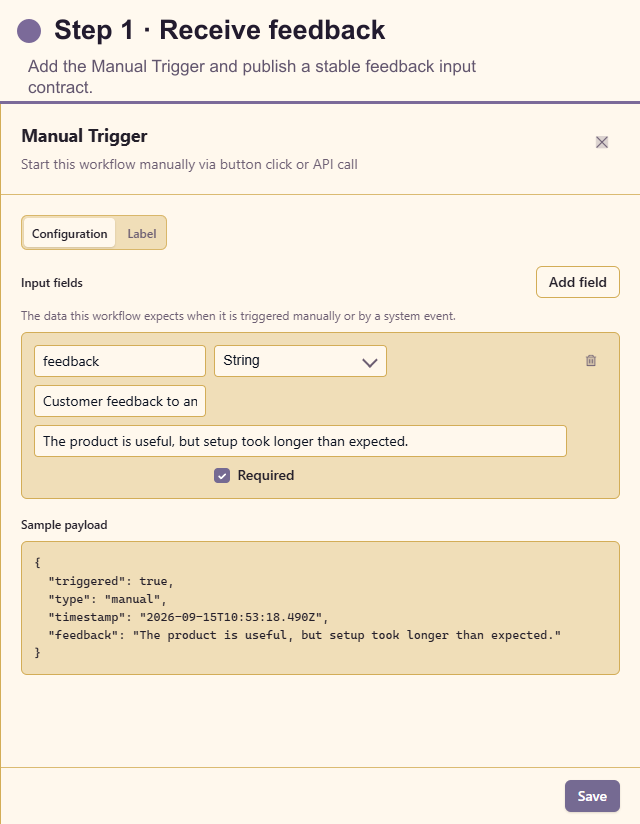
Section titled “1. Add and configure the trigger”Open Triggers and add Manual Trigger. Add one required string input named feedback, describe the expected customer text, and use a synthetic default. This field becomes the contract for manual runs and parent workflows.
2. Add Parallel
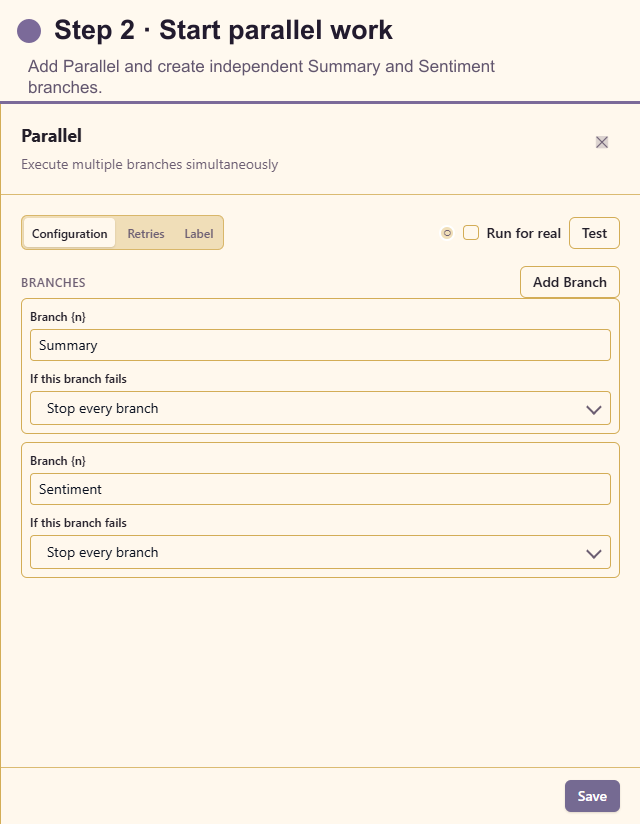
Section titled “2. Add Parallel”Open Actions and add Parallel. Create branches named Summary and Sentiment and wait for all. Both branches must read only ctx.feedback; neither may depend on the other branch’s output.
3A. Add Summarize Text to the first branch
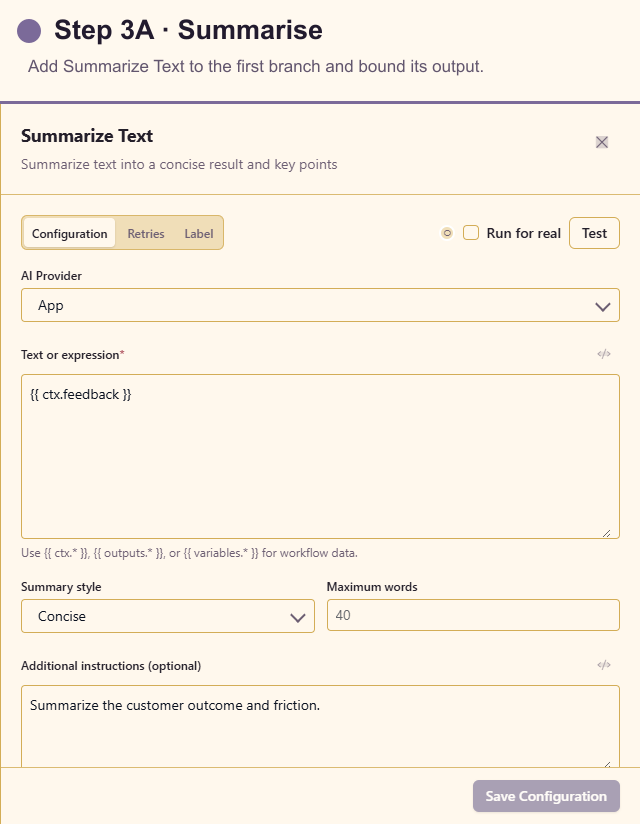
Section titled “3A. Add Summarize Text to the first branch”Add Summarize Text to Summary. Select the approved AI registration, insert the feedback, choose a concise style and maximum word count, and instruct the action to retain the customer outcome and friction.
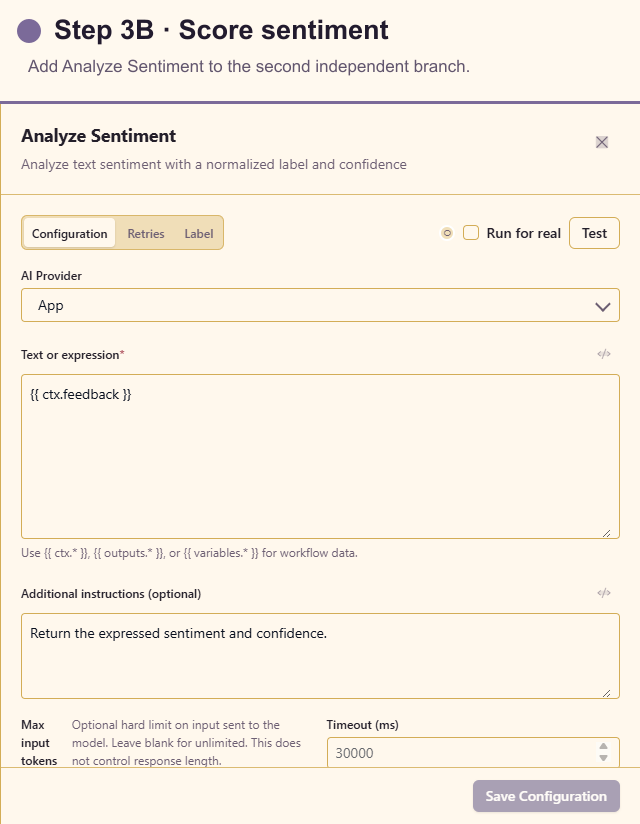
3B. Add Analyze Sentiment to the second branch
Section titled “3B. Add Analyze Sentiment to the second branch”Add Analyze Sentiment to Sentiment. Select the approved registration, insert the same feedback, and request sentiment and confidence. Treat the result as a signal for readers, not as an automated consequential decision.
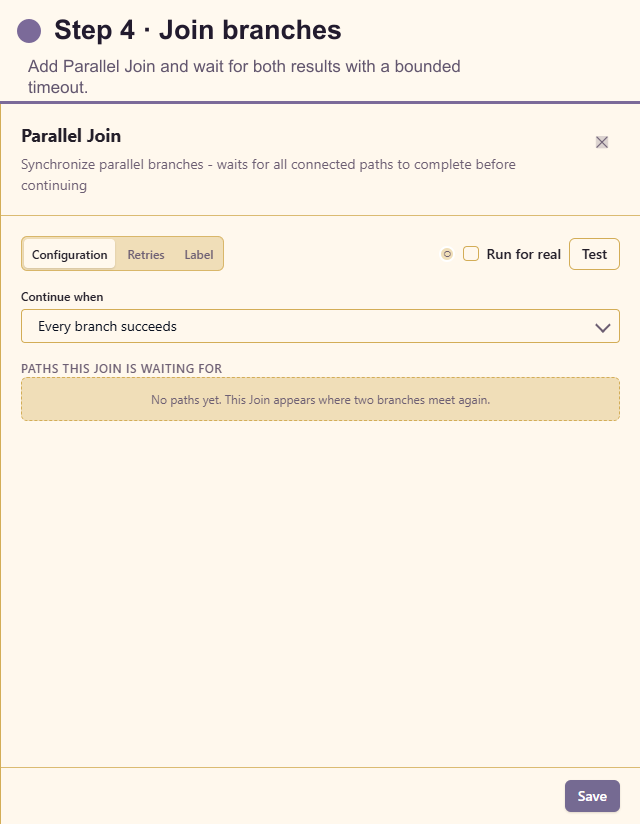
4. Add Parallel Join
Section titled “4. Add Parallel Join”Add Parallel Join after both AI cards and connect both outputs to it. Wait for all expected branches, use a timeout longer than either AI timeout, and choose an explicit policy for one failed analysis.
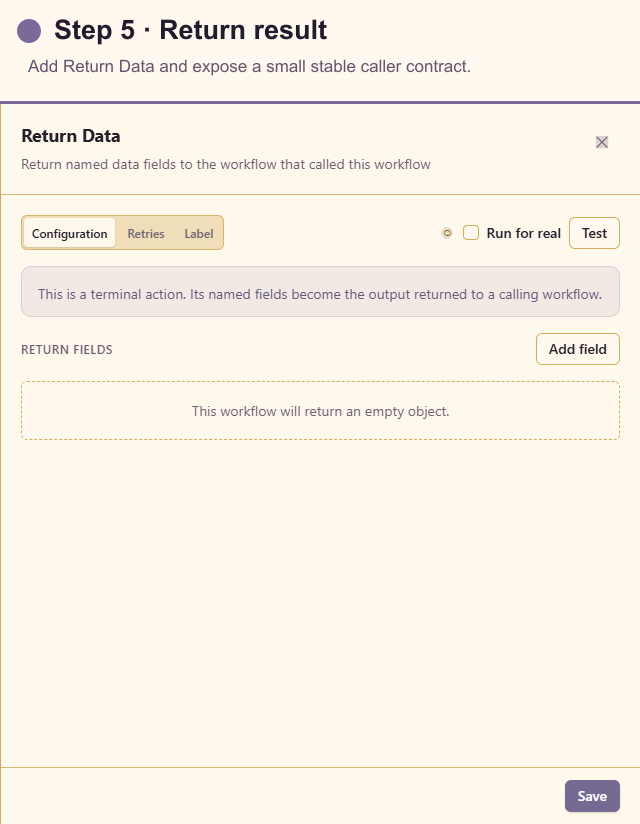
5. Add Return Data
Section titled “5. Add Return Data”Add Return Data after the join. Return stable fields named summary, sentiment, and confidence, using the expression builder to insert the corresponding upstream outputs.
The final canvas has six configured cards because step 3 contains two branches. Verify both branches reach Parallel Join before testing the returned contract.
Test the workflow
Section titled “Test the workflow”Create synthetic positive, negative, mixed, neutral, very short, and maximum-length profiles. Dry-run both AI actions. Confirm Parallel starts both, Join waits for both, and Return Data uses the intended results.
Create one controlled failing branch and verify the chosen join/error behaviour. When called as a Sub-Workflow, confirm the parent receives the same three field names.
Production checklist
Section titled “Production checklist”- Feedback length and personal-data handling are documented.
- Parallel branches do not depend on sibling output.
- AI timeouts fit within the Parallel Join timeout.
- Low confidence is presented as uncertainty, not a definitive customer label.
- Returned fields are stable and small.
- A failed branch reaches an explicit error or partial-result policy.