
Brand
Brand brings the identity resources of the service’s brand into the page.
Opening it
Section titled “Opening it”Click Brand in the tool rail. The panel opens beside the rail; clicking the button again closes it.
Unlike the seven canvas tools, the panels do respond to a click — the rail’s click problem affects only the tools above the divider. Troubleshooting has the detail.
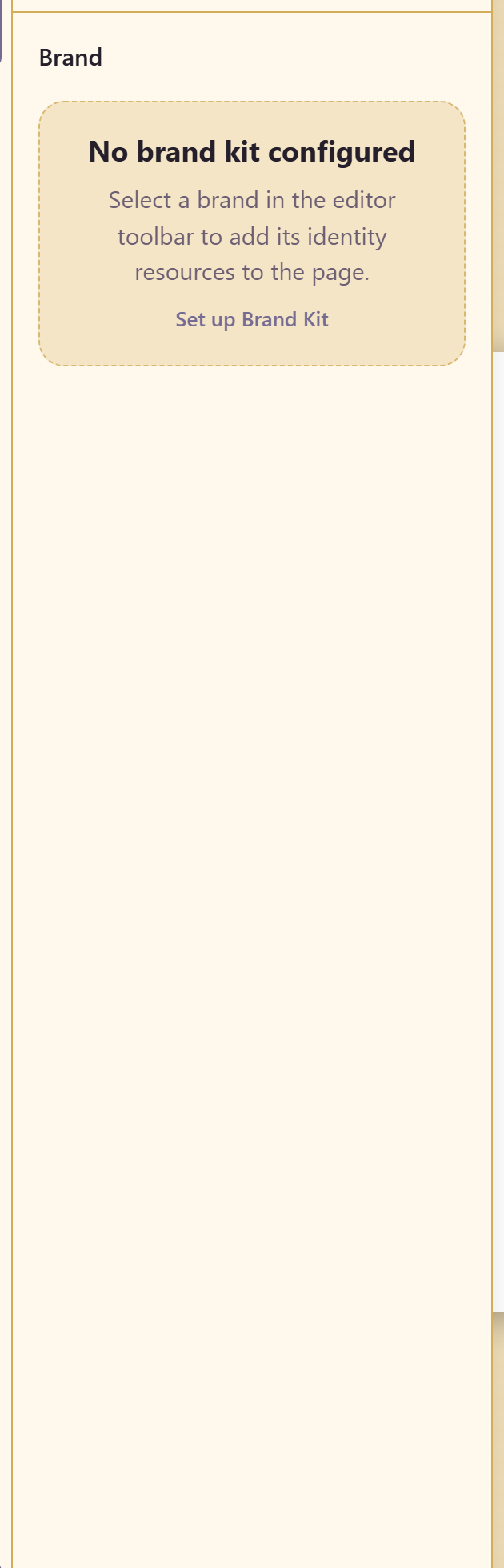
With no brand chosen the panel says so: no brand kit configured, with Set up Brand Kit and an instruction to select a brand in the editor toolbar first. Select Brand is in the top toolbar.
Once a brand is selected, its colours, type, and logos become available here rather than being re-entered by hand — which is the point. A hex value typed into a design is a copy that will drift; a colour pulled from the brand is the brand.
Related
Section titled “Related”Apply a brand covers the workflow. The Brand module is where the identity is defined.