
Map relationships
The Links canvas draws your exposed tables and the relationships between them. Recording those relationships is what lets a view join two tables without you writing the join by hand.
Open it
Section titled “Open it”Choose the Links tab in the workspace.
Every exposed table appears as a card listing its columns and types, labelled with the connection it came from. The OVERVIEW panel in the corner is a minimap for finding your way around a large canvas.
The toolbar gives you undo and redo, zoom in and out, Reset View, and Auto Layout, which arranges the cards for you rather than leaving you to drag them.
Let it find the relationships
Section titled “Let it find the relationships”Auto-Detect Links inspects the sources and proposes relationships.
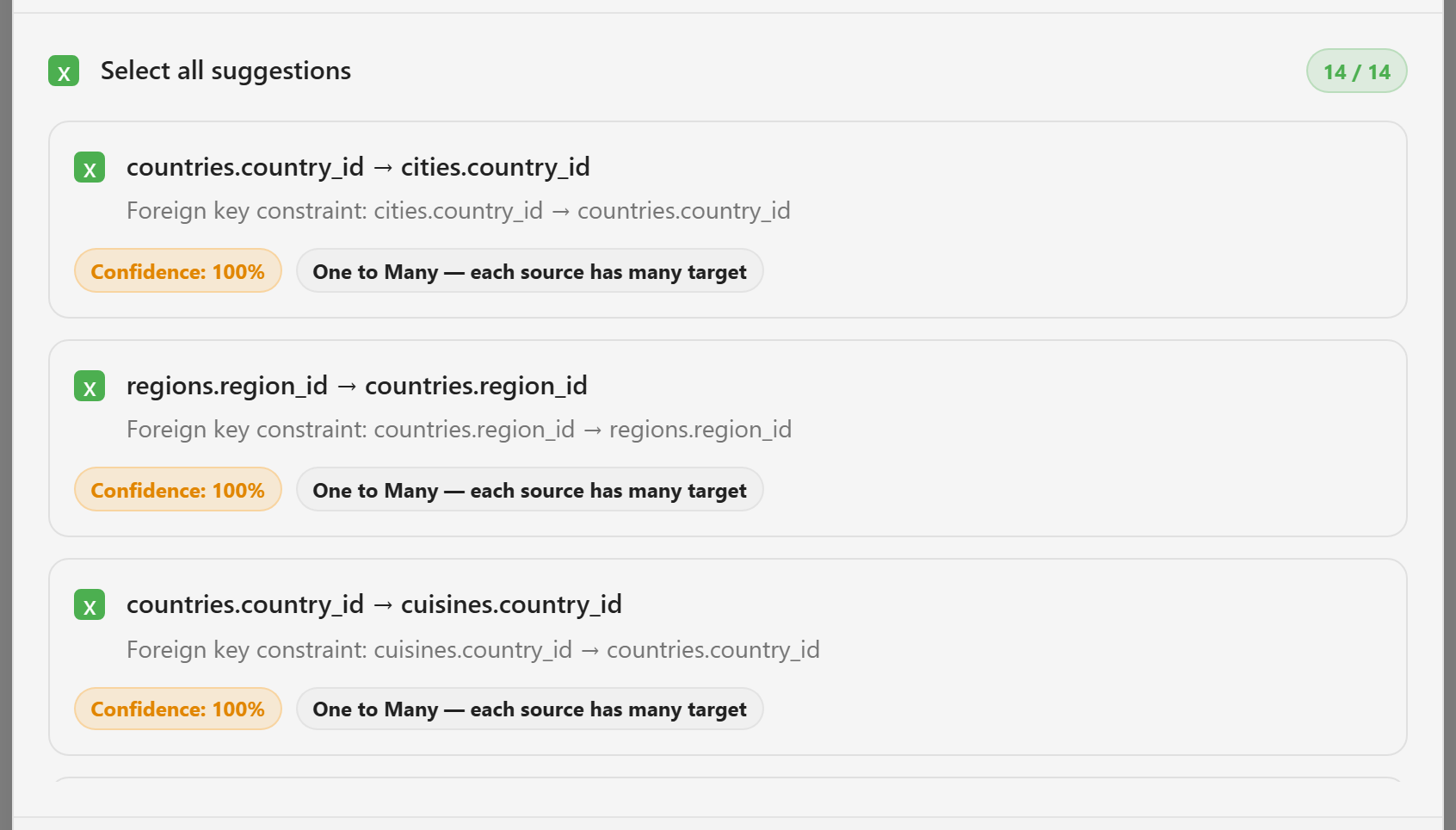
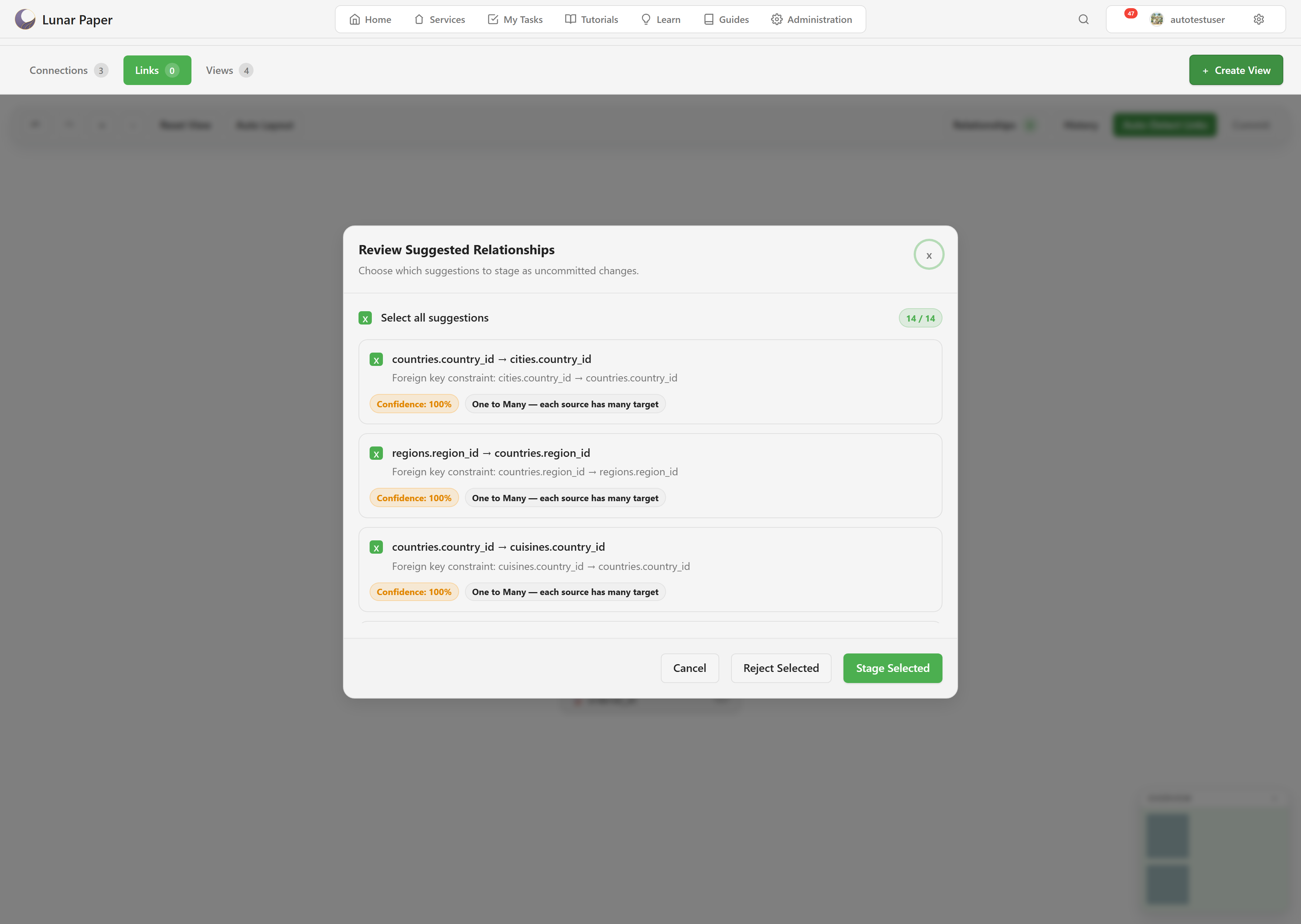
Each suggestion shows what it found, the evidence behind it, a confidence percentage, and the cardinality — “One to Many — each source has many target”.
A suggestion backed by a declared foreign key comes through at 100% confidence, and its evidence line names the constraint. Those are safe to accept; the database already asserts them.
Lower confidence means it inferred the relationship from naming or shape rather than a declared constraint. Read those before accepting. A column called customer_id in two unrelated tables is a plausible match and a wrong one.
Use the checkboxes to accept some and not others. Select all suggestions takes the lot.
Commit
Section titled “Commit”Detected relationships are not saved yet. The Commit button carries a count of pending changes, and clicking it writes them.
Moving cards around counts as a change too, so the counter can be non-zero purely because you tidied the layout.
If you navigate away with changes pending, the workspace asks whether to save or discard rather than losing them silently.
History
Section titled “History”History shows previous relationship changes, which is how you find out when a link was added and by whom.
What the relationships are for
Section titled “What the relationships are for”Two things. Views can use them to join datasets without you specifying the join. And the canvas doubles as a map of the service’s data — a genuinely useful thing to have when you are new to a database and trying to work out how it hangs together.
When nothing is detected
Section titled “When nothing is detected”Auto-detection needs something to go on. Sources with no declared foreign keys and no consistent naming will produce nothing, and that is the honest answer rather than a failure.
You can still record relationships by hand on the canvas. And detection only ever looks at exposed tables, so a relationship between one enabled table and one hidden one will not be found — enabling both is the fix.
Build a view uses the relationships you have just recorded.