
Calendar view
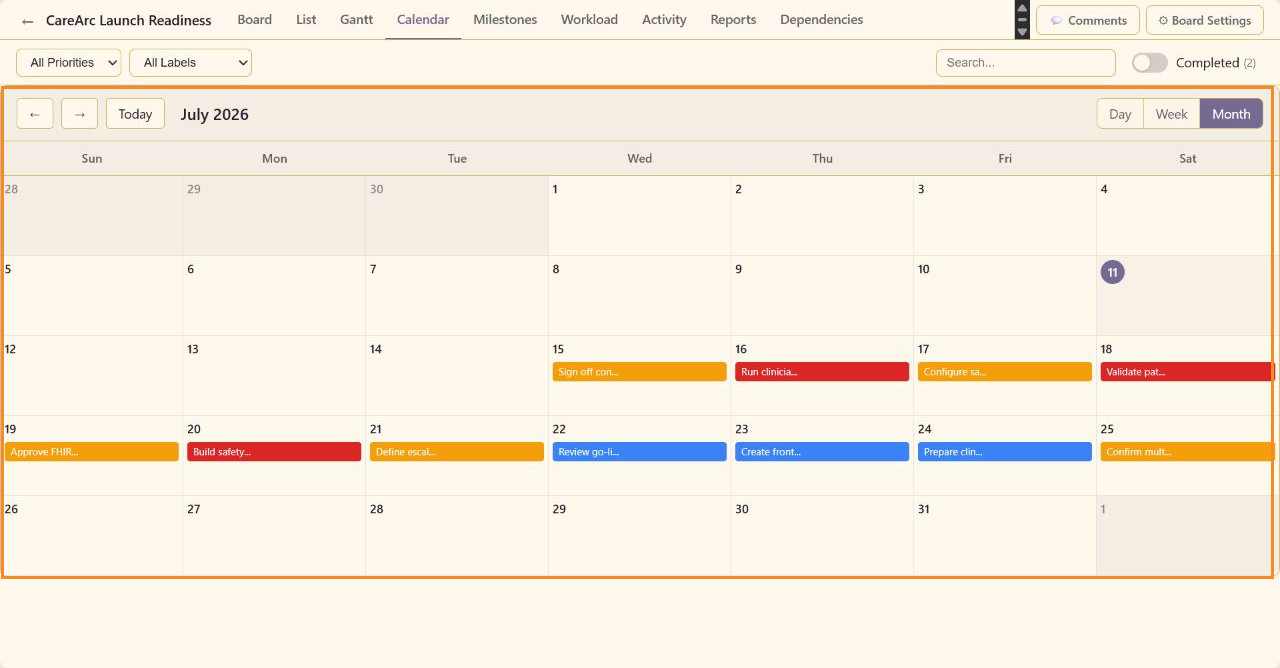
Calendar view places tasks on their due dates, so you can see what falls due when whatever column the work sits in.
Navigation
Section titled “Navigation”Use the previous and next buttons to change the period. Today returns to the current date. Day, Week, and Month change the time scale without changing task data.
Events
Section titled “Events”Task events use the task title and color signal on the due date. The CareArc month view shows safety, integration, training, accessibility, consent, and launch-operations work across 15-25 July.
Use Gantt view when duration and start dates matter, or Dates and estimates to edit schedule fields.