
Pages
Pages manages the pages a design contains. A poster has one; a brand guide from a template has seven.
Opening it
Section titled “Opening it”Click Pages in the tool rail. The panel opens beside the rail; clicking the button again closes it.
Unlike the seven canvas tools, the panels do respond to a click — the rail’s click problem affects only the tools above the divider. Troubleshooting has the detail.
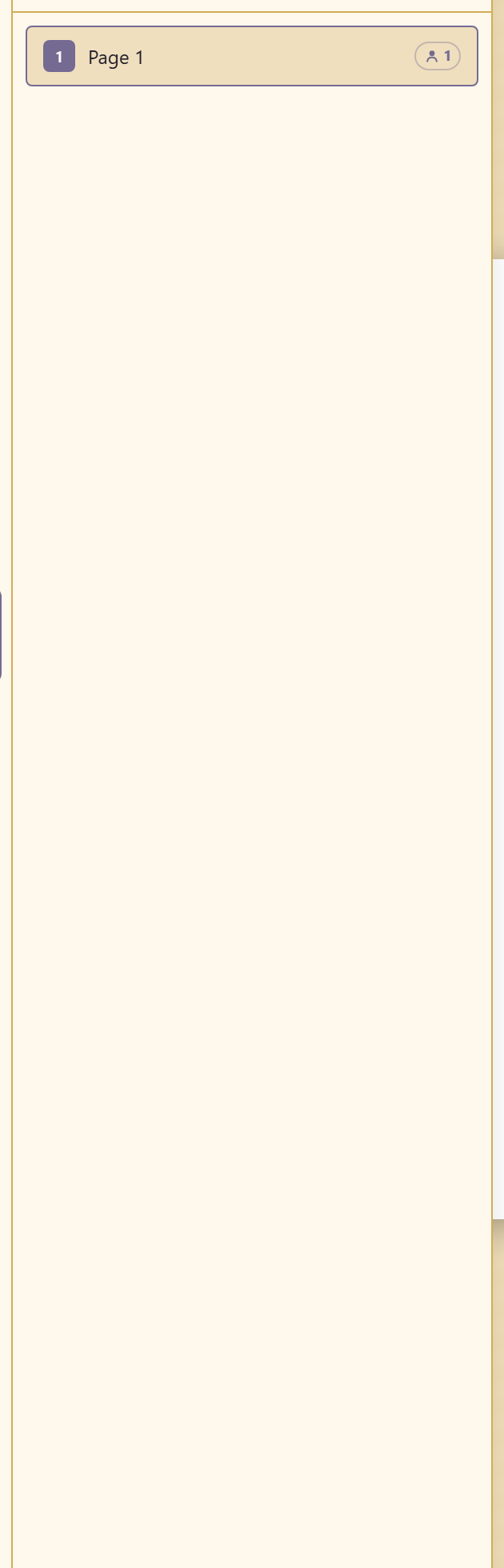
Each page appears as a numbered thumbnail with a Duplicate action, and clicking one moves the canvas to it.
Duplicate is the fastest way to keep a multi-page document consistent: build one page properly, duplicate it, and replace the content. Everything you set up — margins, background, a header bar — comes with it.
Related
Section titled “Related”Pages and resizing covers working across pages. Resize changes the canvas size.