
Draw
Draw produces a path from freehand movement — press, move, release.
Activating it
Section titled “Activating it”Press B.
The rail highlights the active tool, and only one is active at a time.
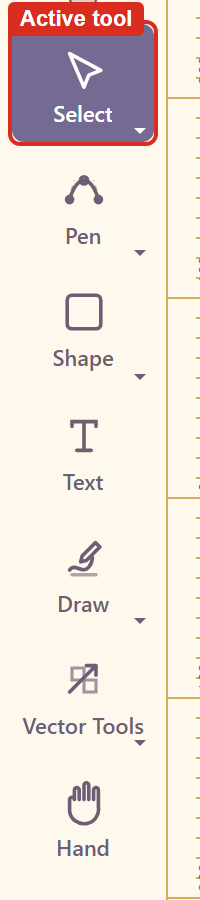
Note that clicking the tool button in the rail does not switch tools on the version tested — the highlight stays where it was. The keyboard shortcut is the reliable route. Troubleshooting has the detail.
What it produces
Section titled “What it produces”The stroke follows the pointer exactly, including any wobble.
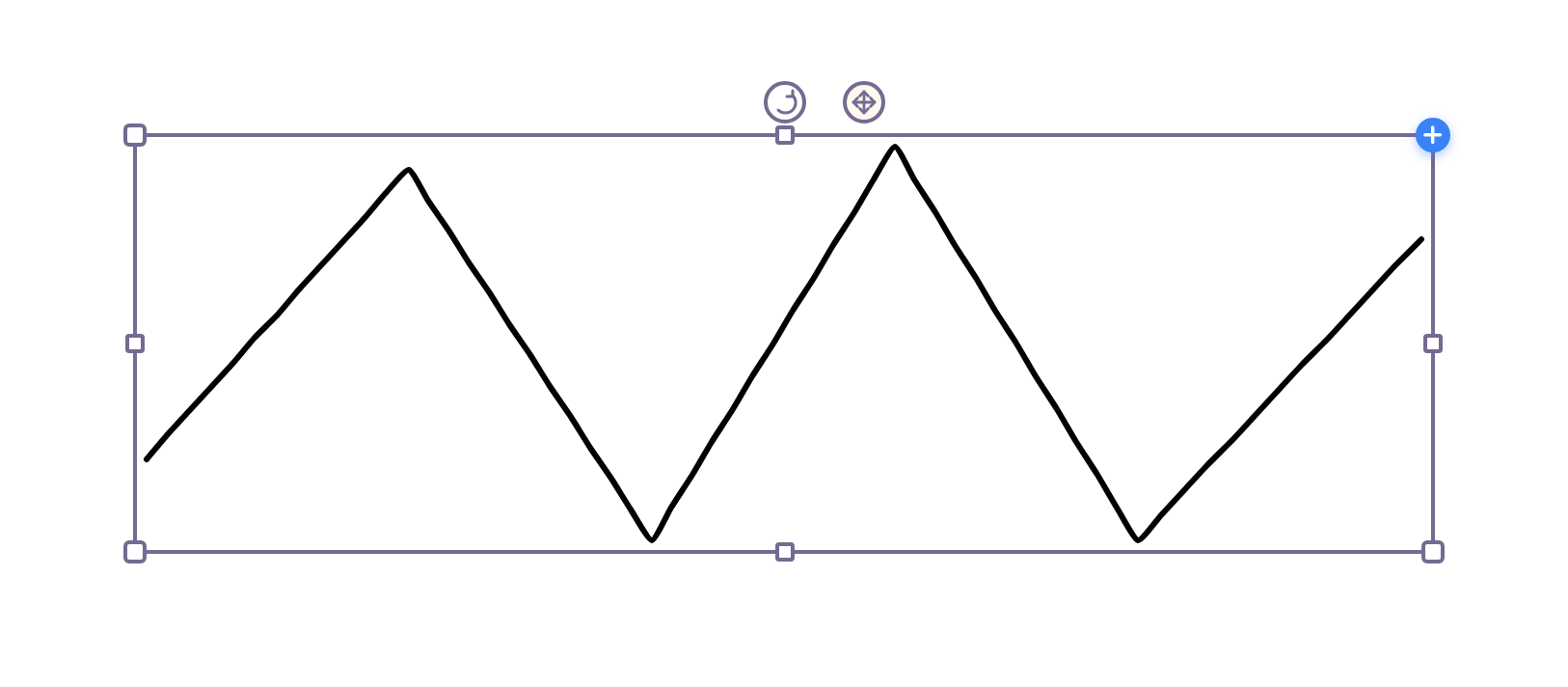
That fidelity is the point. Draw is for signatures, annotation marks, and anything that should look hand-made; it is a poor way to produce a clean geometric curve, which is what Shape and the drawing machines are for.
Editing what you drew
Section titled “Editing what you drew”A freehand stroke is a path, so Vector Tools can edit its anchors afterwards.
Expect a lot of anchors. A freehand stroke records many more points than a drawn curve needs, so tidying one by hand is slower than redrawing it.
Related
Section titled “Related”Vector Tools edits the result. Add elements covers the drawing machines, which produce precise curves from parameters instead.