
Publish, share, and version a deck
Publishing and sharing do different jobs. Publishing records the reviewed state, sharing controls who can reach that state, and export produces files to hand over.
1. Save the deck structure
Section titled “1. Save the deck structure”Before you publish, check the slide order, the notes, the animation timing, and anything that has to survive an export.
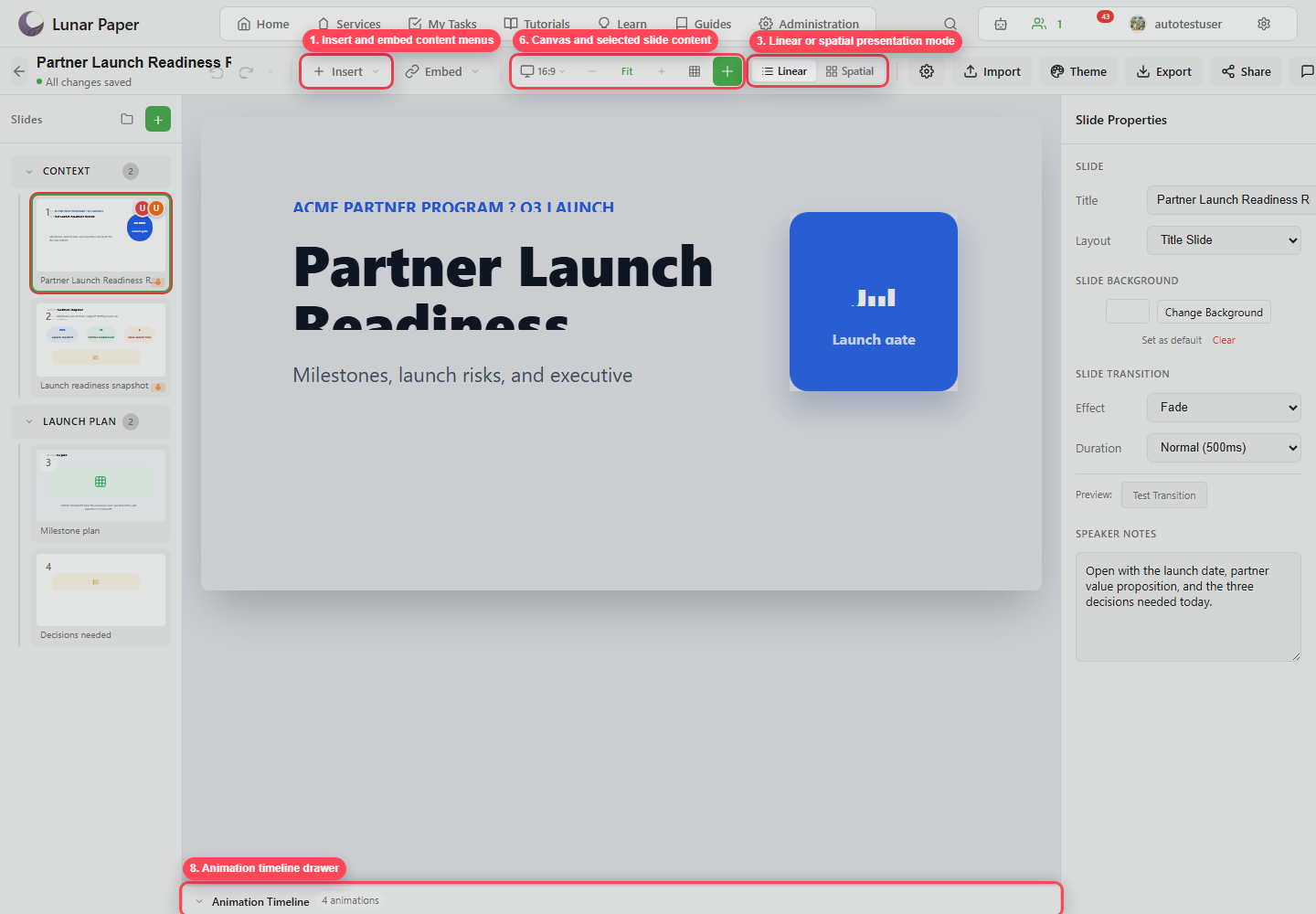
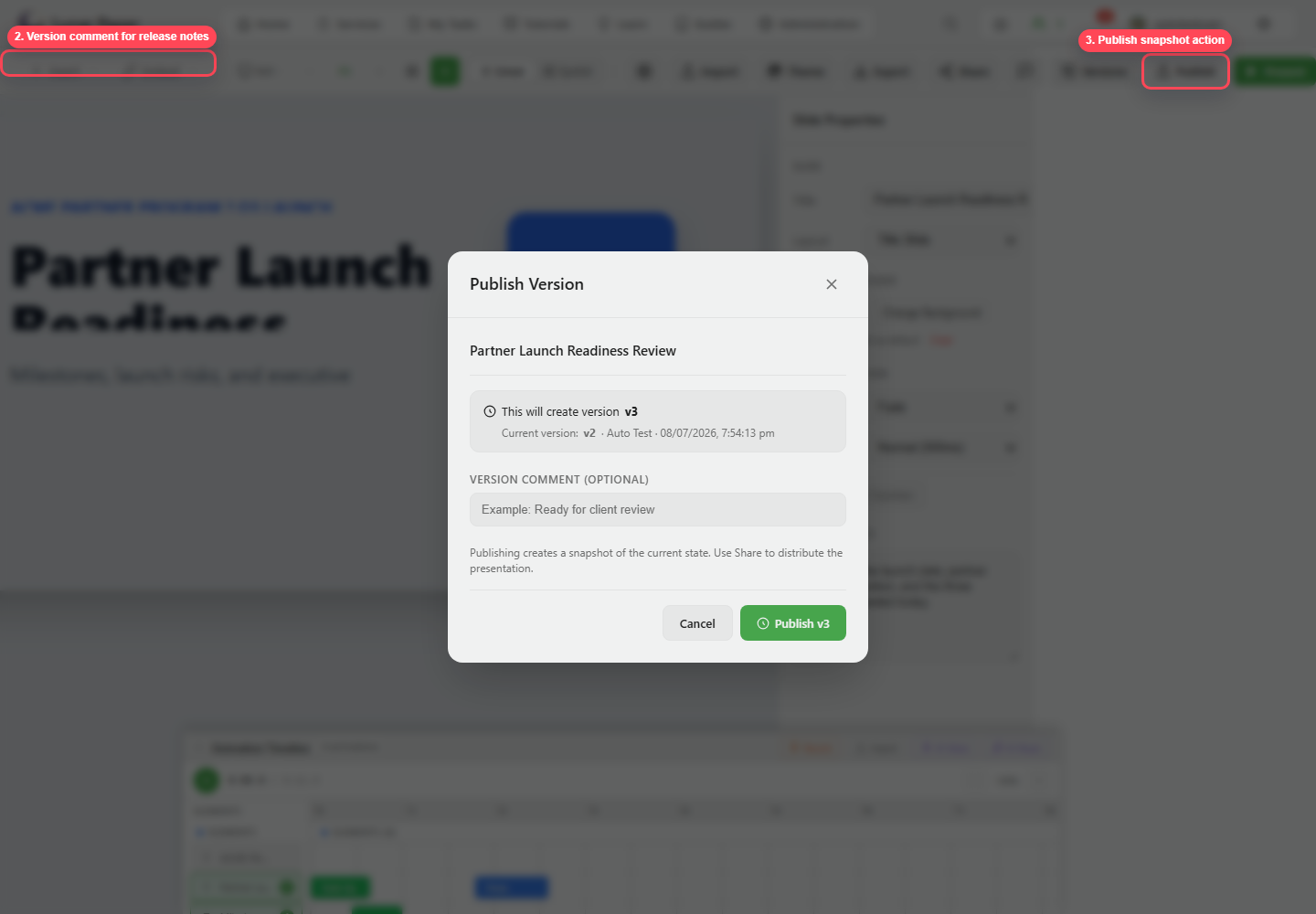
2. Publish a version
Section titled “2. Publish a version”Click Publish. Add a version comment that explains the change, then publish.
3. Open version history
Section titled “3. Open version history”Click Versions. Review the version list and compare two snapshots.
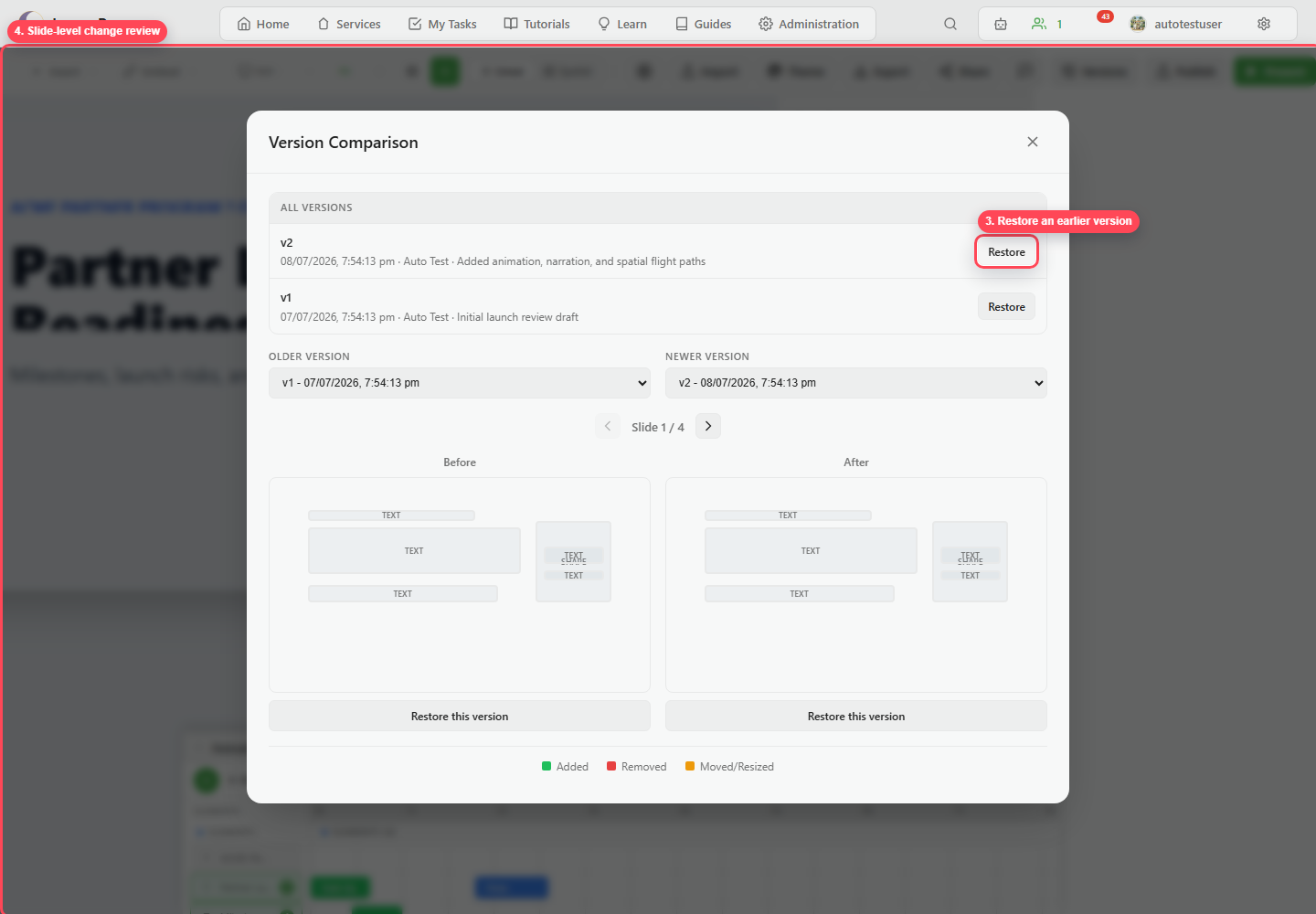
4. Compare before and after
Section titled “4. Compare before and after”Pick a snapshot in each of the older and newer selectors. Move through the slides and read the change legend, which marks content that was added, removed, moved, or resized.
5. Restore only when intentional
Section titled “5. Restore only when intentional”Use restore when an earlier snapshot should become the working deck again. Restore replaces the deck you are editing, so do not reach for it as a way to register a review opinion.
6. Open Share
Section titled “6. Open Share”Click Share.
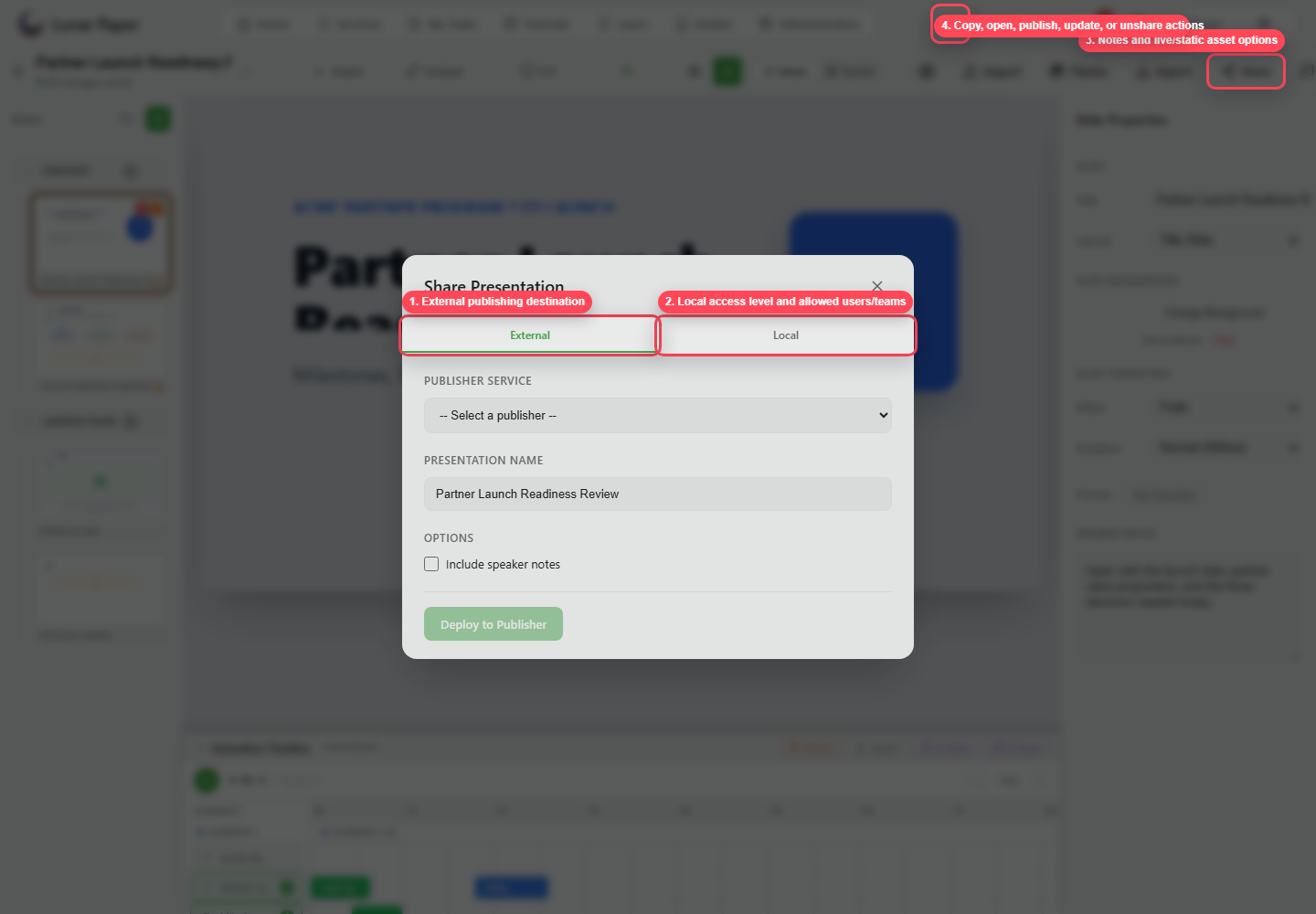
7. Choose external or local sharing
Section titled “7. Choose external or local sharing”Use External when the deck should deploy to a publisher. Use Local when it should be available inside Lunar Paper.
8. Set access
Section titled “8. Set access”For local sharing, choose internal or private access. If private, add the allowed teams or users. Decide whether to include speaker notes.
9. Copy or open the shared destination
Section titled “9. Copy or open the shared destination”Use the copy and open actions once sharing is set up. Republish or update the permissions whenever the list of people who should have access changes.
10. Export a handoff file
Section titled “10. Export a handoff file”Use Export when an outside workflow needs a file. Keep the published version as the source of record, so the file someone downloads always has a version in Lunar Paper behind it. Import and export presentations covers each format.