
SFX Launcher
Double-click empty space on the timeline to open the instrument picker, then choose ✨ SFX Launcher.
A library of thirty-six ready sounds, arranged in six categories of six.
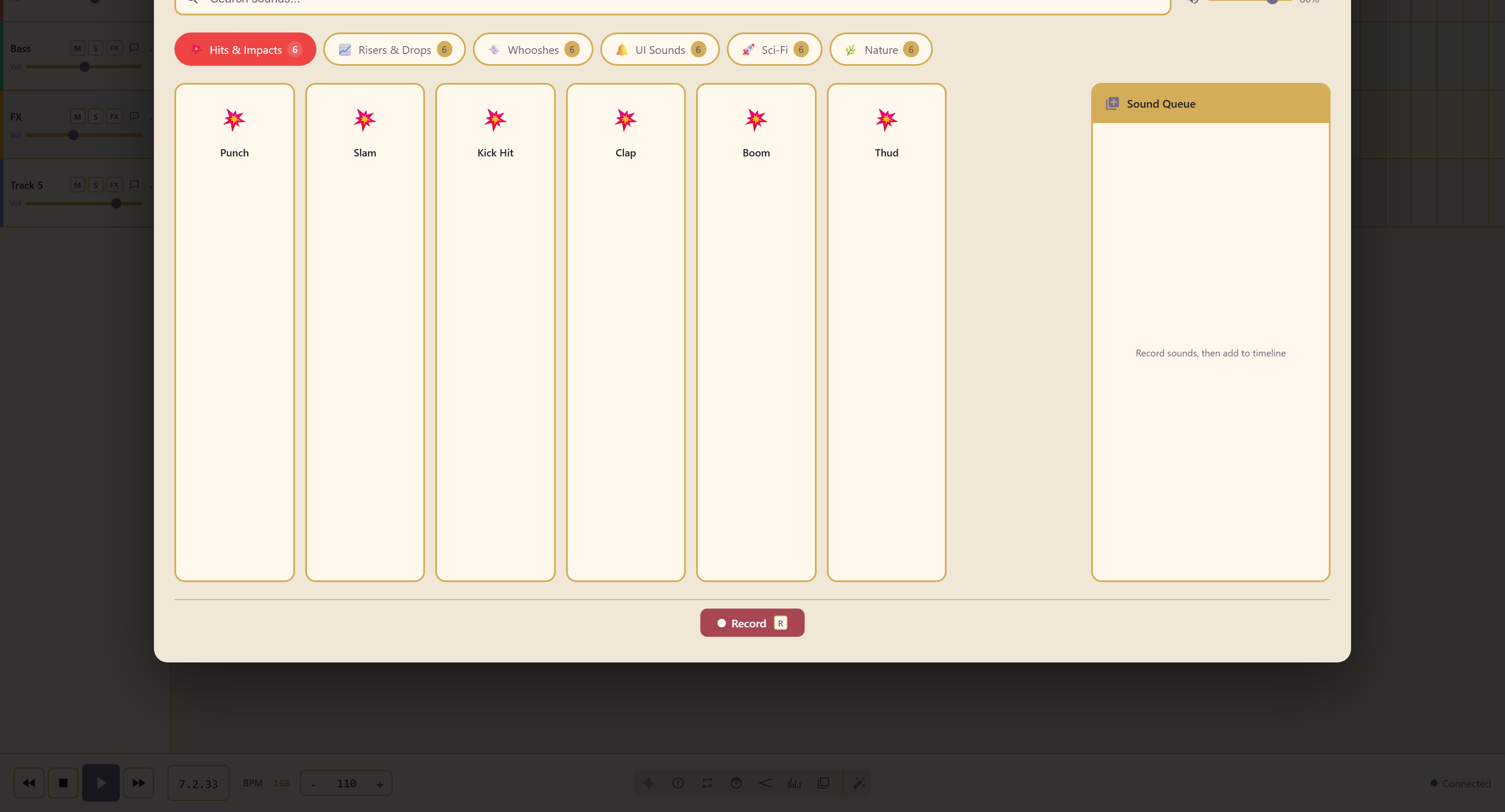
Six categories
Section titled “Six categories”| Category | Contains |
|---|---|
| Hits & Impacts | Punch, Slam, Kick Hit, Clap, Boom, Thud |
| Risers & Drops | Build-ups and falls |
| Whooshes | Movement and transitions |
| UI Sounds | Clicks, confirmations, alerts |
| Sci-Fi | Synthetic and mechanical |
| Nature | Recorded-world sounds |
Every sound has two variants, High/Bright and Low/Dark, so a Boom can sit at the top of a mix or underneath it without reaching for an equaliser.
Search by name, and mark the ones you keep coming back to with Toggle Favorite.
The sound queue
Section titled “The sound queue”Firing a sound does not put it on the timeline. Sounds go into a sound queue first, and Record captures them as you trigger them.
That order is deliberate. It lets you audition against the arrangement, fire several sounds in the sequence you actually want them, and commit the whole run at once, rather than placing each one separately and nudging it into position.
Edit the recorded sequence
Section titled “Edit the recorded sequence”Open Performance to inspect the queued triggers before committing, or reopen a saved group to adjust its sounds, start times, and lengths. Saving a group updates its existing clips; members keep their timeline positions unless you explicitly edit their timing.
Edit recorded performances explains the shared editing and save workflow.
Related
Section titled “Related”SFX Generator builds an effect from scratch when nothing here fits. Audio Launchpad is the other trigger-based instrument.