
Vector Tools
Vector Tools works on paths that already exist. It does not create anything.
Activating it
Section titled “Activating it”Press E.
The rail highlights the active tool, and only one is active at a time.
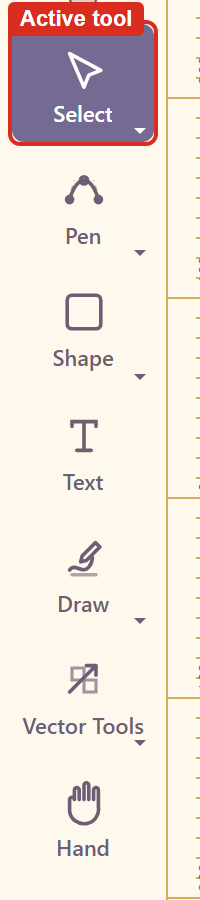
Note that clicking the tool button in the rail does not switch tools on the version tested — the highlight stays where it was. The keyboard shortcut is the reliable route. Troubleshooting has the detail.
What it does
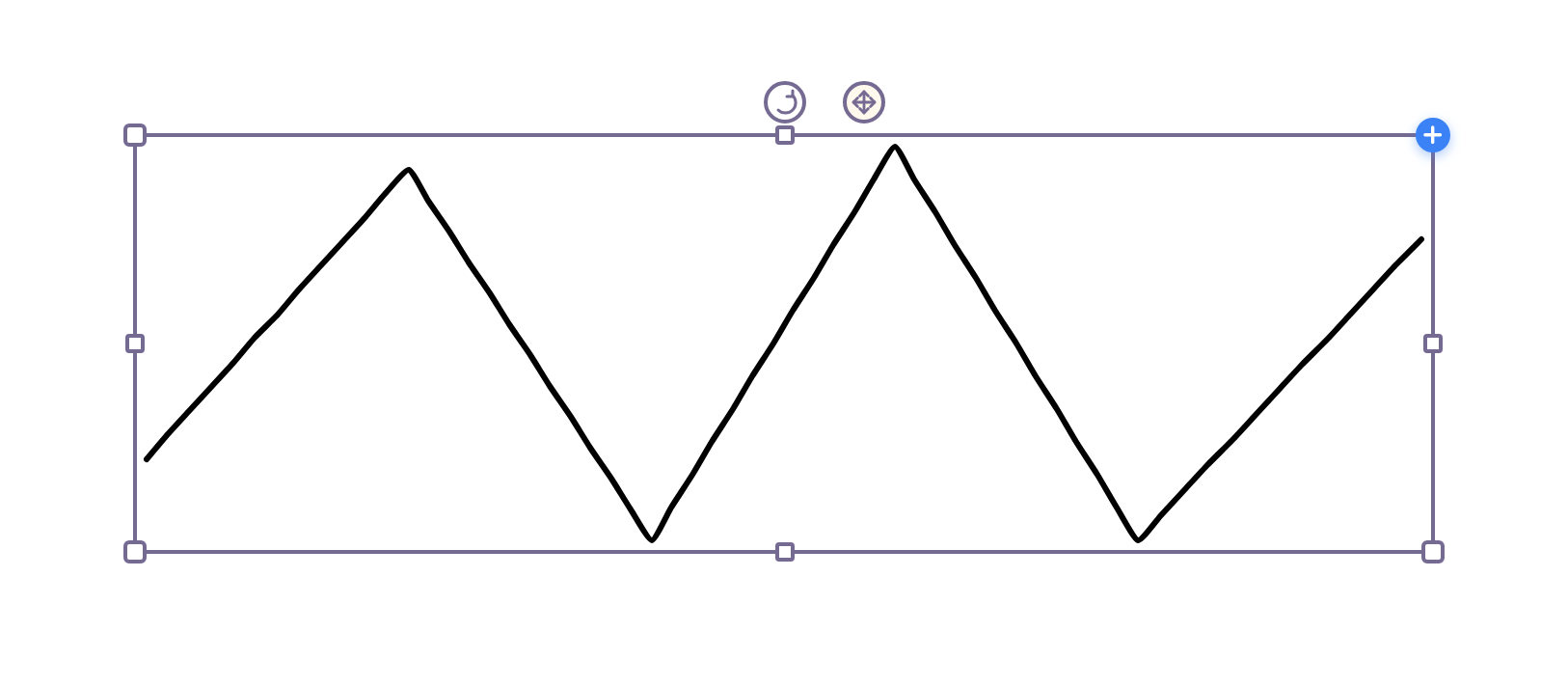
Section titled “What it does”Select a path and its anchor points become editable, so individual points and their curve handles can be moved.
What counts as a path
Section titled “What counts as a path”Three things:
Anything drawn with Draw, which is a path from the start.
Any shape converted with Convert to Path, described in the shape’s properties as editing individual anchor points and curves.
Any drawing machine converted with Convert to editable path, which states its cost first — around 1,200 anchors from 1,201 points.
Convert late
Section titled “Convert late”Conversion is the point of no return. A rectangle that becomes a path loses its corner radius; a machine curve that becomes a path loses every parameter that generated it.
Keep things in their original form for as long as the parametric controls are still doing the work, and convert only when you need to move a point that no parameter can reach.
Related
Section titled “Related”Shape covers Convert to Path. Draw produces paths directly. Pen would be the other way to make one.