
3D
3D places an editable three-dimensional primitive.
Opening it
Section titled “Opening it”Click 3D in the tool rail. The panel opens beside the rail; clicking the button again closes it.
Unlike the seven canvas tools, the panels do respond to a click — the rail’s click problem affects only the tools above the divider. Troubleshooting has the detail.
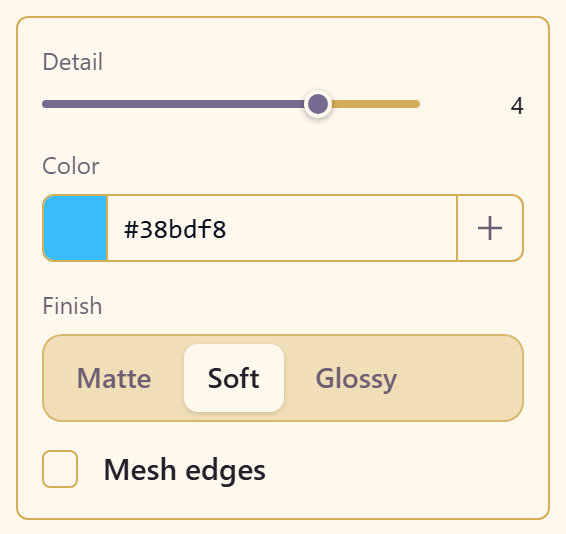
The panel sets the defaults before you place: Detail, Color, a finish of Matte, Soft, or Glossy, and Mesh edges to show the wireframe.
After placing
Section titled “After placing”The properties panel takes over, and it goes much further than the placement defaults: light direction on three axes, a shadow with colour, offset, opacity and scale, rotation and scale on all axes, render size, and camera distance. Dragging the object orbits it; holding Shift spins it.
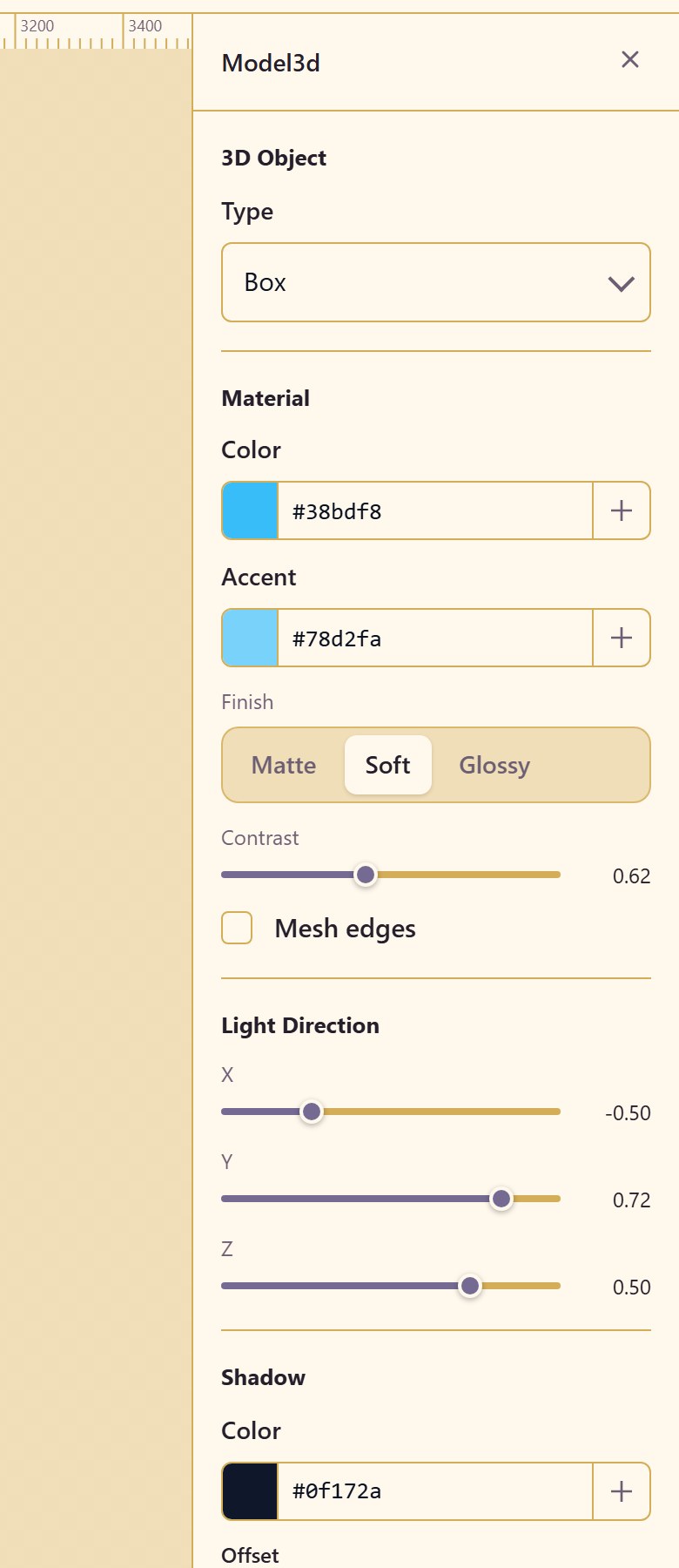
Light direction changes the result more than colour does. The default lights from above and slightly to one side; moving it low makes the same object look dramatic rather than catalogue-neutral.
Properties reference lists every control.
Related
Section titled “Related”Machines is the other parametric generator. Trees generates foliage.