
Manage people and access
Access to a service is service-wide. Anyone you let in can reach every module switched on in it, so who is in the service is a real decision rather than an administrative one.
Open it
Section titled “Open it”Choose Team in the service’s top row.
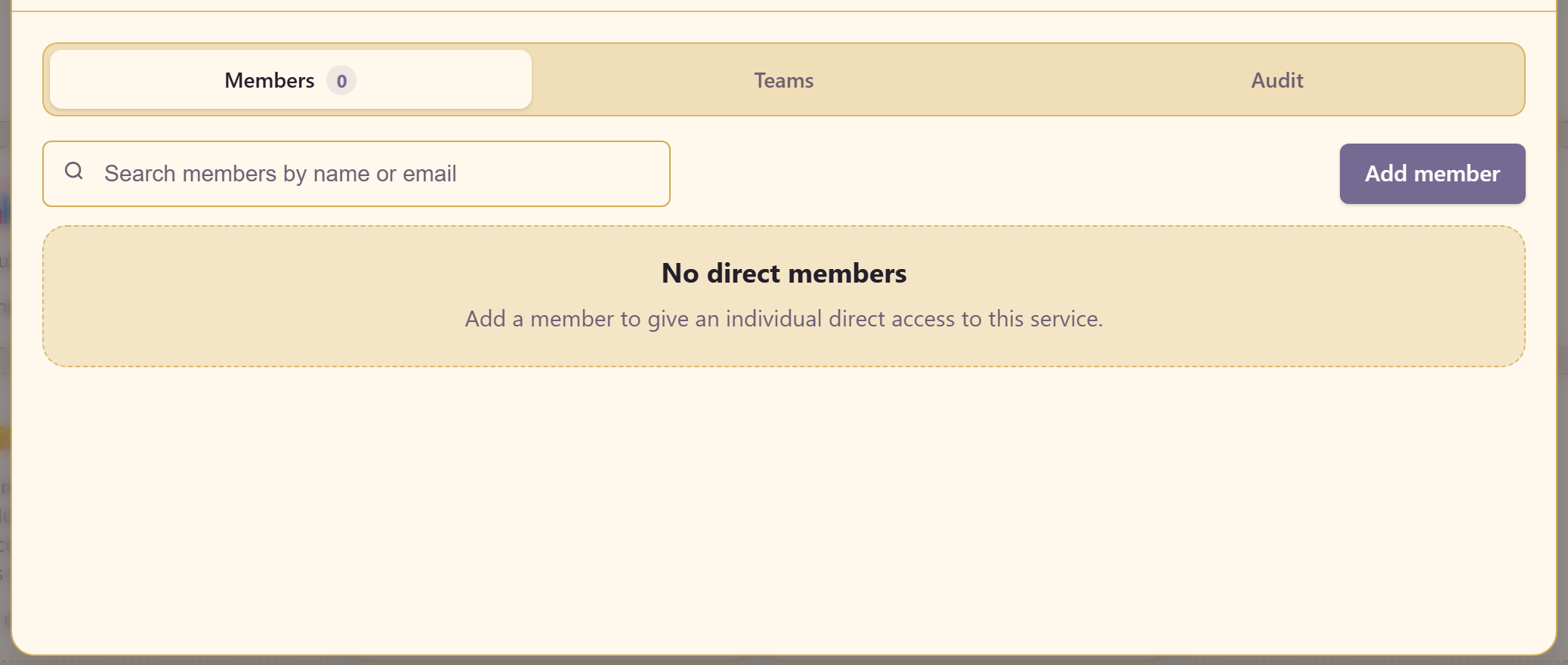
Four tabs: Members, Teams, Effective access, and Audit.
Members are individuals
Section titled “Members are individuals”Add member gives one person direct access.
Use it for exceptions — a contractor, someone on secondment, a person who needs access for a fortnight.
Individual members are the ones that rot. Nobody removes them when a project ends, and two roles later they still have access. If you add one, note why.
Teams are the maintainable option
Section titled “Teams are the maintainable option”Link team connects a platform team. Choose its service role when you link it; every member of that Team then receives that grant.
Prefer this wherever a team already exists. Joiners and leavers are then handled once, in the team, rather than in every service that team touches.
The trade-off is that you no longer control the membership from here — which is the point, and occasionally a surprise when someone appears because they joined a team elsewhere.
An Entra security group can maintain the platform Team’s membership. The group mapping alone grants no service access: the Lunar Paper Team must still be linked to each intended service.
On a service that still uses the earlier access model, the new link initially shows Applies after transition. Select Review transition, check the listed role changes, and then select Activate access model. The service then combines direct and Team grants, using the highest applicable service role.
Use Effective access to verify the result. It lists each person, their effective service role, and whether the grant came directly, from a Team, or from system-administrator access. A user granted access through an Entra-mapped Team does not need to appear on the Members tab.
Use a direct service member when someone needs a different role in only one service. Give linked Teams the least service role their members need.
Roles decide what people can do
Section titled “Roles decide what people can do”A member holds a role on the service: owner, admin, editor, or member.
Roughly, members can read, editors can create and change things, and owners and admins can do the destructive and structural operations.
The exact mapping differs by module and is documented on each module’s permissions page — for instance Charts, Dashboards, and Data Hub, which are not all the same. Data Hub in particular needs a platform-level role to add a connection, not just a service role.
There is no per-module access
Section titled “There is no per-module access”You cannot give someone Dashboards but not Emails inside one service. Membership covers the whole service.
If two groups genuinely should see different things, that is two services. Trying to achieve it with module toggles does not work — toggles change what is shown, not who may reach it.
The audit log
Section titled “The audit log”The Audit tab records what has happened in the service, with Refresh, Export CSV, and Export JSON.
Filter by action — created, updated, deleted, archived, moved, completed, reopened, approved, rejected, exported, imported, started, paused, resumed, assigned, unassigned, linked, unlinked, converted, cloned — by date, or by free text.
The filter worth knowing about is actor type: human, scheduled, AI, or system.
That distinction matters more each year. When an automation or an AI agent changes something, “who did this?” has no human answer, and a log that could not tell the difference would be misleading rather than merely incomplete. If a value changed overnight and nobody was working, filter to scheduled and system before assuming a person was involved.
Reviewing access
Section titled “Reviewing access”Two habits keep this from drifting.
Look at the Members list periodically and remove the individuals whose reason has expired. The teams look after themselves; the individuals do not.
Check the audit log’s actor filter after any surprise. It is quicker than asking around, and it distinguishes a person’s mistake from an automation behaving as configured.
Related
Section titled “Related”What a service is explains why membership is service-wide. Microsoft Entra and Microsoft 365 covers keeping Team membership aligned with Entra and explains when optional directory user sync is appropriate. Control what gets published covers who can see things outside the service.