
Export audio
When the project sounds right, click Export in the top toolbar.
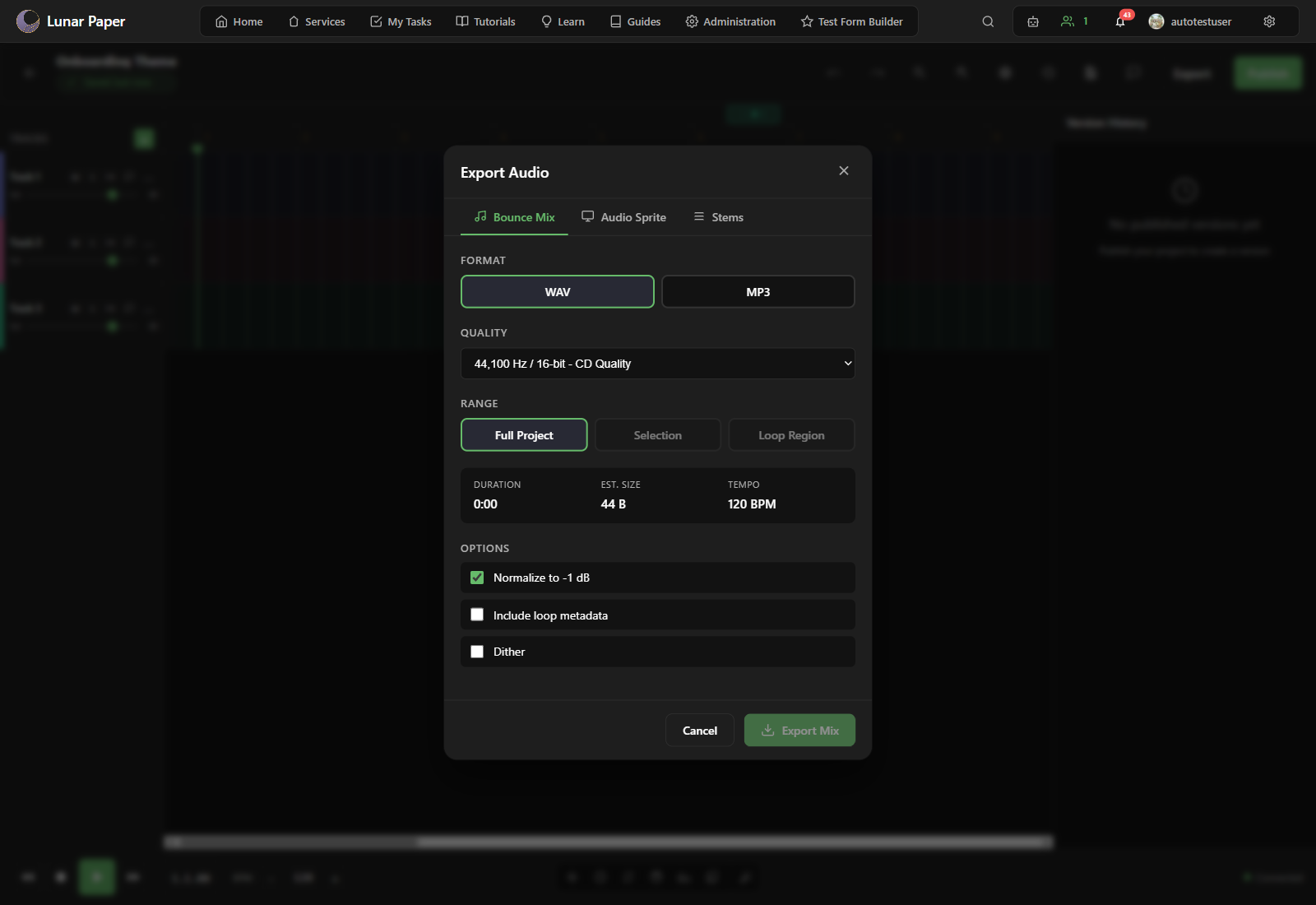
Choose format and quality
Section titled “Choose format and quality”The export dialog offers audio format and quality options. Select the format your destination requires:
- WAV is uncompressed and the highest quality, which suits mastering or further editing.
- MP3 is compressed and smaller, which suits the web and general sharing.
- OGG is compressed too, and works well in web players and games.
Choose a quality setting that balances file size and fidelity. For final delivery, use a higher bitrate; for drafts, a lower bitrate is fine.
Set the export range
Section titled “Set the export range”If the dialog allows, choose whether to export the entire project or only a selected section. Exporting the full project is the default.
Download
Section titled “Download”Click Export. The file renders and downloads through your browser, so it lands in your usual downloads folder.
Keep required sample credits
Section titled “Keep required sample credits”Stem, sprite, and loop-metadata ZIP exports include a CREDITS.txt file and structured attribution data. Keep those credits with the package.
If you distribute a standalone WAV, MP3, or OGG that uses bundled CC BY instrument samples, add the required credit to an appropriate place such as release notes, liner notes, a game credits screen, or a video description. See Audio licensing and attribution for the copyable credit and the distinction between required attribution and optional recognition.
If the export sounds off
Section titled “If the export sounds off”- Version history and publishing explains how to mark the state you exported so you can return to it.
- Go back to Use the Mixer if the exported file does not sound balanced.