
Generate with AI
Create with AI does not produce a picture. It produces an editable design with real elements, planned from a brief you fill in over seven steps.
The steps are indicators rather than navigation — move through them with Next.
1. Prompt
Section titled “1. Prompt”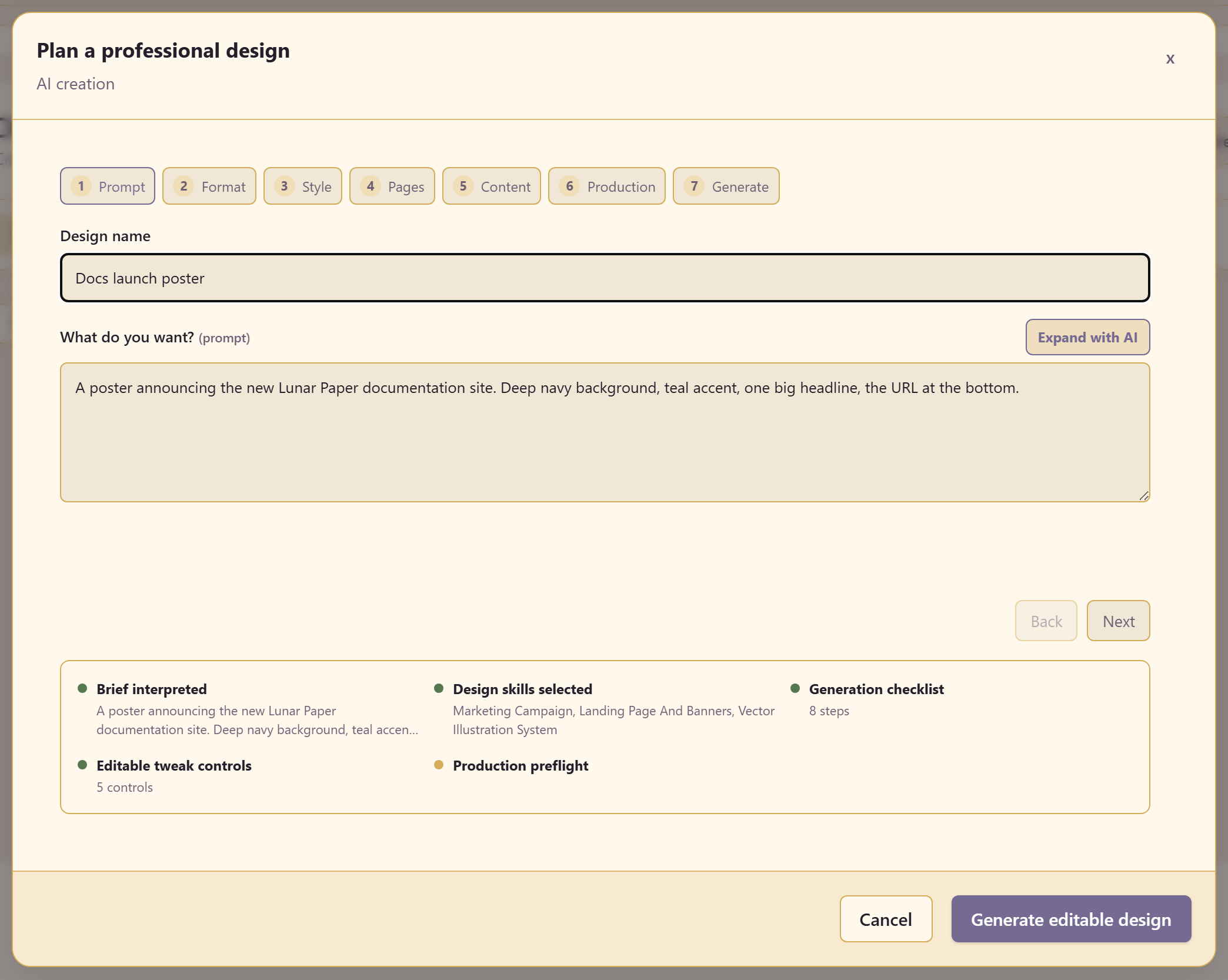
A design name and the prompt itself, with Expand with AI to turn a short line into a fuller brief.
Write what the design is for and what it must contain. Mood and colour help; the actual content helps more, because everything downstream is planned from this.
2. Format
Section titled “2. Format”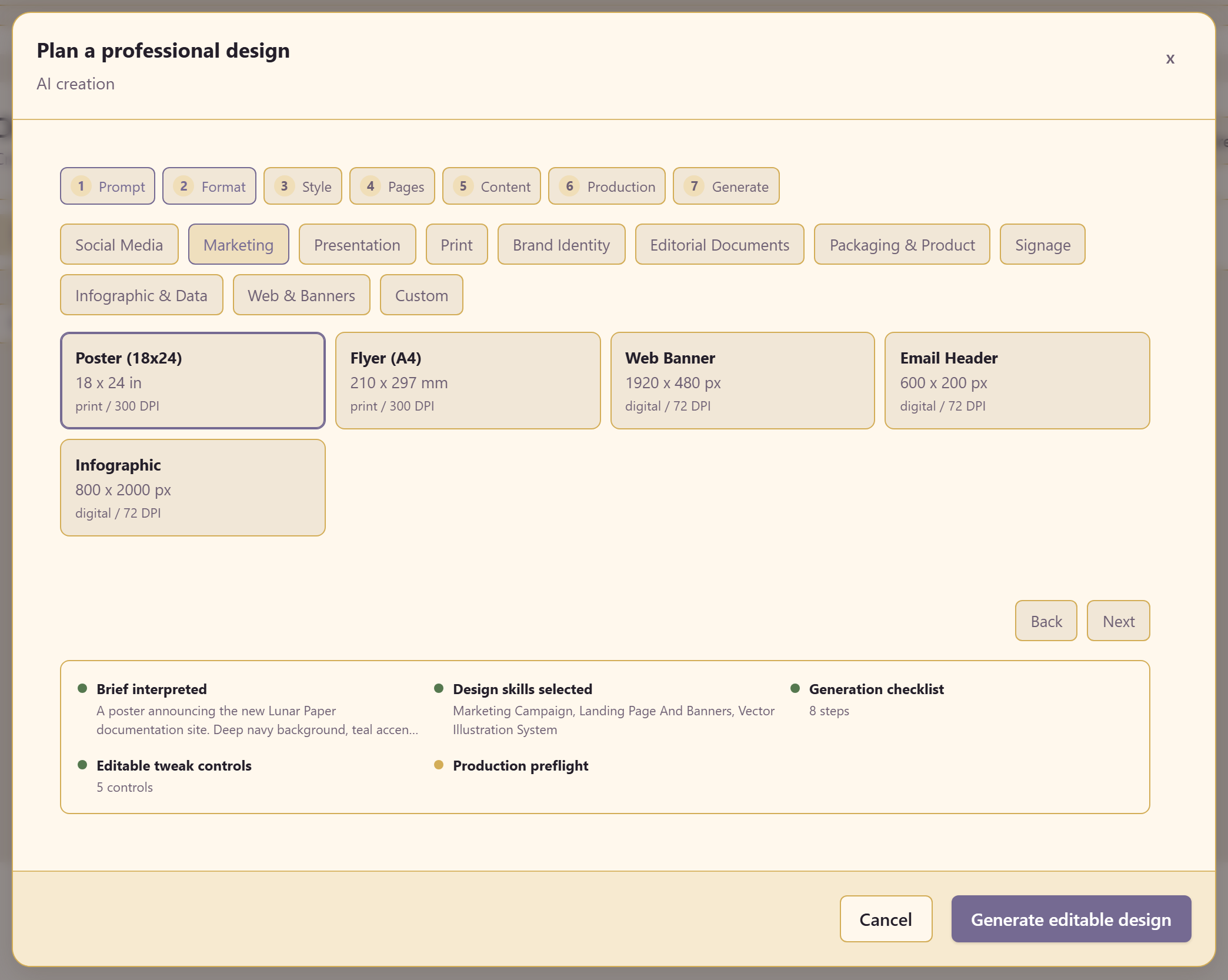
Nine categories, each with presets carrying dimensions and DPI — Poster (18x24) at 300 DPI, Flyer (A4) at 210 × 297 mm and 300 DPI, Web Banner at 1920 × 480 and 72 DPI, Infographic at 800 × 2000 and 72 DPI.
The DPI is not decoration. Print presets are built at 300 DPI and screen presets at 72, and that decision changes what the AI produces.
3. Style
Section titled “3. Style”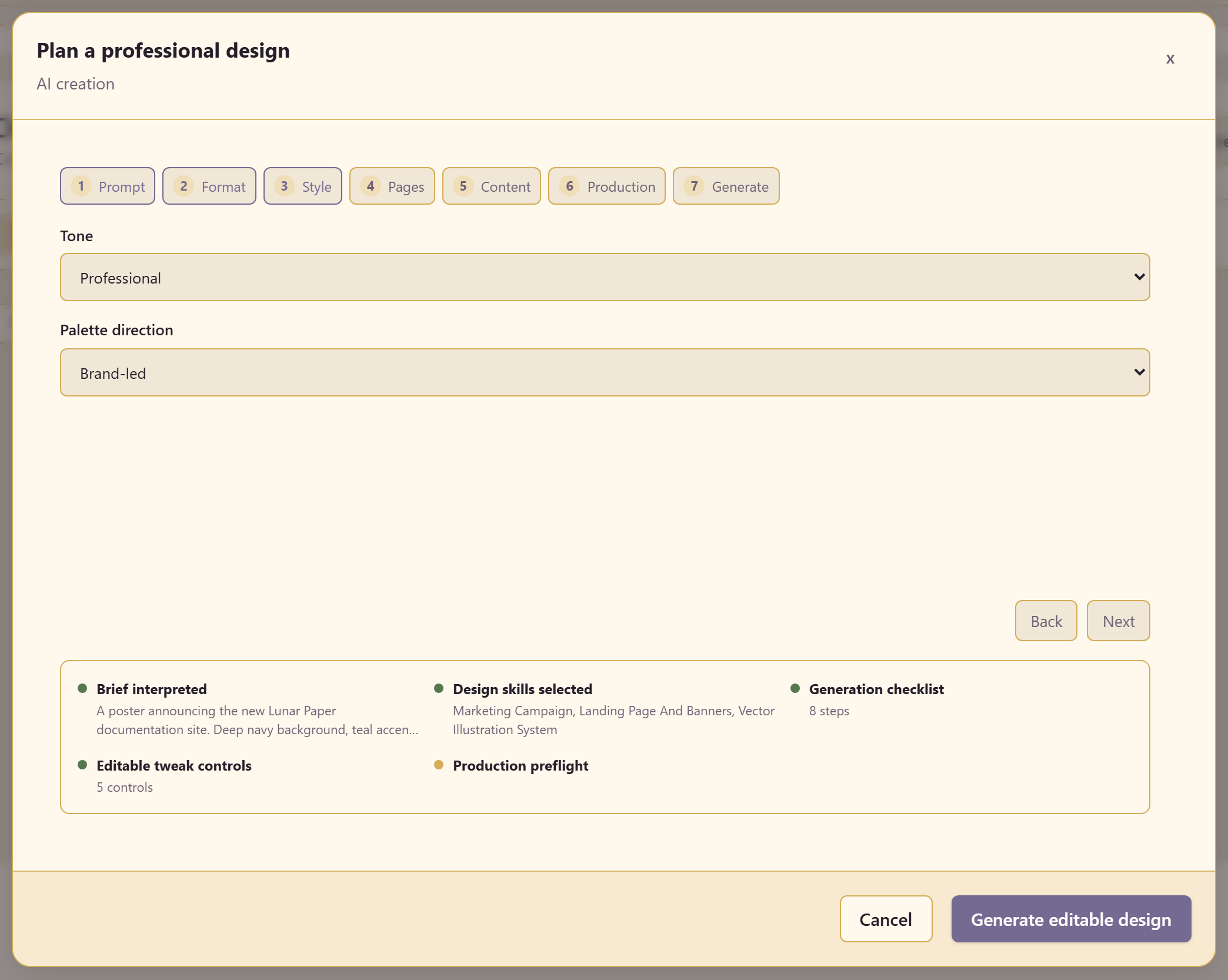
Two settings. A tone — Professional, Bold, Minimal, Editorial, or Playful — and a colour approach — Brand-led, High contrast, Neutral, or Vivid.
Pick Brand-led whenever the service has a brand configured. It works from your palette instead of inventing one, which saves the work of recolouring afterwards.
4. Pages
Section titled “4. Pages”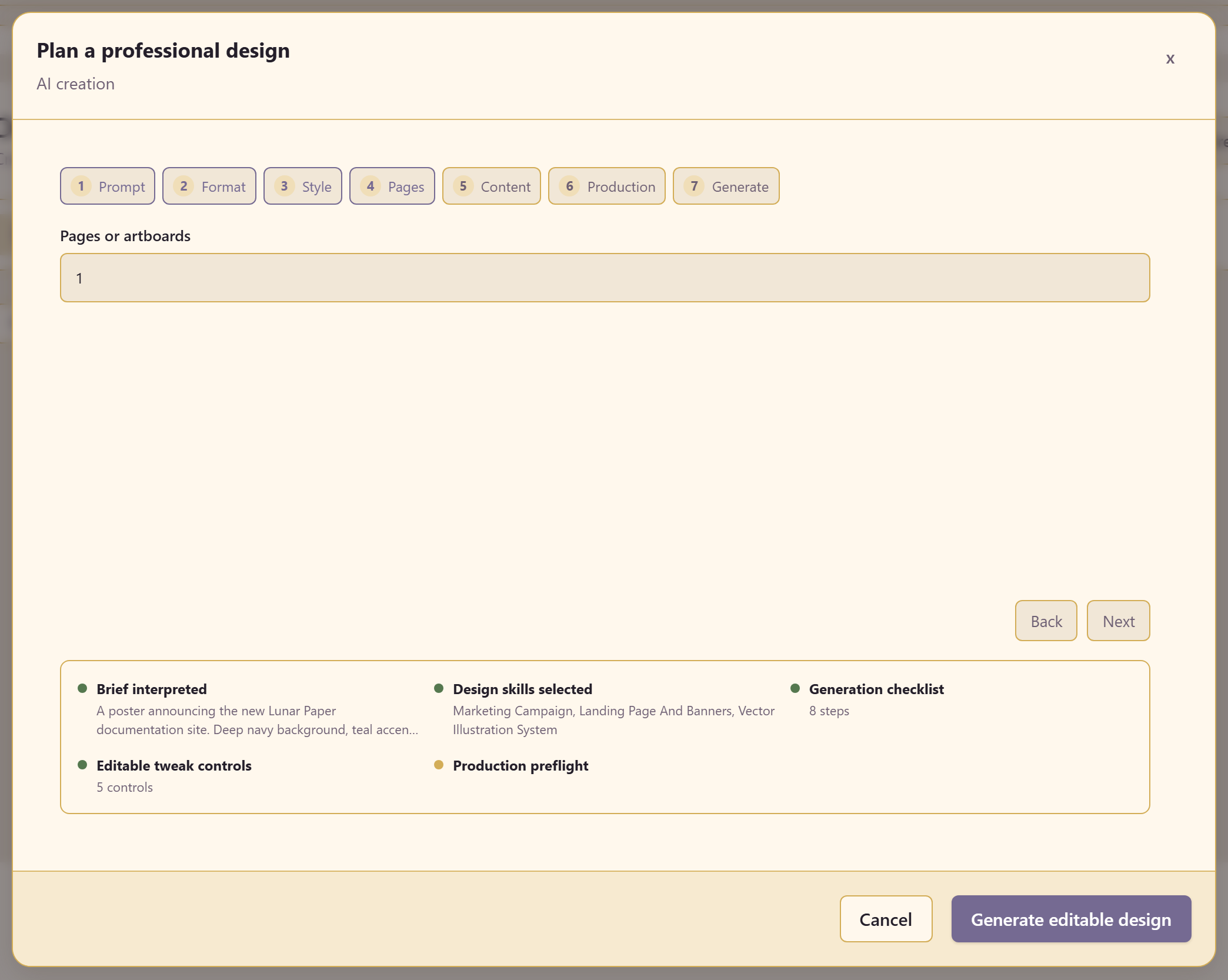
How many pages or artboards to produce.
5. Content
Section titled “5. Content”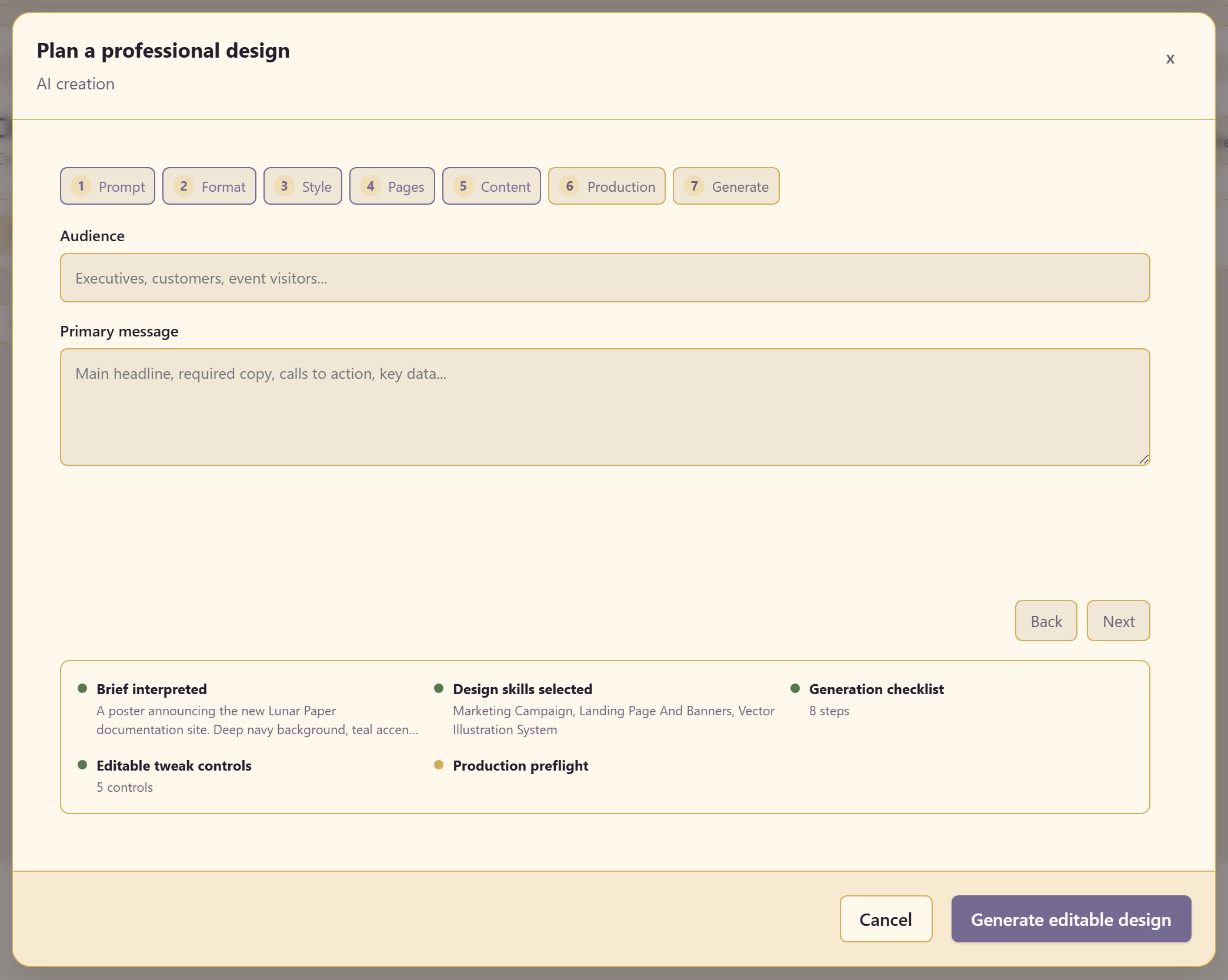
An audience — the field suggests executives, customers, event visitors — and a primary message.
The primary message changes the result more than anything except the prompt. One sentence, the thing a reader should leave with.
6. Production
Section titled “6. Production”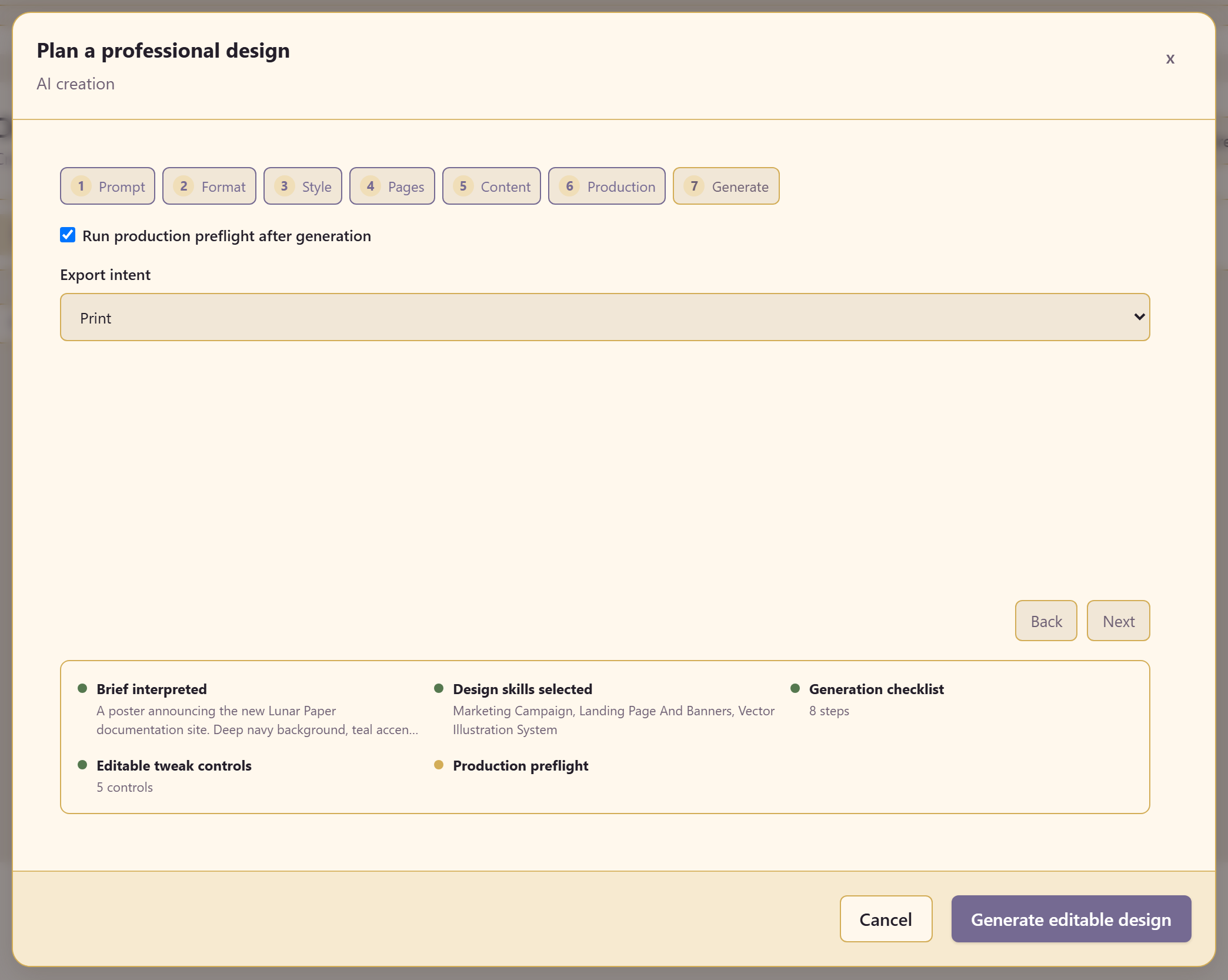
An export intent — Digital, Print, or Presentation — and whether to run production preflight after generation.
Leave the preflight on. It costs nothing and it is the step that catches a print design built at the wrong resolution.
7. Generate
Section titled “7. Generate”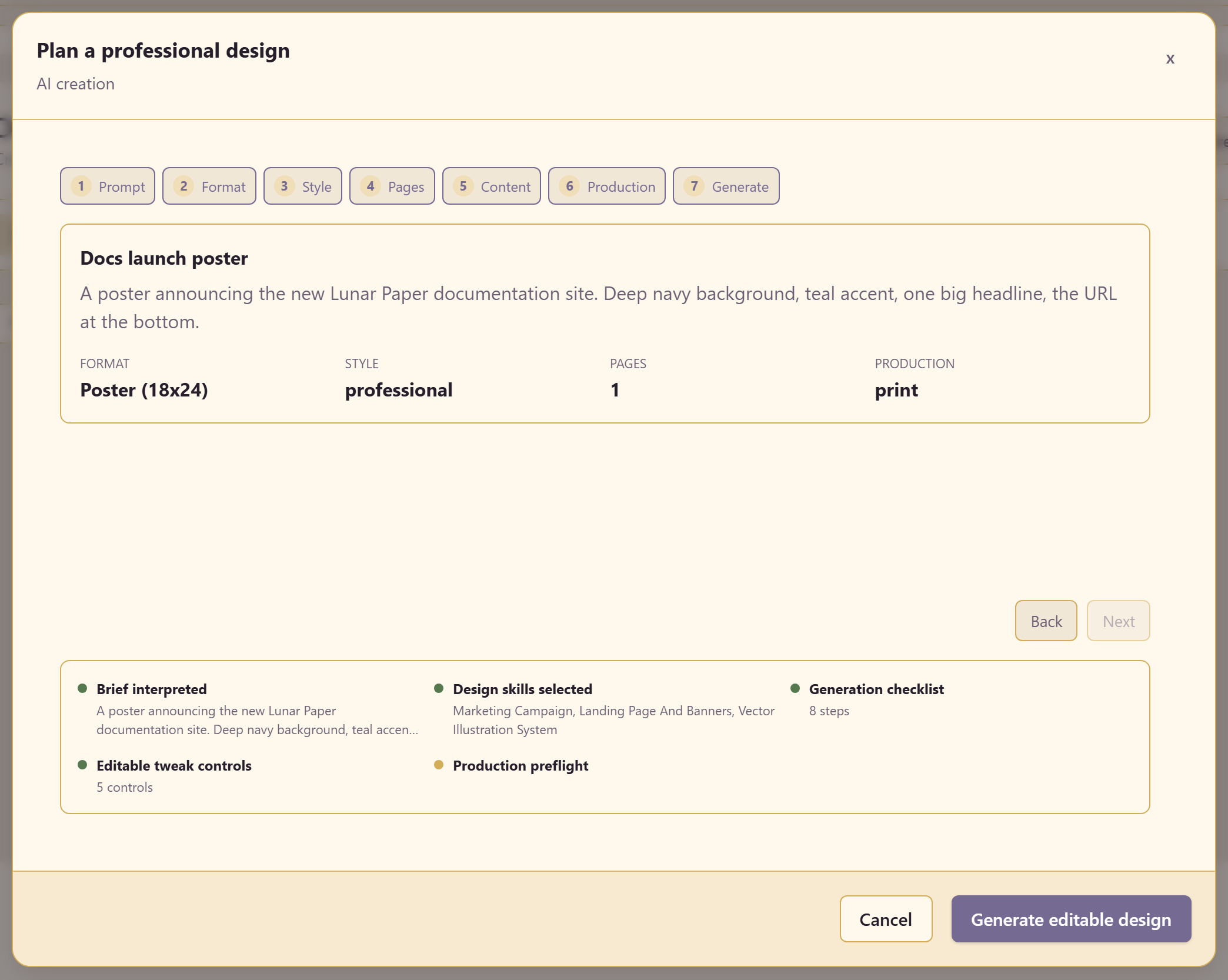
The final step summarises what the AI understood, and it is worth reading rather than clicking past.
| Line | What it tells you |
|---|---|
| Brief interpreted | The brief as the AI read it |
| Design skills selected | Which capabilities it will apply |
| Generation checklist | How many steps it will run |
| Editable tweak controls | How many controls you will get afterwards |
| Production preflight | Whether the preflight will run |
If the interpreted brief is wrong, go back and fix the prompt. Correcting the brief is far cheaper than correcting the output.
Generate editable design builds it.
Related
Section titled “Related”Work on the canvas covers editing what comes back. Export and publish covers the preflight in detail.