
Publish, submit, and recover
Releasing a form is three decisions in sequence: who should be able to reach it, what happens after someone submits, and which saved version goes out. Take them in that order and publishing itself is straightforward. The last section covers the step authors skip most often, which is proving that a failed submission leaves the respondent’s answers intact.
Choose publishing locations
Section titled “Choose publishing locations”Open Internal & external publishing.
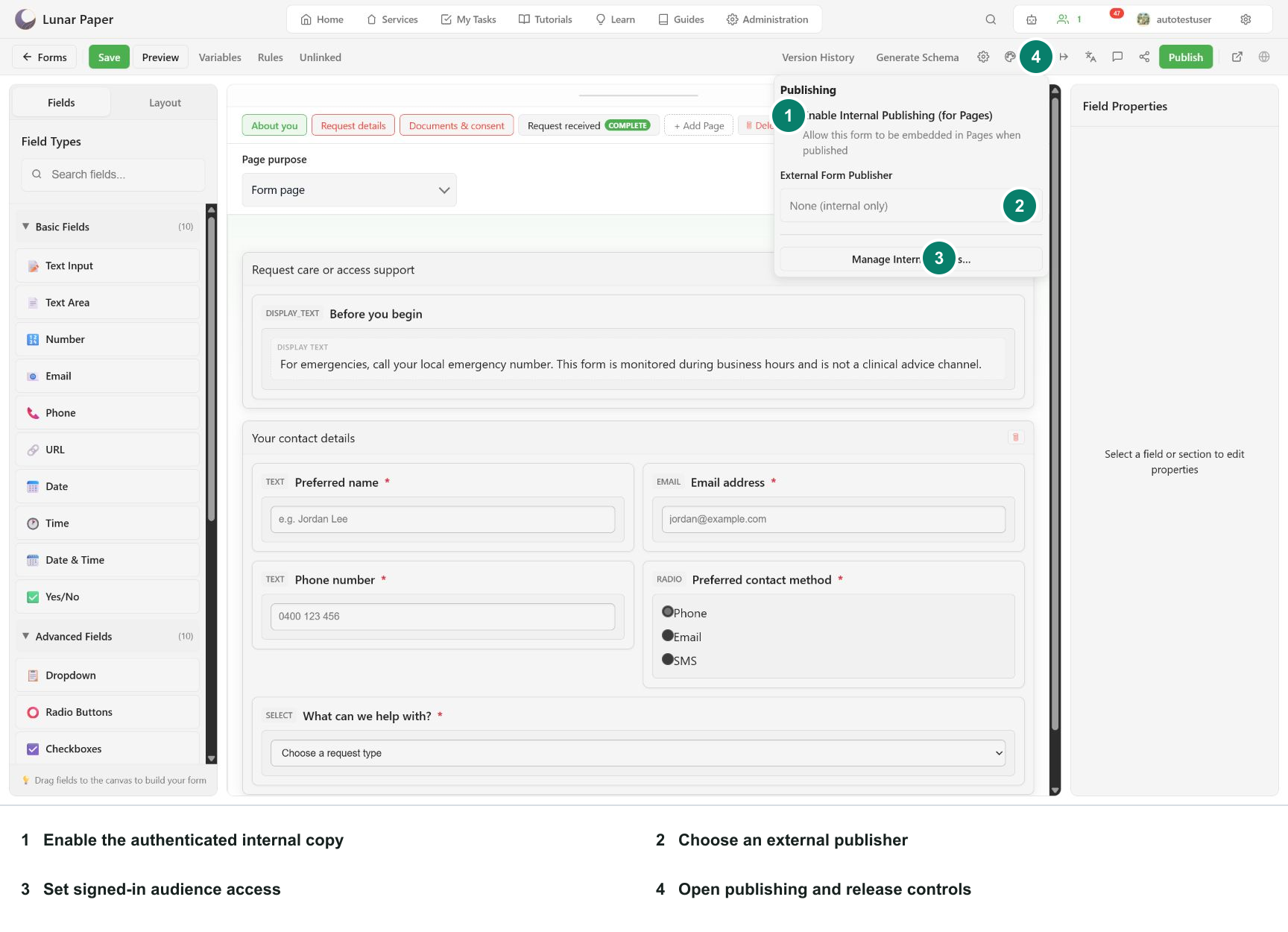
- Enable Internal Publishing (for Pages) for the authenticated Lunar Paper copy.
- Select an approved external publisher only when anonymous delivery is required.
- Use Manage Internal access to confirm the signed-in audience.
Configure post-submission actions
Section titled “Configure post-submission actions”Open Submission actions. Actions run in order only after the response is stored successfully.
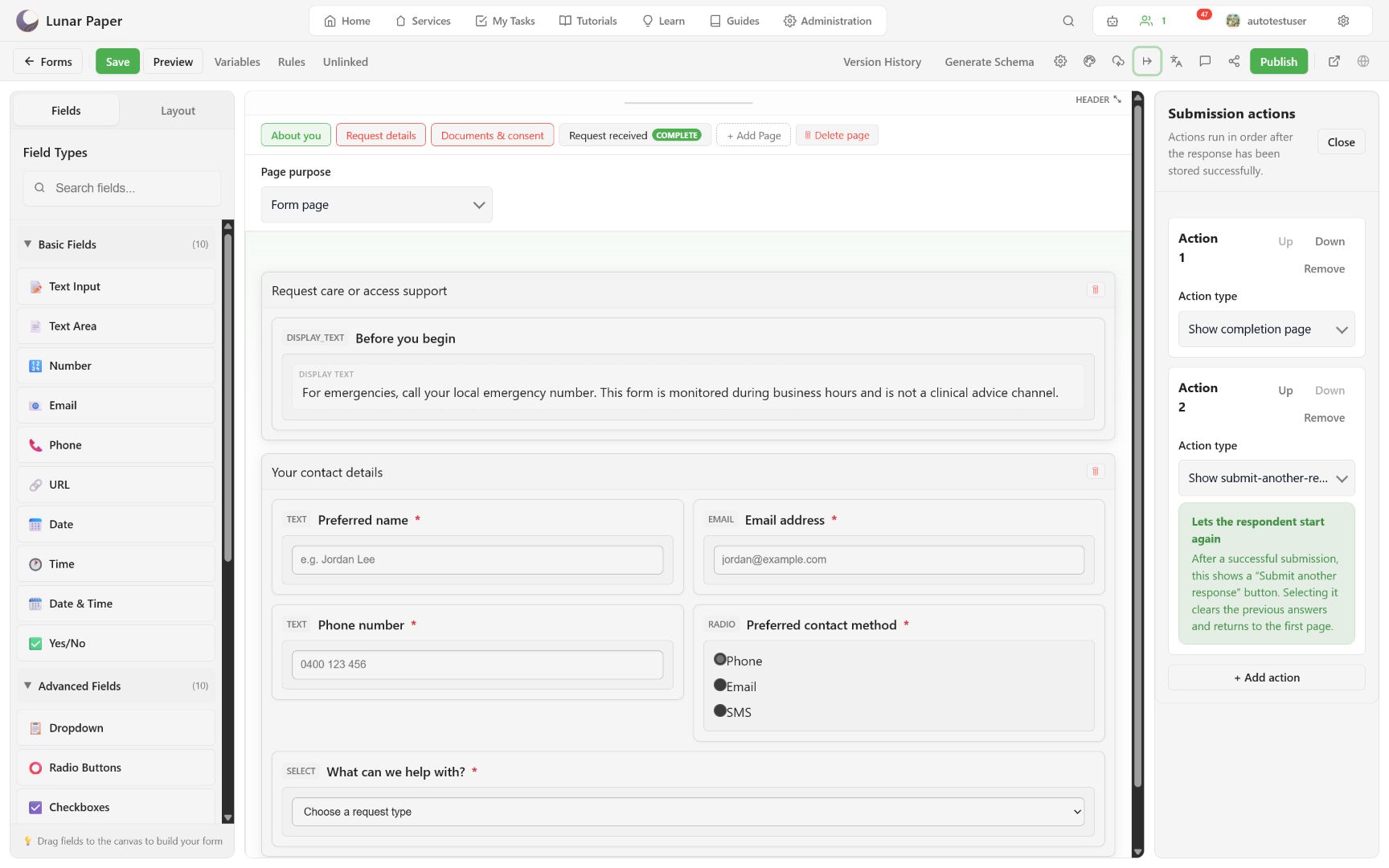
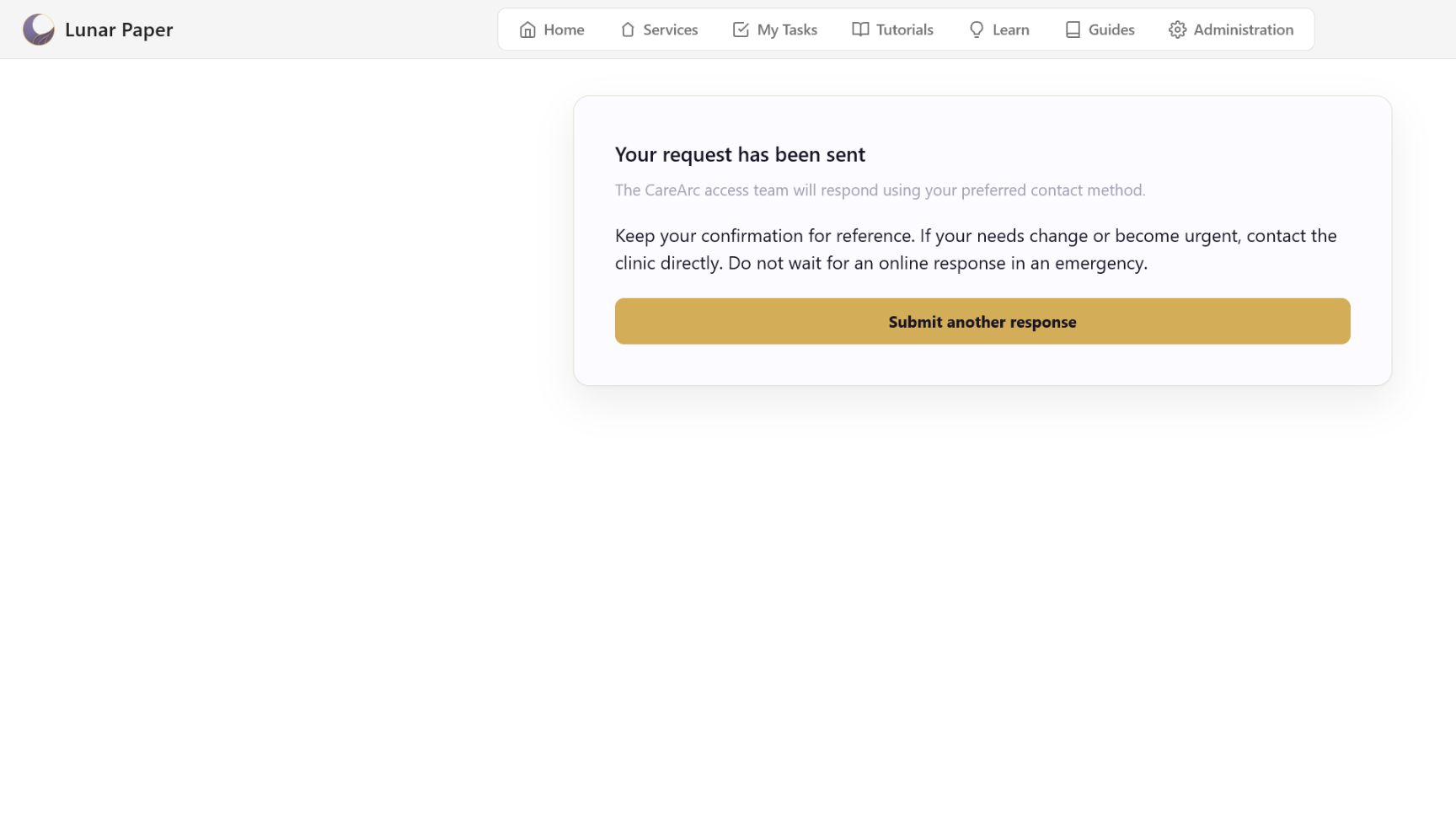
Use a Show completion page action when you need custom confirmation content. Add Show submit-another-response button for shared devices or repeated intake. The submission-complete page is read-only after submission and is excluded from stored answers.
Publish a version
Section titled “Publish a version”Choose Publish, select the destination, and add an optional version-history note.
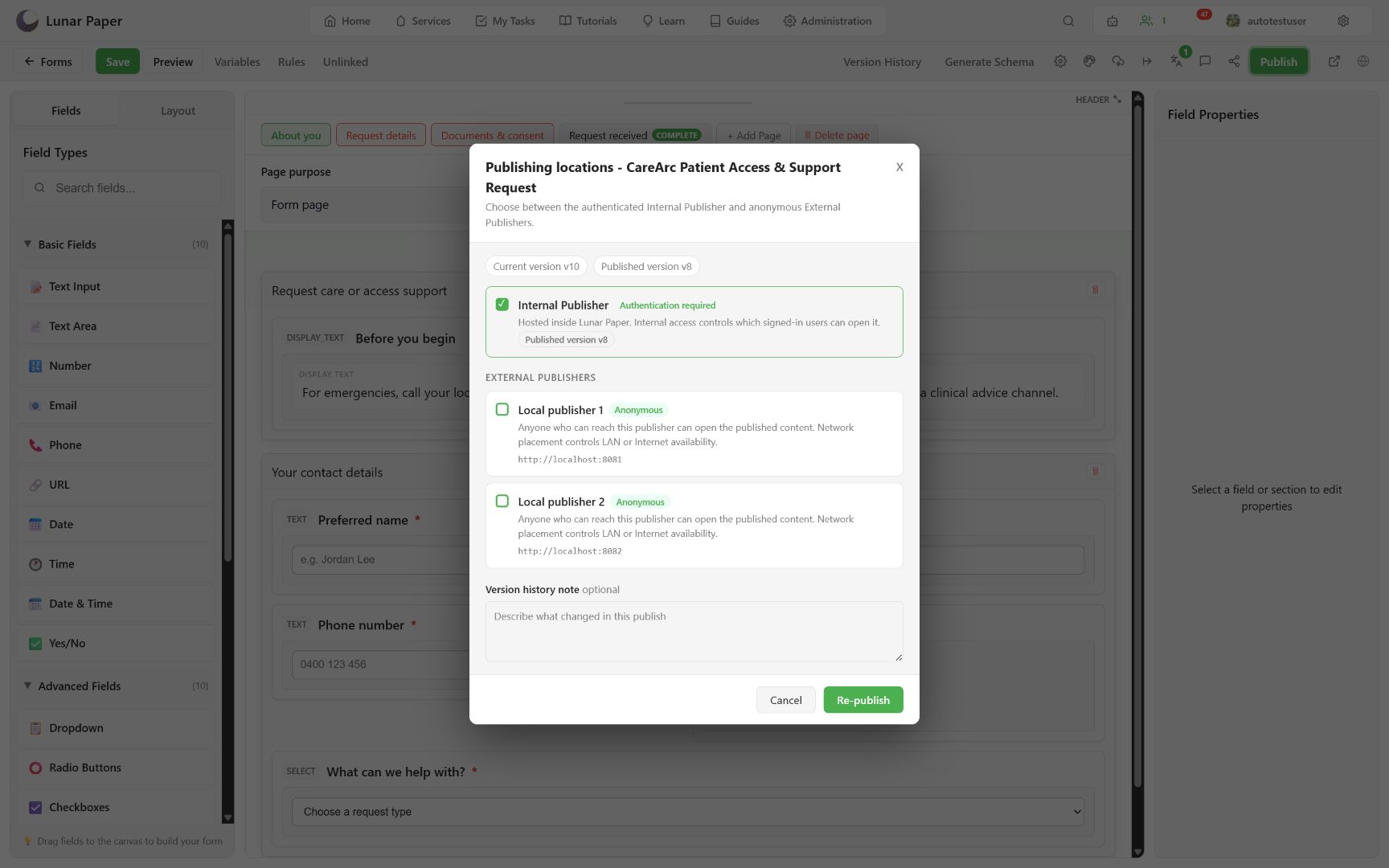
Confirm the publish. The toolbar displays View Published Form when the Internal Publisher succeeds.
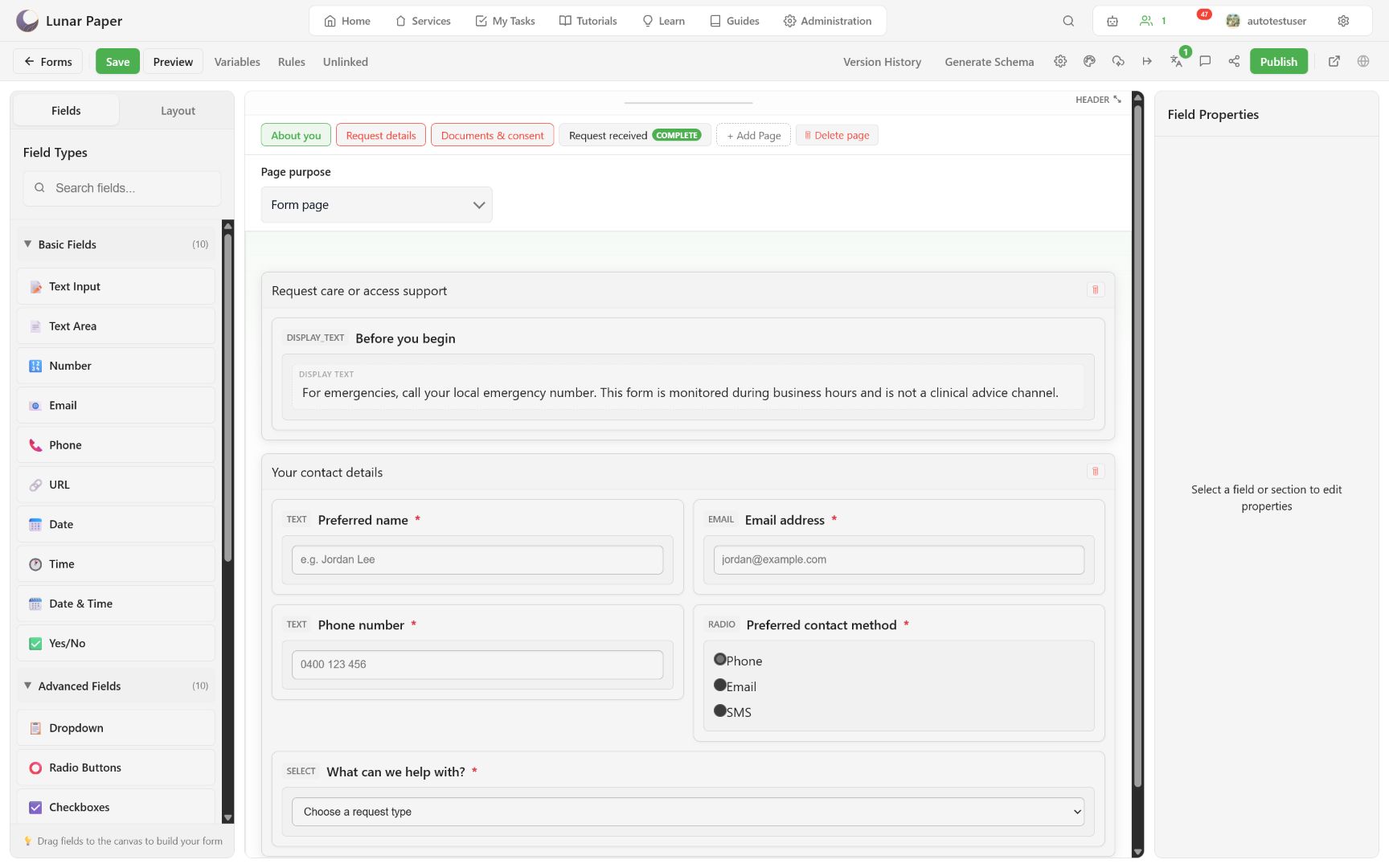
Publishing releases the saved version. If the draft shows unsaved changes, save and re-open Preview before publishing.
Complete the published form
Section titled “Complete the published form”Open View Published Form and complete the response as a respondent would.
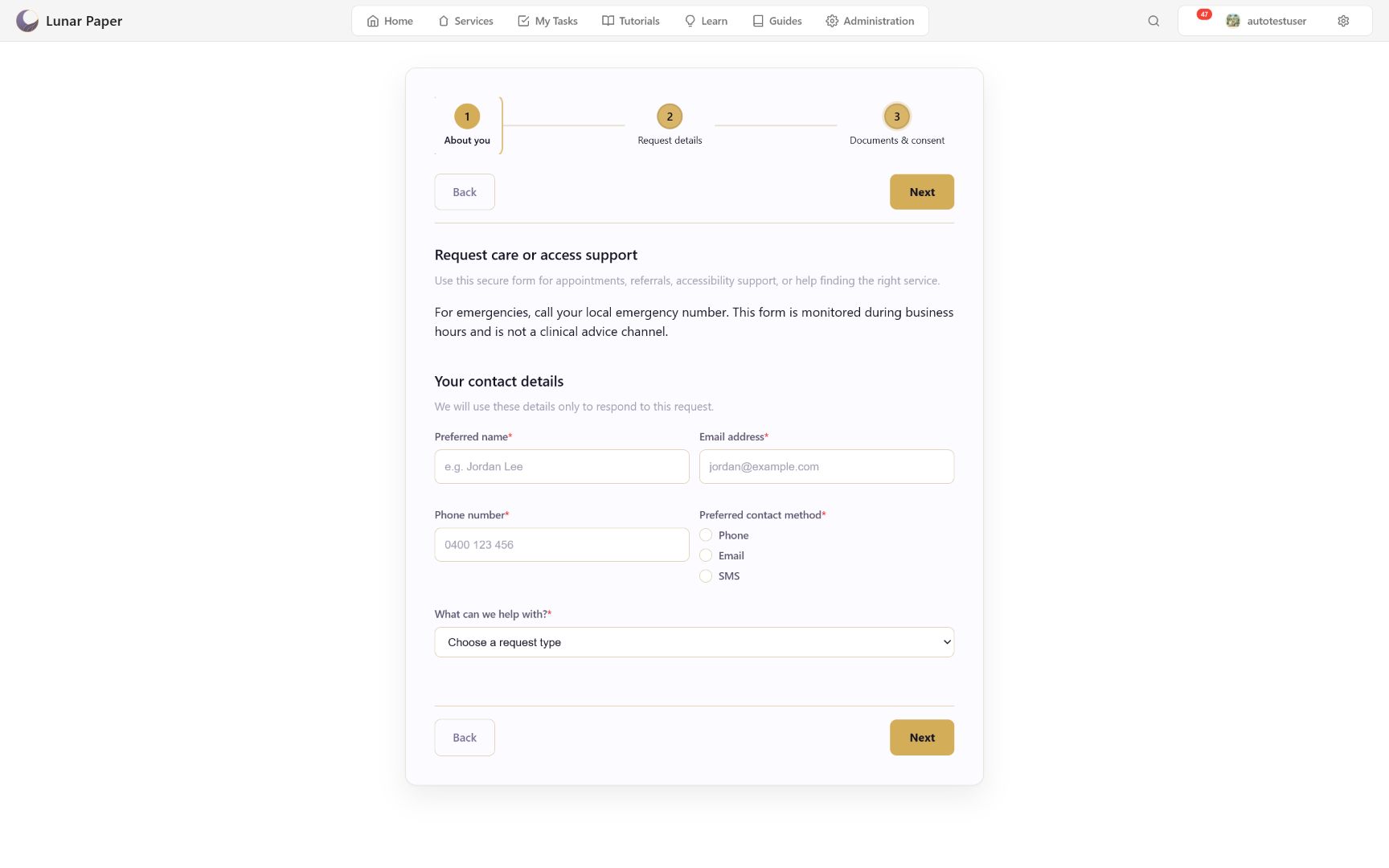
Test error recovery:
- submit or move next with required answers missing;
- confirm each message identifies the field and corrective action;
- enter an invalid format and correct it;
- cancel a file picker;
- clear and re-enter a signature;
- confirm previous-page answers remain intact.
On the final page, review consent and signature controls before submitting.
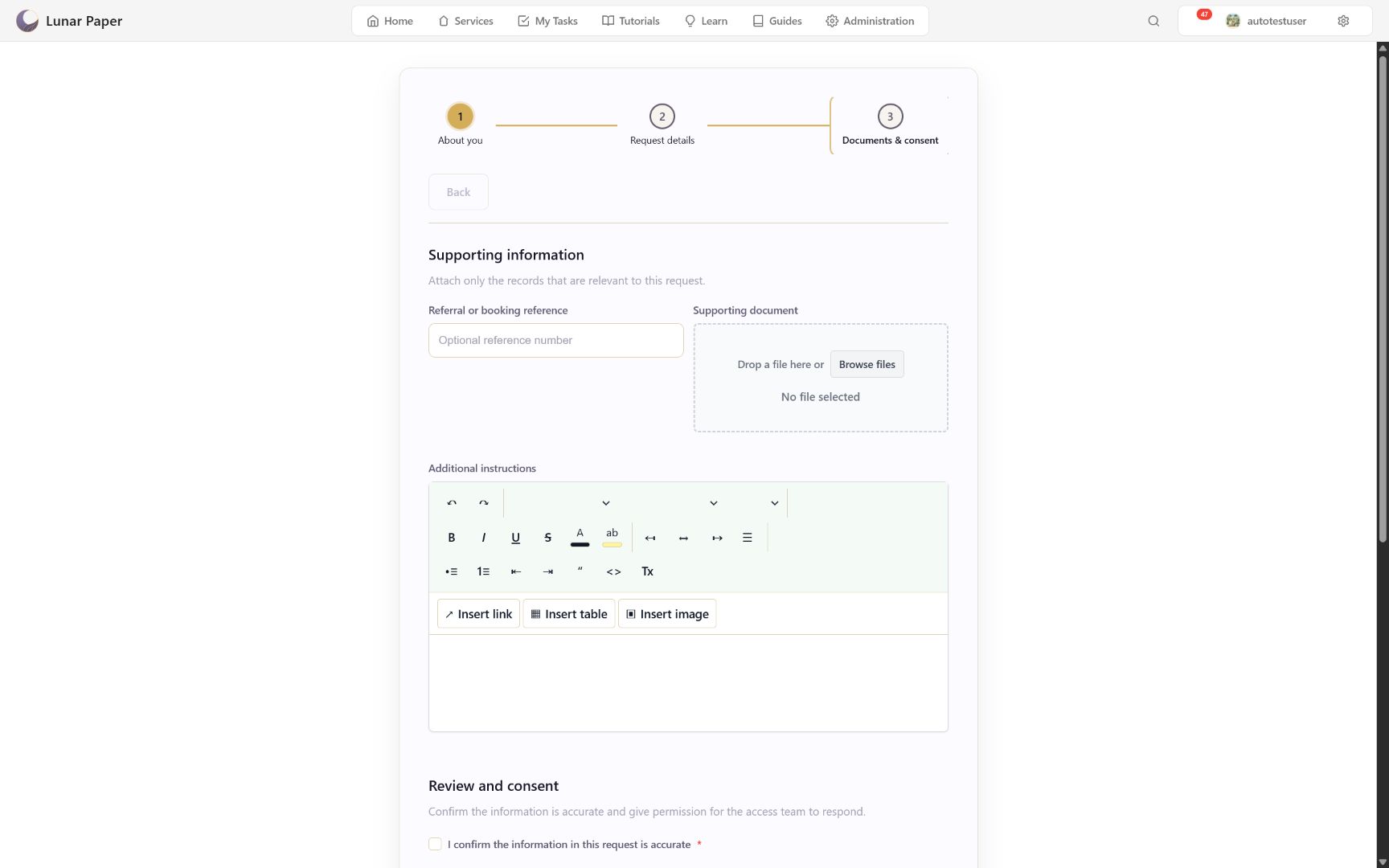
Confirm success
Section titled “Confirm success”After successful storage, the renderer replaces the form with the configured completion page and then exposes later actions.
If storage fails, the respondent must stay on the form with their answers intact and an error they can recover from. A completion page must never suggest success before the response is stored.
Choose Submit another response and confirm the first response remains stored while the new form starts with cleared respondent answers.
The responses themselves are covered in Review submissions and analytics. For why anonymous delivery is a separate publisher rather than a setting, see Publishing, access, and security.