
Gather references
References are the material you were given: files, existing project artefacts, anything the AI should treat as input and not as an answer. They sit at the bottom of the left sidebar, under REFERENCES.
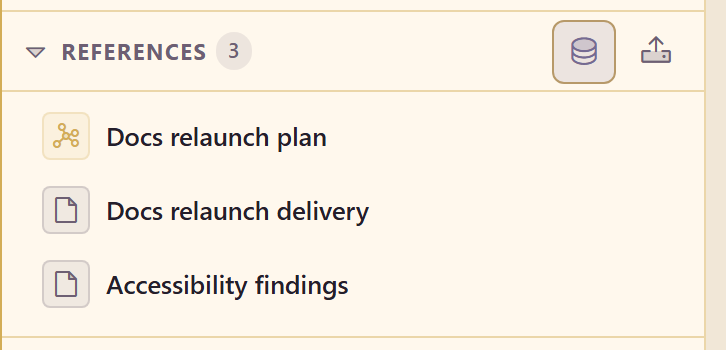
Two buttons sit on that heading. Upload takes a file straight from your machine. Add from Assets opens the service’s asset store.
Adding from the asset store
Section titled “Adding from the asset store”The picker is built for choosing evidence, not for browsing files.
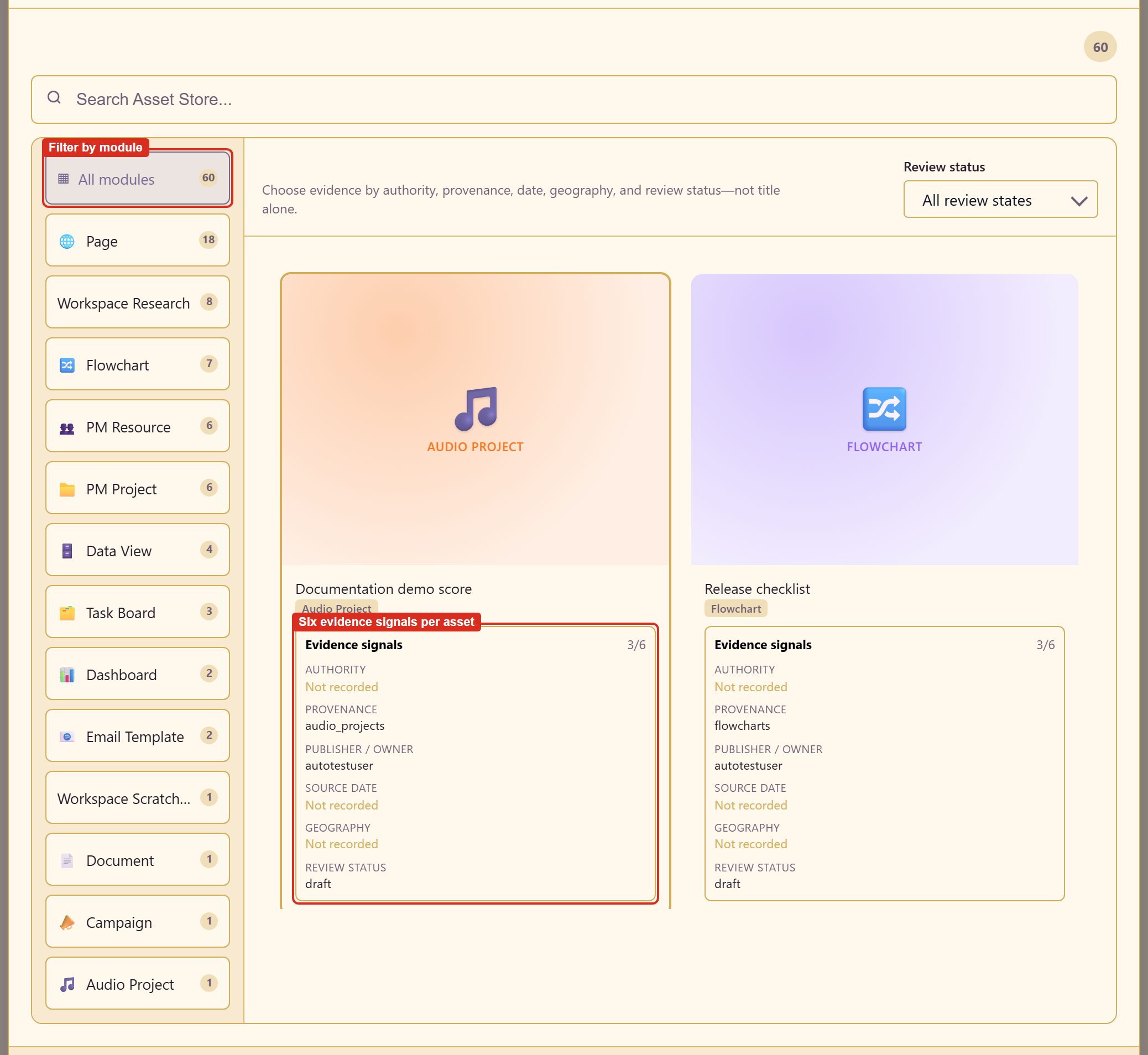
The heading states the intent: choose evidence by authority, provenance, date, geography, and review status, not by title alone.
Down the left are module filters, each with a live count: pages, flowcharts, dashboards, data views, task boards, project resources, email templates, documents, audio projects. Research items and scratchpads from workspaces appear here too, as Workspace Research and Workspace Scratchpad.
Across the top are a search box and a Review status filter, so you can narrow to material that has actually been reviewed.
On each card is an evidence-signals block.
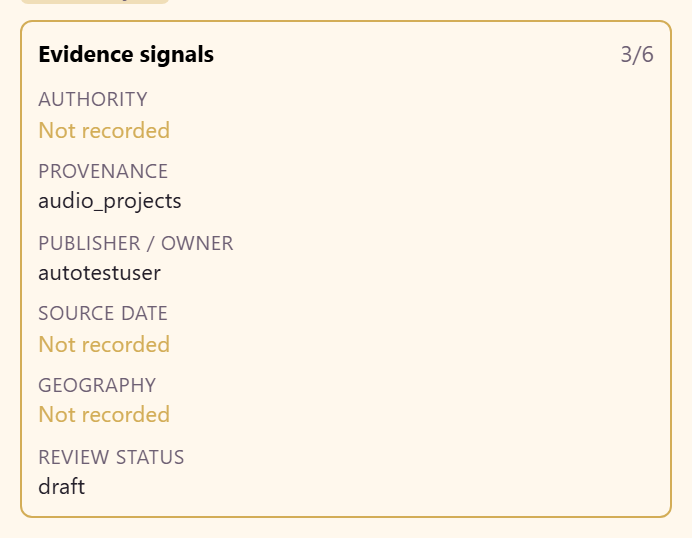
Six signals, with a count of how many are filled in:
| Signal | What it tells you |
|---|---|
| Authority | Who stands behind the material |
| Provenance | Where it came from |
| Publisher / owner | Who holds it in this service |
| Source date | How old it is |
| Geography | Where it applies |
| Review status | Whether anyone has checked it |
A card showing 3/6 is not disqualified; you simply know less about it than one showing 6/6. If a signal you care about is missing, fill it in on the asset itself. That metadata lives in the Asset Library and is shared across the service.
Pick a card, then confirm with Use asset. The picker adds one item at a time, so repeat for each reference. Load More pages through a long list.
What the AI does with them
Section titled “What the AI does with them”It does not read everything every time. The workspace selects the references relevant to the question in front of it, which is why a workspace can hold more source material than any single question needs.
So adding a reference does not guarantee it gets used. If you know a specific document answers the question, say so in the request.
Choosing what belongs
Section titled “Choosing what belongs”A reference earns its place if it could change the answer. Three tests:
Would you cite it? If it would never appear in the finished document, leave it out.
Is it input or output? Something the team already concluded is a claim, not a source. Add it if you want the AI to check it, not if you want it trusted.
Does it belong to this question? A workspace is scoped to one decision. Material for a different question makes the purpose vaguer, and a vague purpose makes the research worse.
Related
Section titled “Related”How a workspace is organised explains why references, research, and content are kept apart. Evidence and provenance covers what the signals are for.