
Check before you send
Four checks sit in the editor toolbar, and together they catch most of what goes wrong between writing an email and someone reading it. None of them block you; they are advice.
Accessibility
Section titled “Accessibility”Choose Accessibility Check.
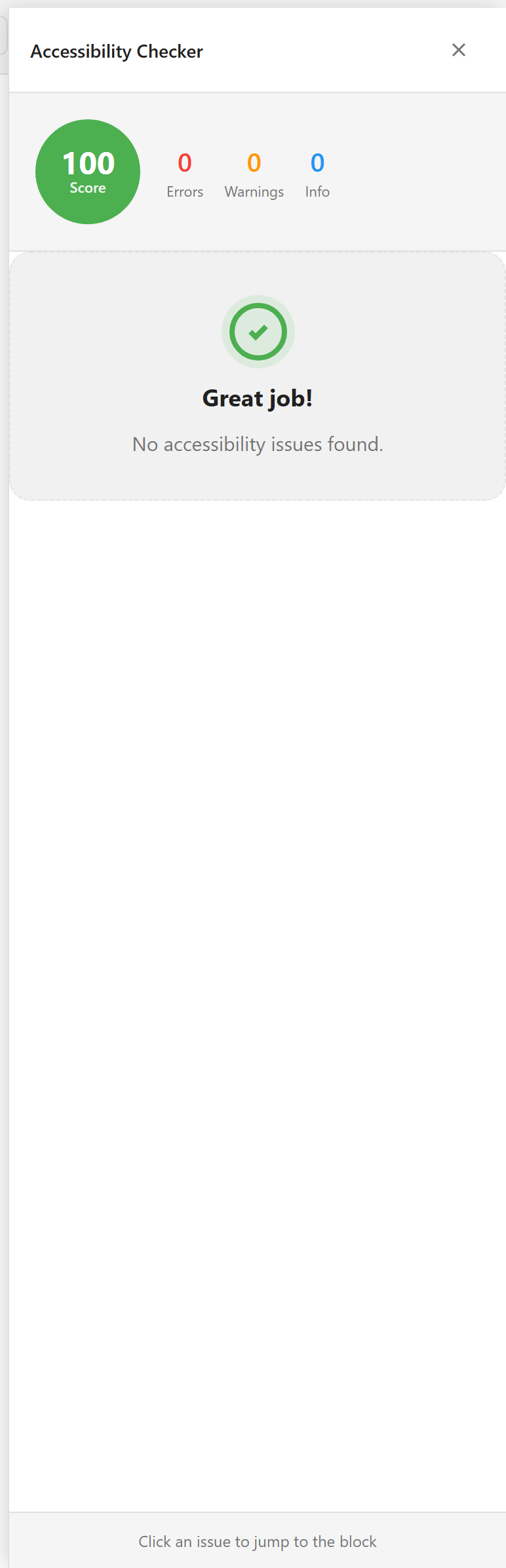
It scores the email out of 100 and splits what it found into errors, warnings, and information. Click any issue to jump straight to the block causing it.
The two it raises most often are images without alt text and text whose colour does not contrast enough with its background. Both matter more in email than on the web: many clients block images by default, so alt text is often the only thing a recipient sees where your picture should be.
Fix the errors. Warnings are worth reading and sometimes worth ignoring.
Choose Spam Check.
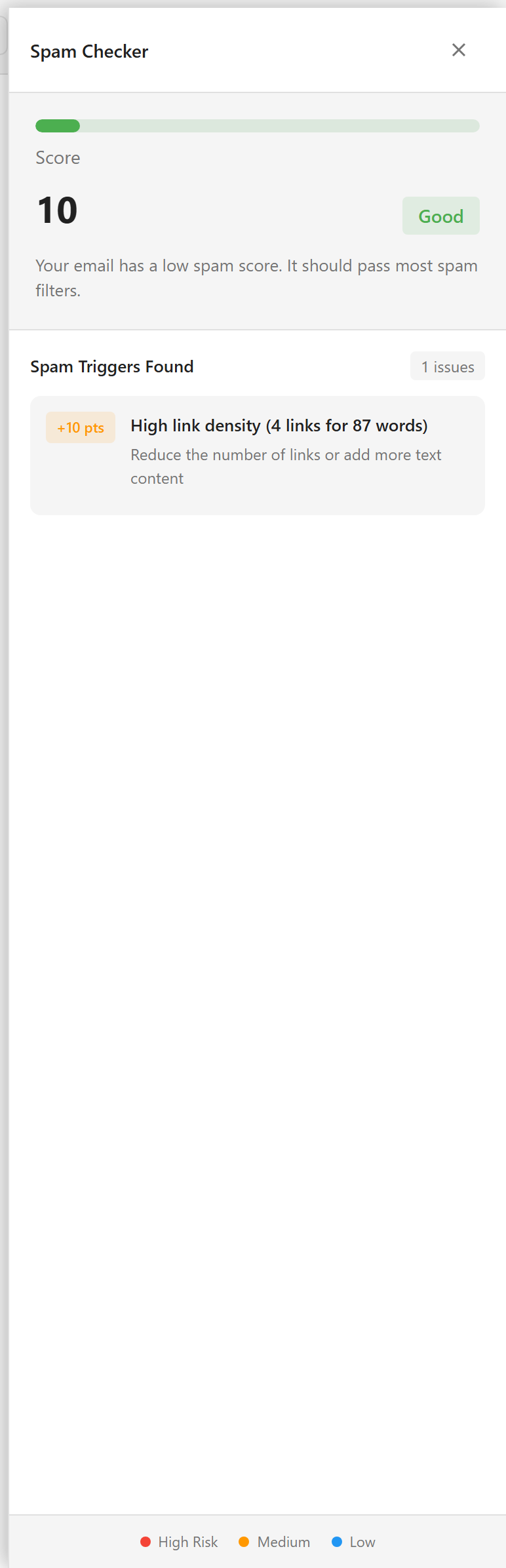
This scores separately and the scale runs the other way — lower is better. Each trigger it finds adds points, and each one comes with a line telling you what to change.
The example above scores 10 and is rated Good. Its one trigger is a high link density: four links in 87 words. The advice is to cut links or add text.
Common triggers are shouting in capitals, too many exclamation marks, a high ratio of images to text, and the words that spam filters have learned to distrust. The checker is a simulation of a filter, not the filter itself, so treat a good score as a reason not to worry rather than a guarantee of delivery.
Device views
Section titled “Device views”Desktop, Tablet, and Mobile in the toolbar resize the canvas.
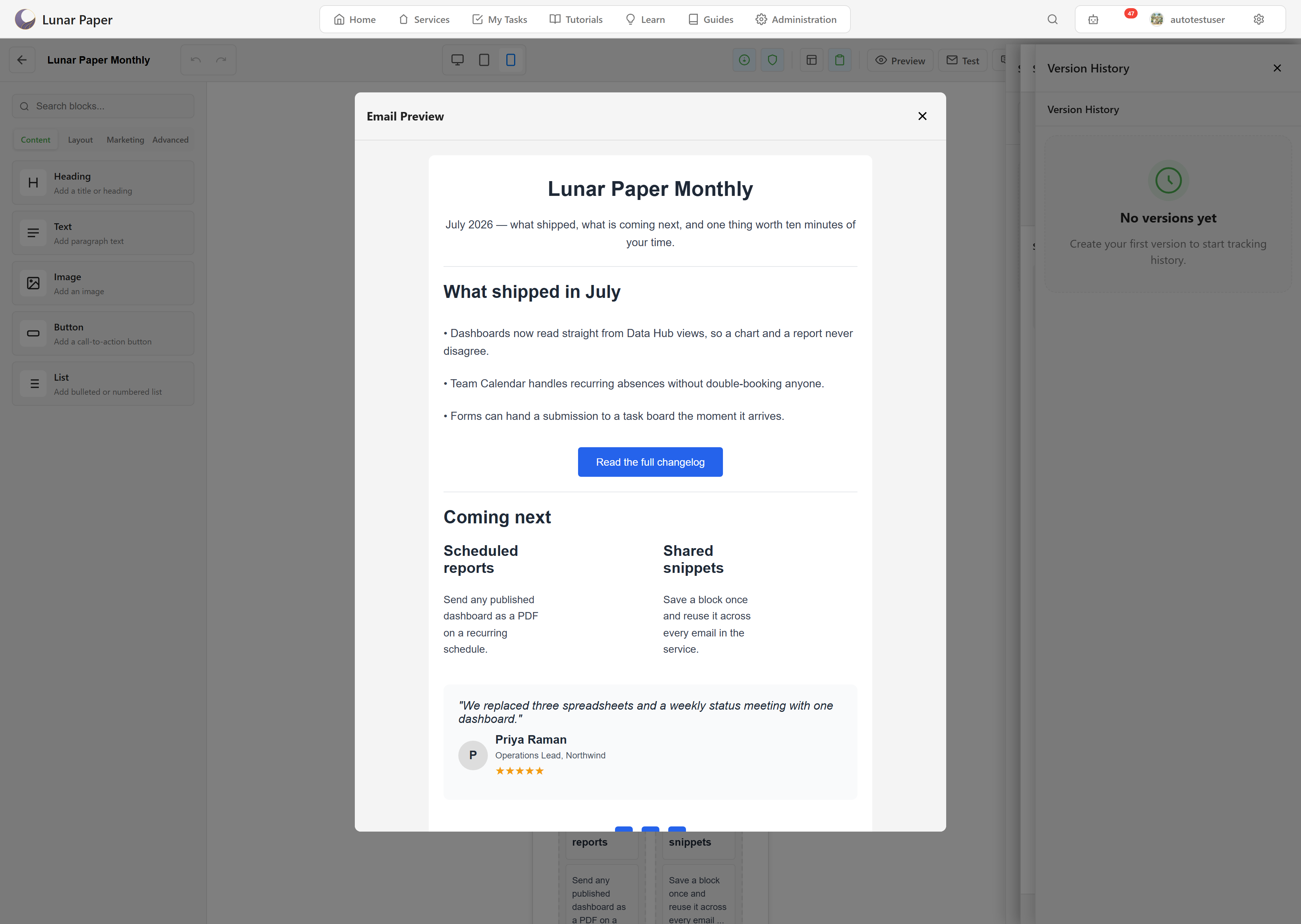
Check mobile every time. Most email is read on a phone, and it is where layouts break: side-by-side blocks stack, headings wrap onto three lines, and a button sized comfortably for a laptop ends up either tiny or full width.
Changing the device view changes only what you see. Nothing about the email is stored differently.
Preview
Section titled “Preview”Preview opens the email without the editing panels.
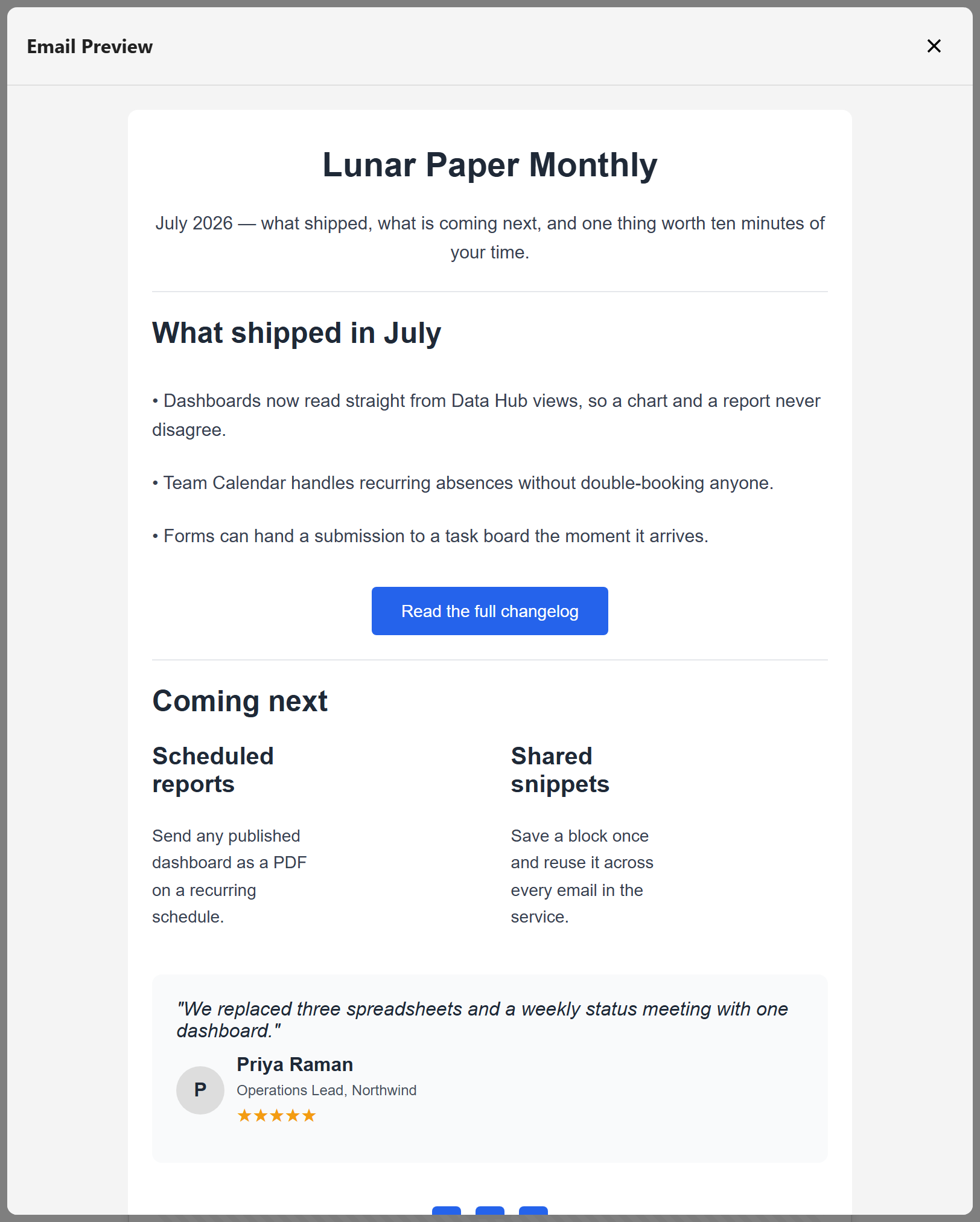
This is the closest thing to a recipient’s view that does not involve sending anything. Variables show their default values, because there is no recipient yet.
Use it as the last look before a test send. A block that reads fine next to a properties panel reads differently without one.
The order worth running them in
Section titled “The order worth running them in”Accessibility first, because its fixes sometimes change the text and would invalidate a spam score you had already taken. Then spam. Then mobile. Then preview.
Then send yourself a test, which is the only check that involves a real email client. Send a test covers it.
What none of these tell you
Section titled “What none of these tell you”Whether the email renders correctly in Outlook. Nothing in the editor simulates a specific client, and Outlook is the one that most often disagrees with everyone else.
If your audience is mostly corporate, a test send opened in real Outlook is not optional.
Send a test puts a real copy in a real inbox.