
Themes reference
Open Theme from the toolbar to control the deck’s visual system.
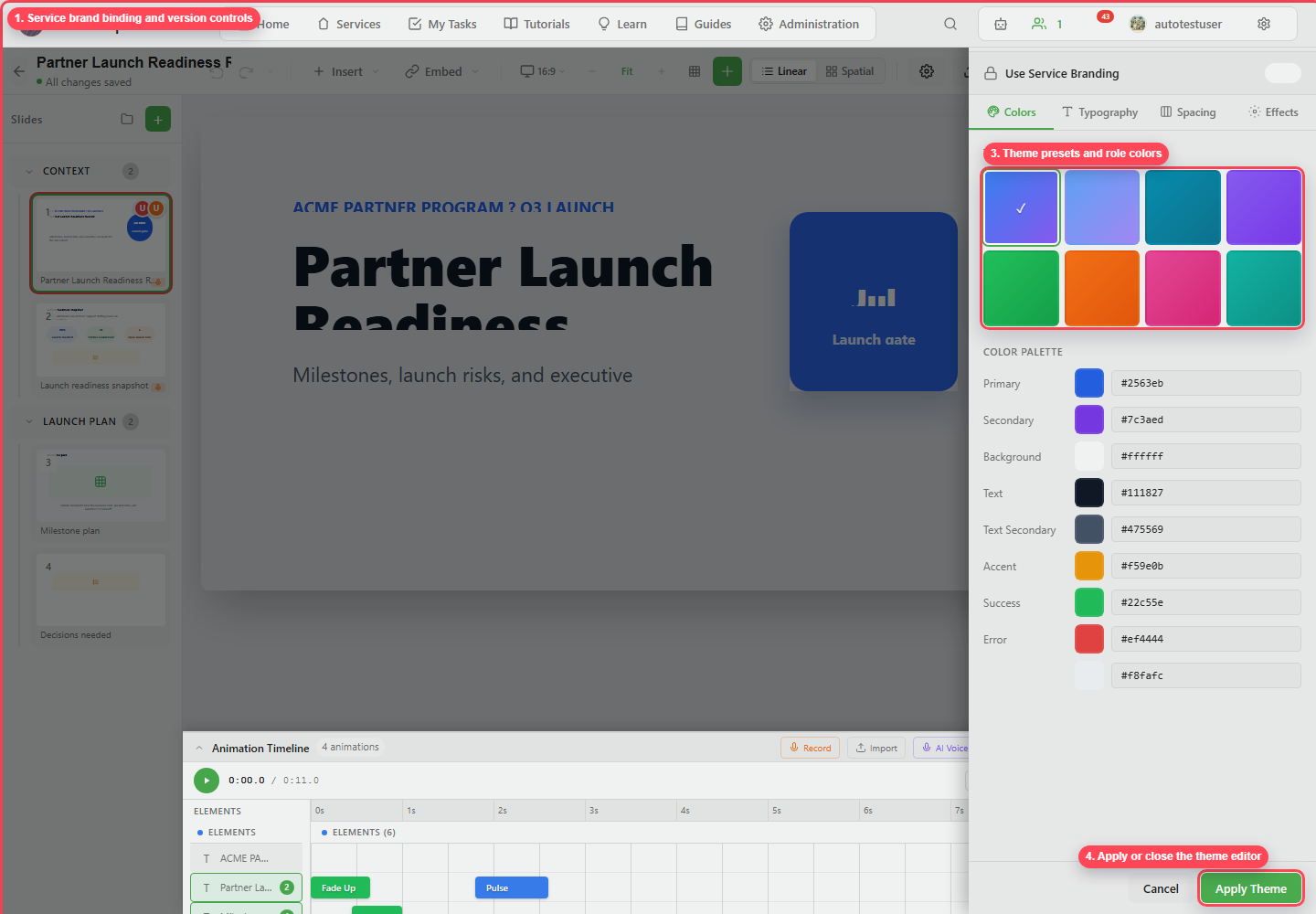
| Area | Controls |
|---|---|
| Use Service Branding | Bind the deck to the service brand kit. |
| Brand selector | Choose a service brand when multiple are available. |
| Version selector | Choose or upgrade the brand version. |
| Colors | Presets and role colors. |
| Typography | Heading, body, and code fonts plus type scale. |
| Spacing | Spacing scale and layout rhythm. |
| Effects | Border radius, shadows, and transition speed. |
| Apply Theme | Commits the theme to the deck. |
Set colors through the roles wherever you can. Styling a single element is fine for an exception, but changing the role keeps the deck easier to maintain.