
Workspace
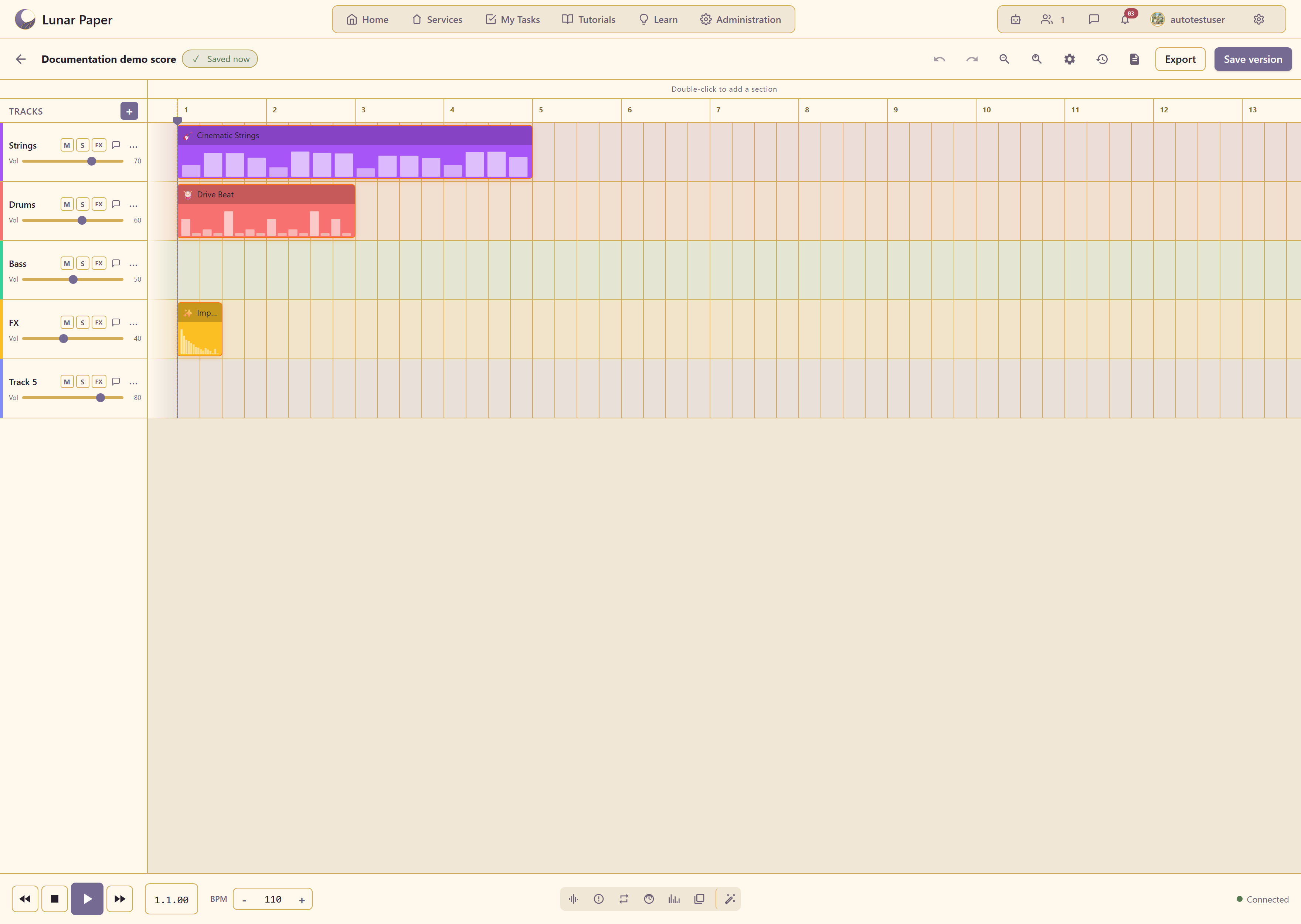
Audio Creator lives inside a service, not as a standalone digital audio workstation. Every project is tied to the service brief, team, assets, and publishing record.
Service context
Section titled “Service context”Open a service and choose Audio Creator from the Creative Modules section of the sidebar. The library shows only the audio projects created in that service. Create Project, search, and filtering are scoped to the current service.
Connection to other modules
Section titled “Connection to other modules”Audio projects can connect to other parts of the service:
- Documents can reference exported audio files.
- Brand kits can provide consistent project naming or visual identity for cover art.
- Assets can store final exported files for reuse across pages and campaigns.
- Pages and Marketing can embed published audio clips.
Team and permissions
Section titled “Team and permissions”Access follows the service team and content-access settings. Editors can create and modify projects; viewers can play published versions. Only collaborators with the right service role can publish or export.
Publishing and exports
Section titled “Publishing and exports”Published versions are visible from the service module view. Exports are generated for each user and download to your own computer. Upload one to Assets if you want it stored as a service artifact.
Try it in a project
Section titled “Try it in a project”- Start building in the Quickstart.
- Read Tracks and sections for how a project is structured.
- See Export audio when you need a file to hand over.