
Workspace
Slideshow decks live inside a service, which means a deck sits beside the supporting documents, dashboards, data, audio assets, reports, decisions, tasks, and published outputs it draws on.
Service context
Section titled “Service context”Open Slideshow from the service sidebar when the presentation belongs to that service’s work. The dashboard lists decks for the current service, and the editor saves the deck back to that service.
Connected work
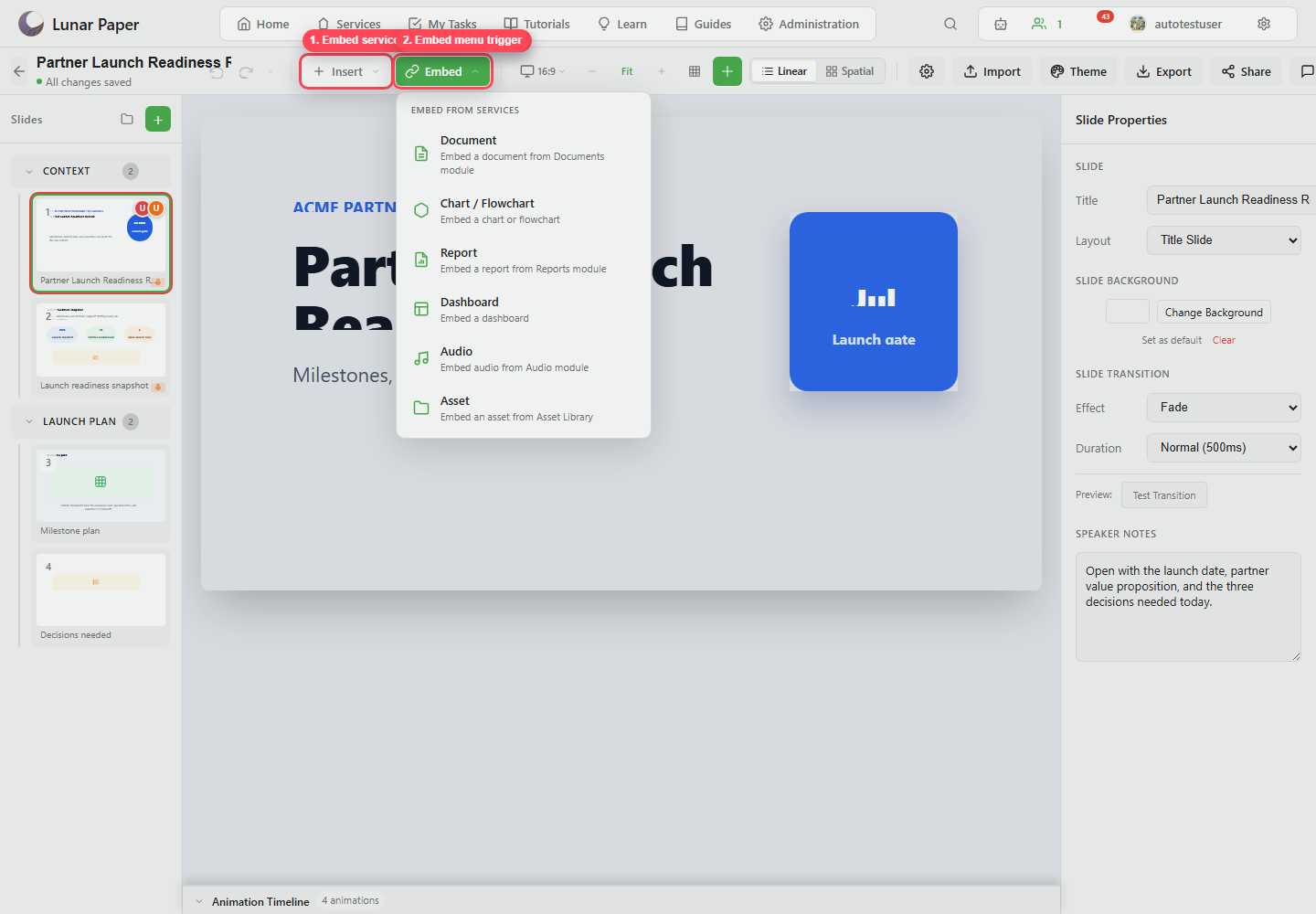
Section titled “Connected work”Use Insert when the content should become a slide element. Use Embed when the slide should point at service content such as a document, report, dashboard, chart, audio project, or asset. Either way, the presentation stays close to the material it is built from.
Review trail
Section titled “Review trail”Use comments, speaker notes, versions, sharing, publishing, and exports to move a deck from draft to reviewed artifact. Keep the source deck in Lunar Paper so later updates all happen in one place and can be compared against published snapshots.