
Custom branding
Custom Branding records the parts of a brand that live outside a screen: signage, vehicle livery, uniforms, passes, print stock.
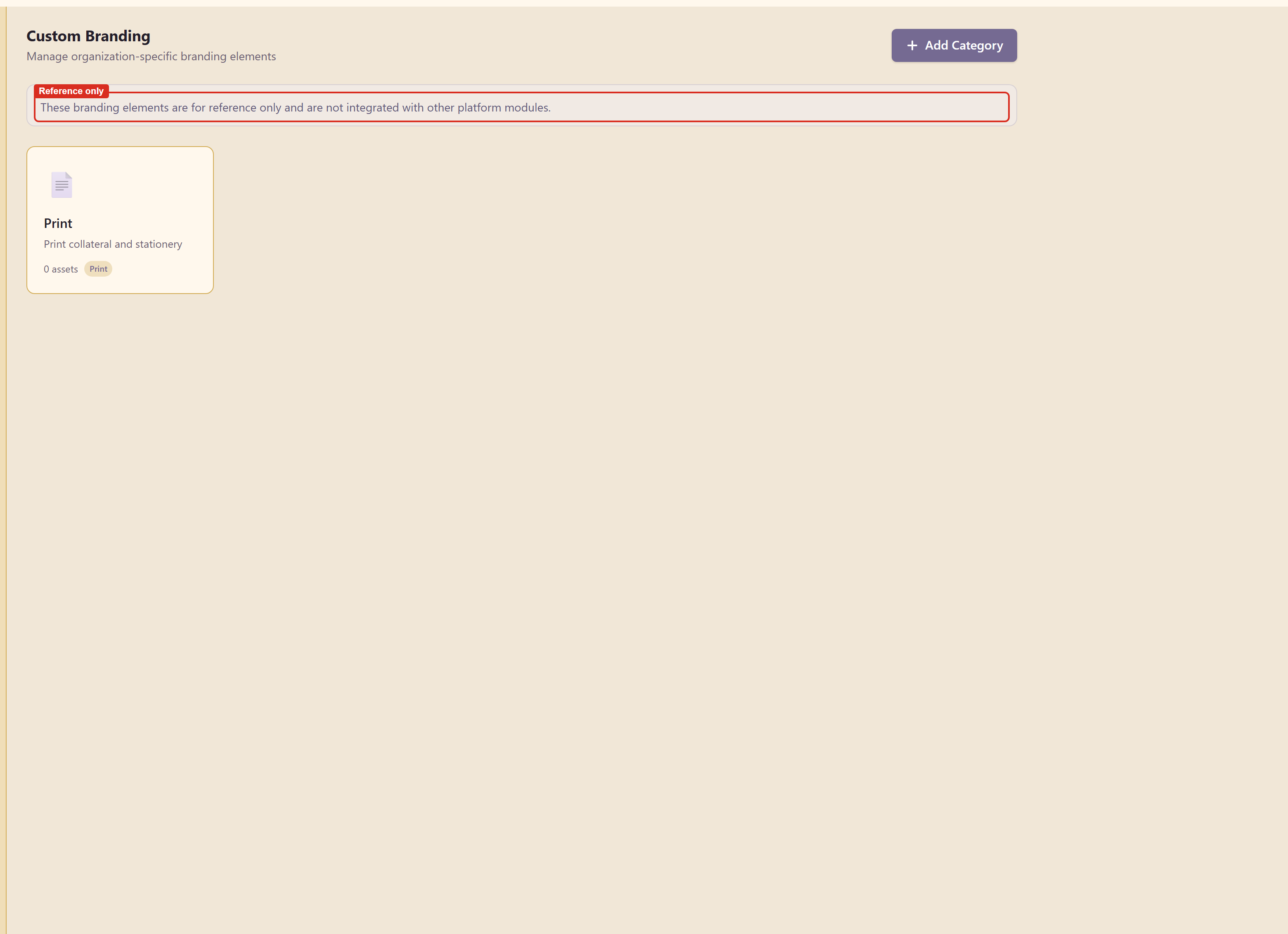
It is reference only
Section titled “It is reference only”The panel carries its own notice, and it is worth reading before you invest effort here: these branding elements are for reference only and are not integrated with other platform modules.
So this is a record, not a source. Nothing downstream reads it. It sits in the brand so that the specification for the reception sign lives in the same place as the hex value it uses, rather than in somebody’s inbox.
That is still worth having. The alternative is a folder on a shared drive that nobody can find when the signage contractor asks.
Categories
Section titled “Categories”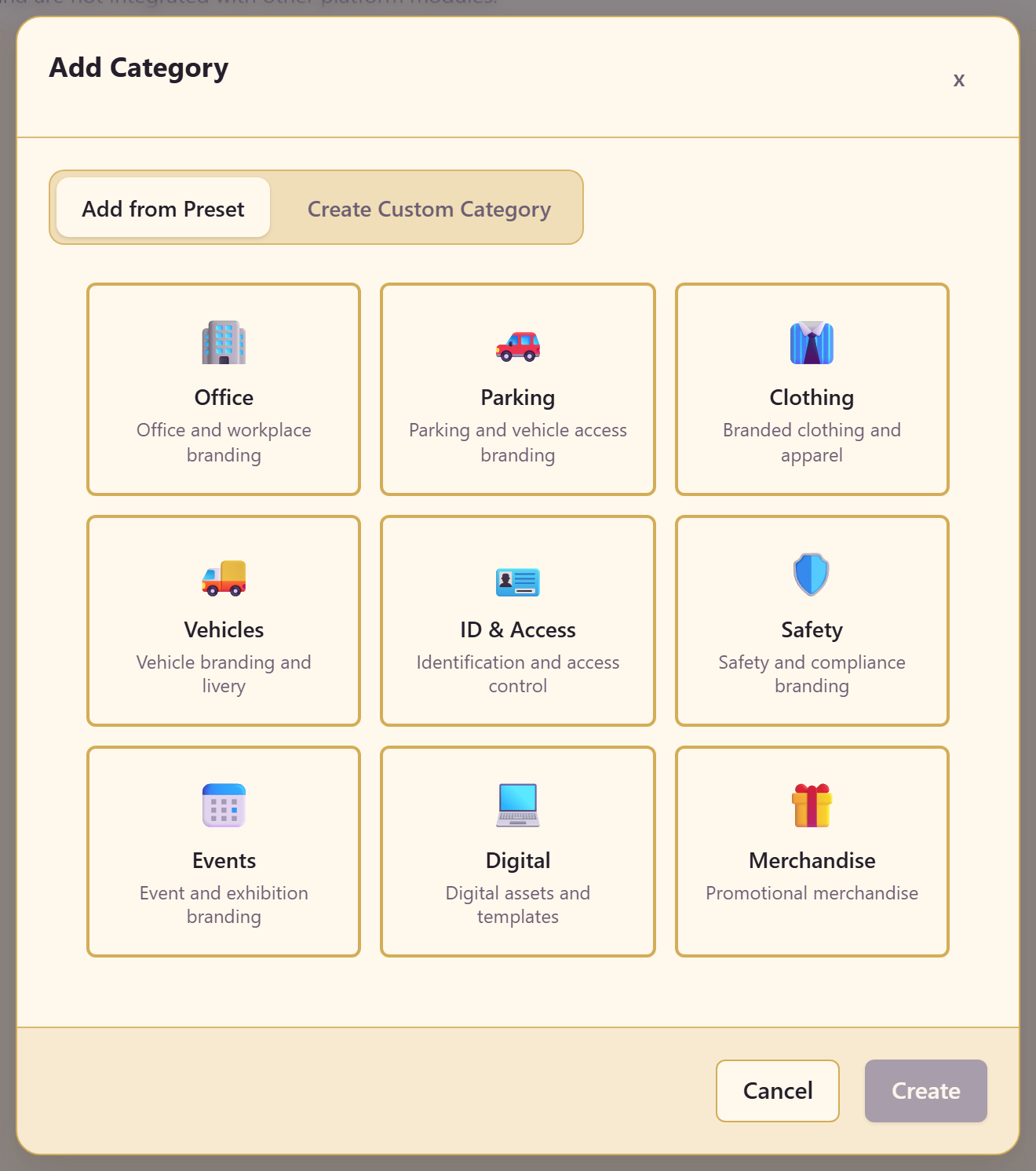
Add Category offers ten presets, each with a description:
| Category | Covers |
|---|---|
| 🏢 Office | Office and workplace branding |
| 🚗 Parking | Parking and vehicle access branding |
| 👔 Clothing | Branded clothing and apparel |
| 🚚 Vehicles | Vehicle branding and livery |
| 🪪 ID & Access | Identification and access control |
| 🛡️ Safety | Safety and compliance branding |
| 📅 Events | Event and exhibition branding |
| Print collateral and stationery | |
| 💻 Digital | Digital assets and templates |
| 🎁 Merchandise | Promotional merchandise |
Create Custom Category covers anything the presets do not.
What to record
Section titled “What to record”Put the things a supplier would ask for: the exact colour reference in the system the supplier uses, the material, the size, the file they need, and who signed it off.
A hex value is not enough for a printer or a sign maker. If the brand navy has a Pantone match, this is where it belongs.
Related
Section titled “Related”Brand guidelines covers rules that other modules do read. Colours and contrast holds the values these specifications refer to.