
Brand quickstart
This builds a working brand from nothing. Allow about twenty minutes.
1. Create the brand
Section titled “1. Create the brand”Open Brand under Creative Modules and choose Create Brand.
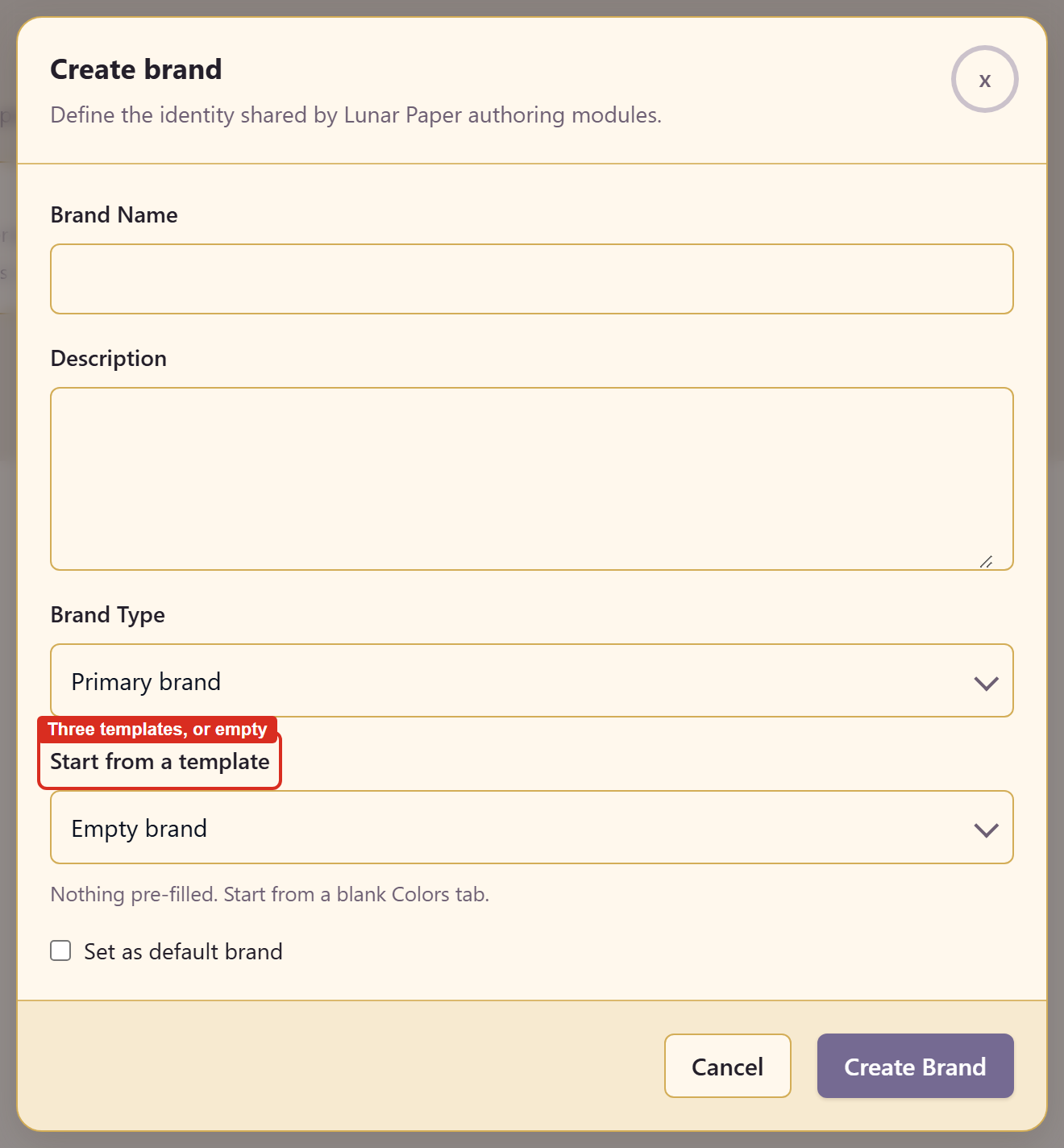
Give it a name and a description, pick a brand type, and choose how to start: Start from a template — Product / SaaS, Editorial / marketing, or Monochrome — or Empty brand, which the dialog describes as nothing pre-filled, starting on a blank Colors tab.
Set as default brand makes this the one other modules reach for.
2. Add colours
Section titled “2. Add colours”Colors opens first. Add Palette creates a named group; Add Color on the palette card adds a swatch.
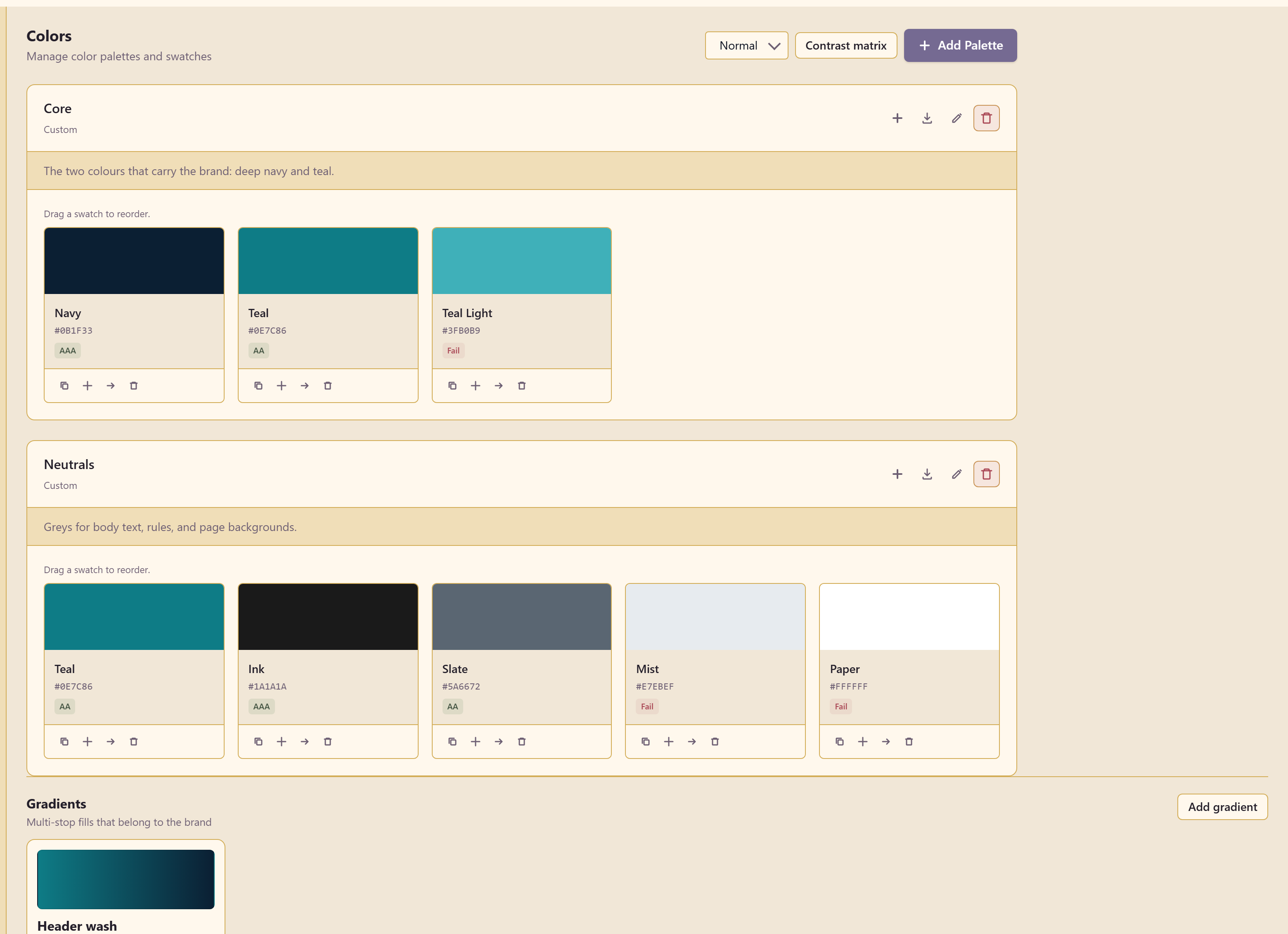
Each swatch shows its hex value and a contrast grade — AAA, AA, or Fail. That grade is doing real work: it is the difference between a colour you can set body text in and one you cannot.
Colours and contrast covers the contrast matrix, the colour-vision simulator, and gradients.
3. Add type
Section titled “3. Add type”Typography holds Fonts, Type Scales, and Text Styles, each with a count.
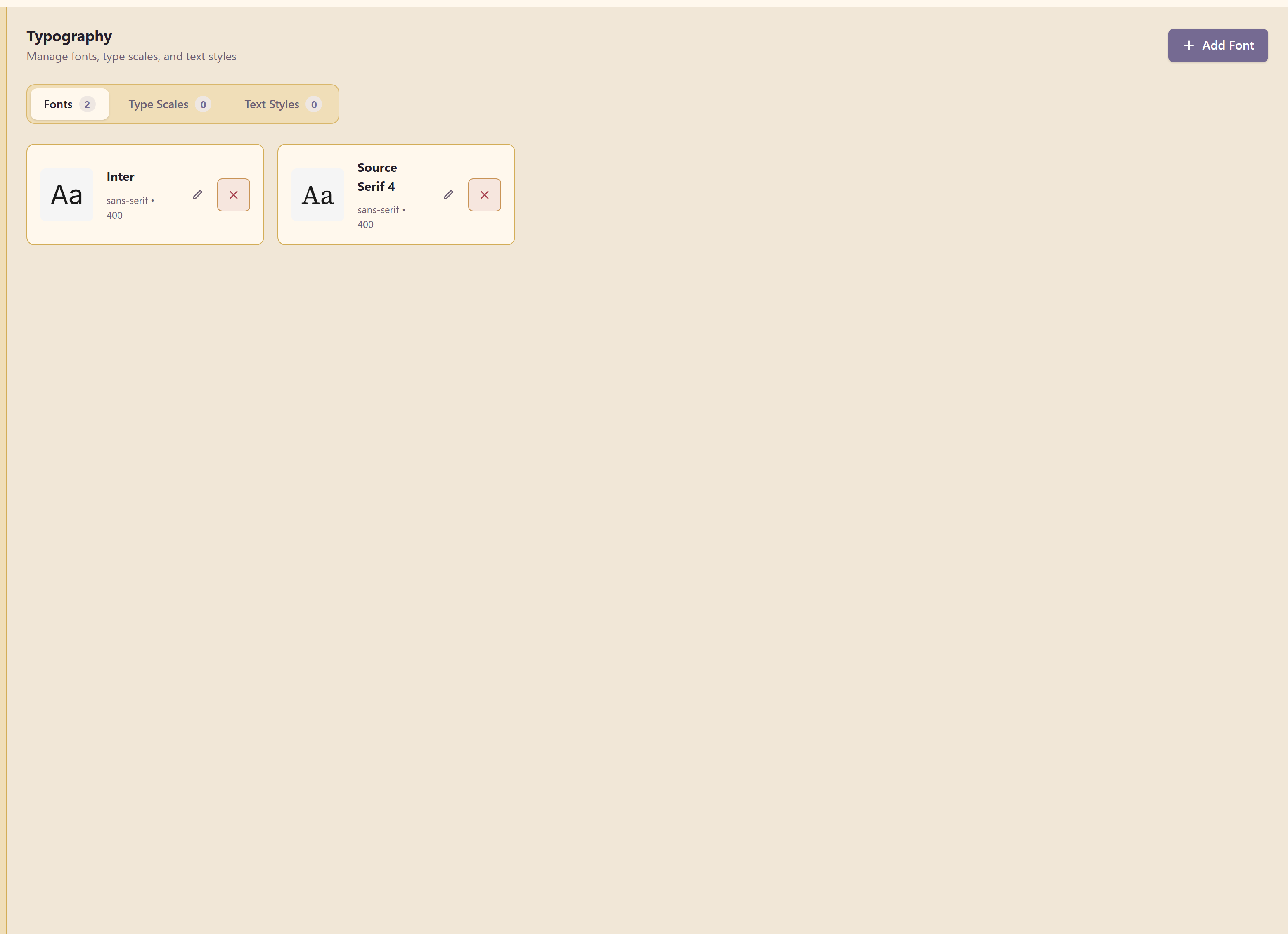
Add Font takes a font from Google Fonts, an uploaded file, a custom URL, or the system, and previews it at four sizes while you choose weights.
4. Add logos
Section titled “4. Add logos”Logos previews each upload on Light, Dark, and Transparent backgrounds.
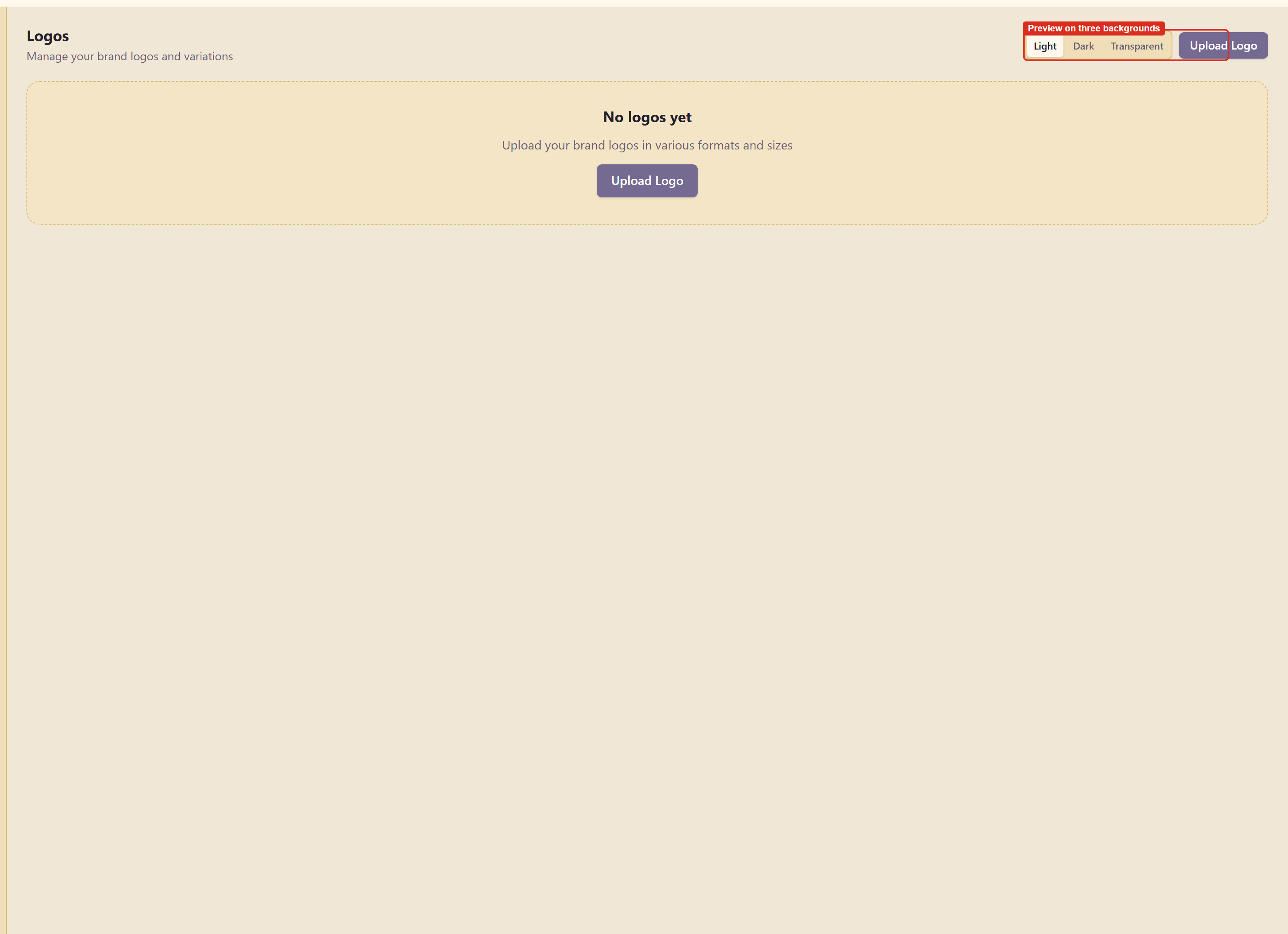
Check all three before you call a logo done. A mark that works on white and disappears on navy is a mark that will embarrass you later.
5. Add tokens
Section titled “5. Add tokens”Design Tokens turns brand values into names that code can use.
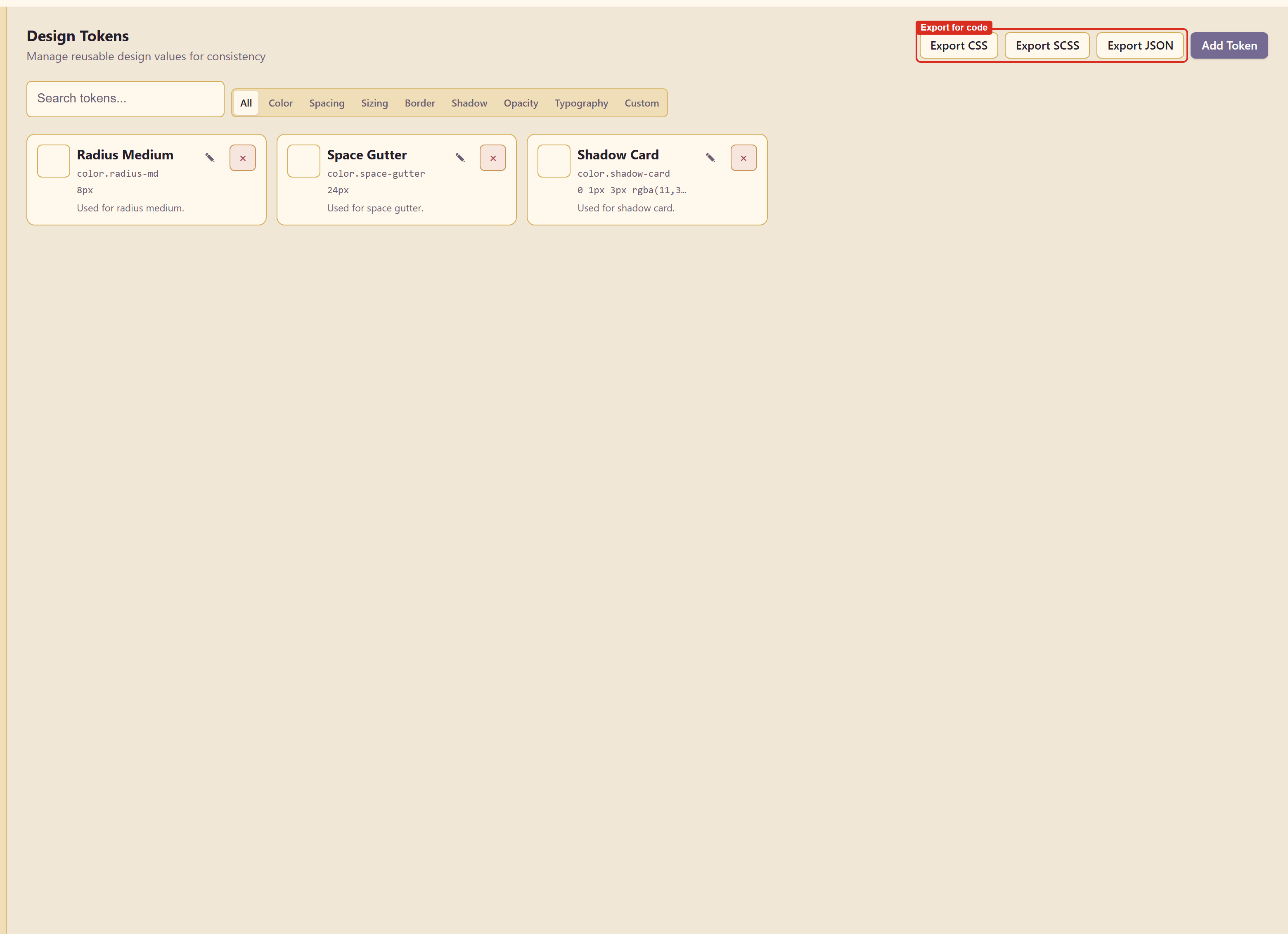
Each token has a display name, a token key — the part that gets exported — a value, and a category. Export CSS, Export SCSS, and Export JSON hand the set to developers.
6. Write the rules down
Section titled “6. Write the rules down”Brand Guidelines documents how the brand is used, in a rich-text editor, filed under categories like logo usage, colour rules, and accessibility.
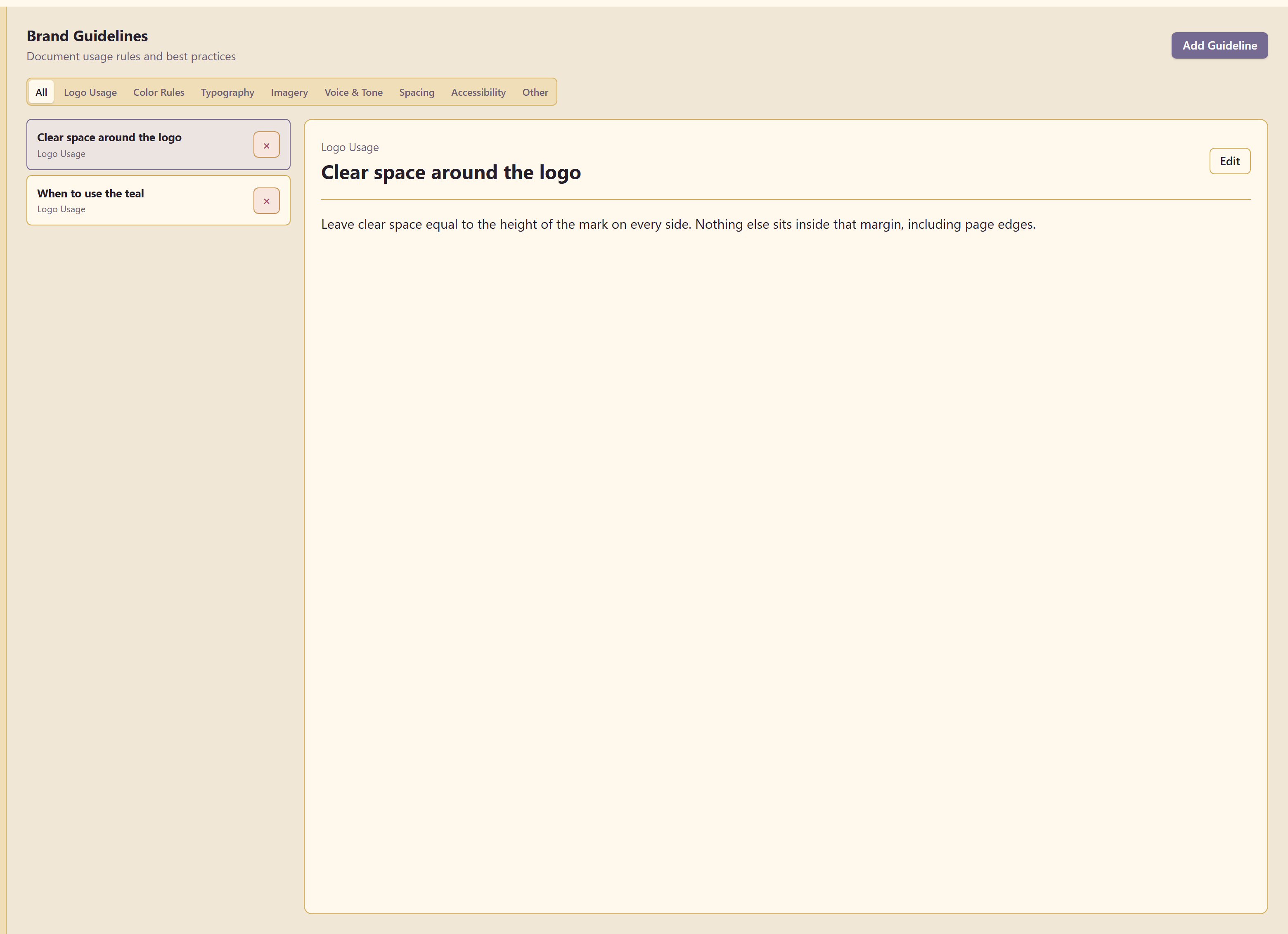
Write the rules people actually break. “Leave clear space equal to the height of the mark” is worth more than a page of history.
7. Snapshot it
Section titled “7. Snapshot it”Version History captures the whole brand in one restorable version.
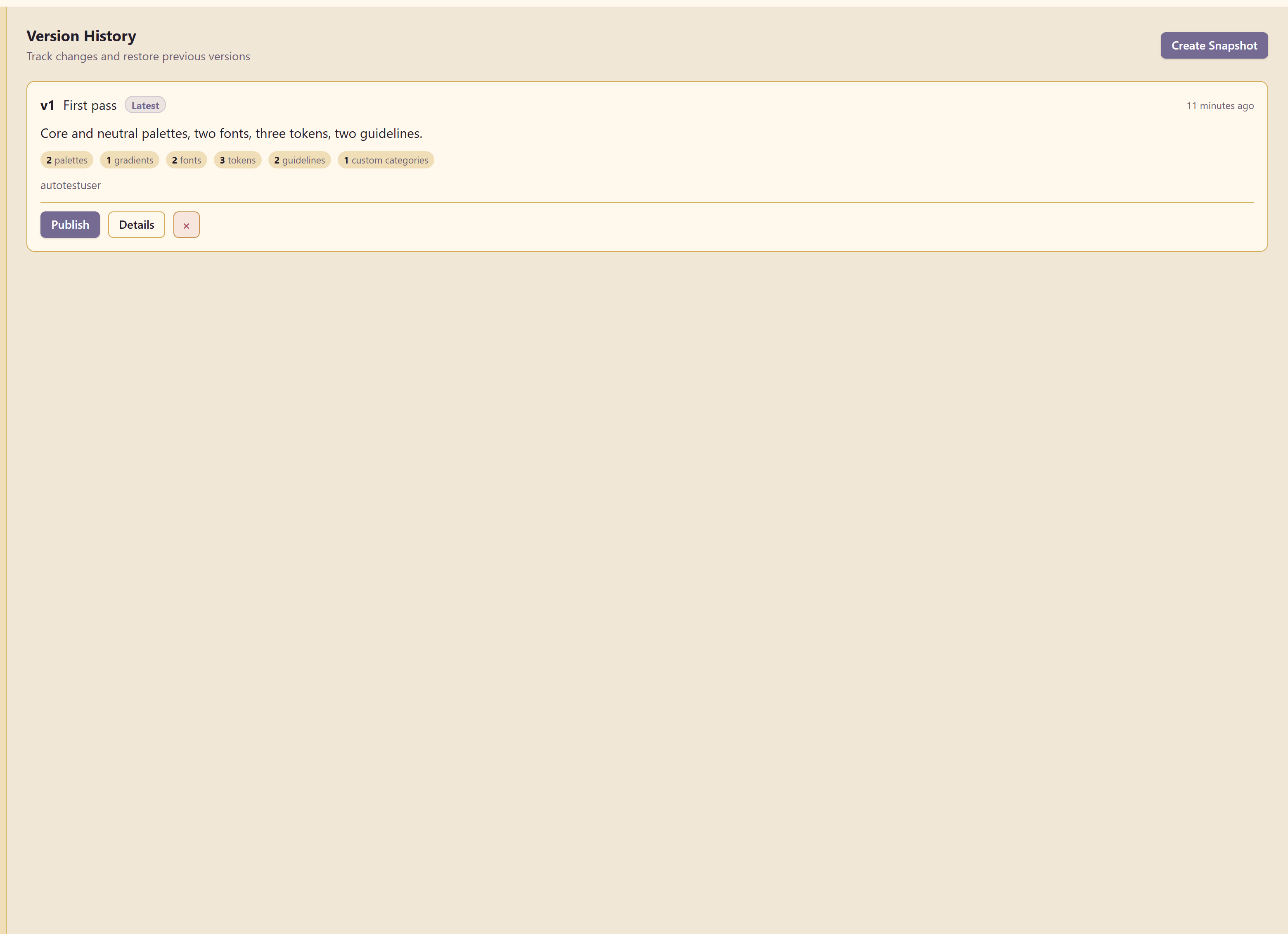
The dialog is explicit about what a snapshot covers: colours, typography, logos, tokens, guidelines, custom branding, and controls.
Take one before any large change. It is the only cheap way back.
Brand controls stops other people going off-brand. Export and share gets the brand out to developers and agencies.