
Filters and search
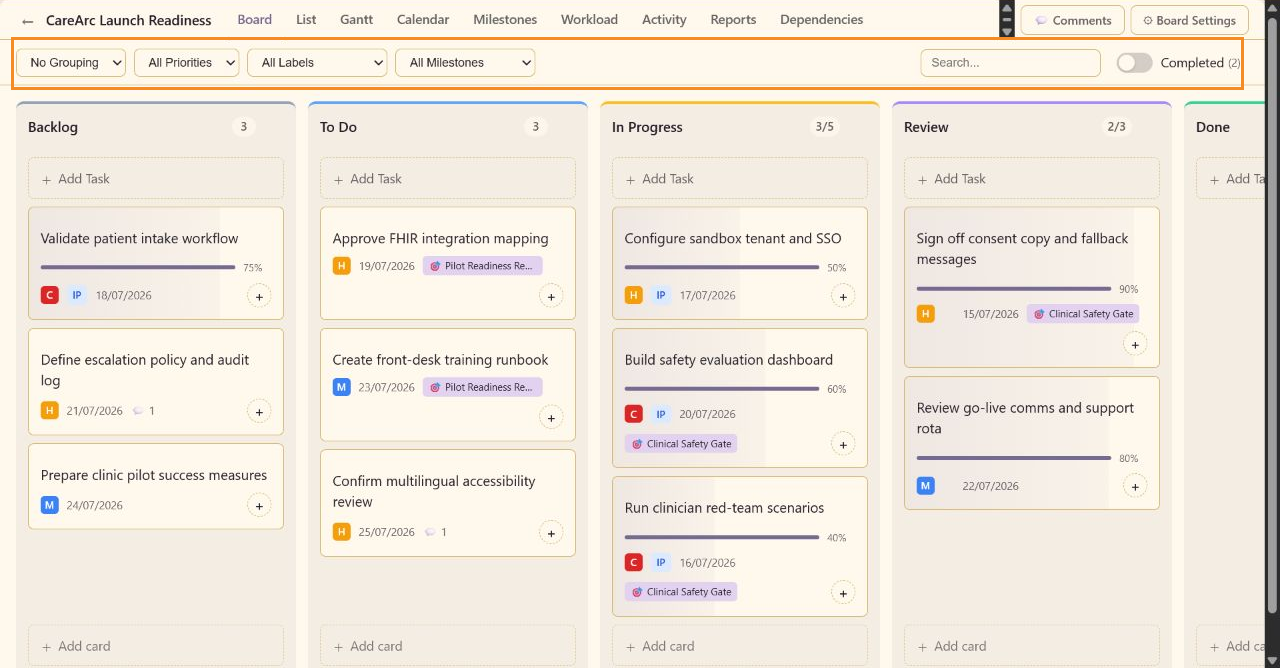
Filters narrow the current view without changing task records. Grouping changes how Board view organizes the same records.
Grouping
Section titled “Grouping”The grouping menu contains No Grouping, By Priority, By Assignee, By Status, and By Label. Board settings can choose the default grouping, but users can change it during a session.
Filters
Section titled “Filters”Use All Priorities for Critical, High, Medium, or Low work. Use All Labels for a built-in or custom label. Advanced mode adds All Milestones, including No Milestone and each named milestone.
Search and completion
Section titled “Search and completion”Search matches task text in the active view. The Completed toggle includes or hides completed tasks; its count shows how many completed records are available.
Restore No Grouping, All Priorities, All Labels, All Milestones, an empty search, and the default Completed state before diagnosing a missing task.