
Let respondents save and return later
Some forms cannot be finished in one sitting. The respondent needs a number from a colleague, a certificate they have not scanned yet, or ten minutes they do not have right now. Without somewhere to put an unfinished answer, they close the tab and start again later, or not at all.
Draft save and resume gives them a way to stop. It is off by default, and it requires Forms engine 1.2.0.
Turn it on
Section titled “Turn it on”Open Form settings in the builder toolbar (the gear icon) and check the engine version first.
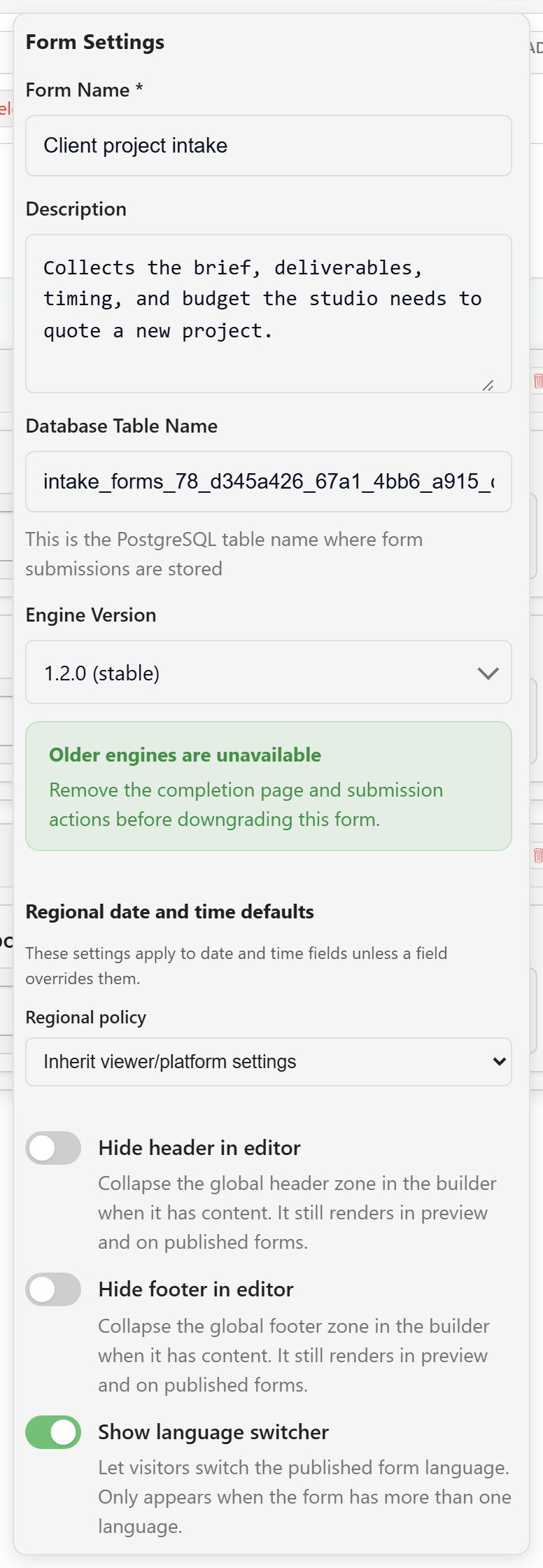
Then switch on Allow respondents to save and return later. The related options appear underneath.
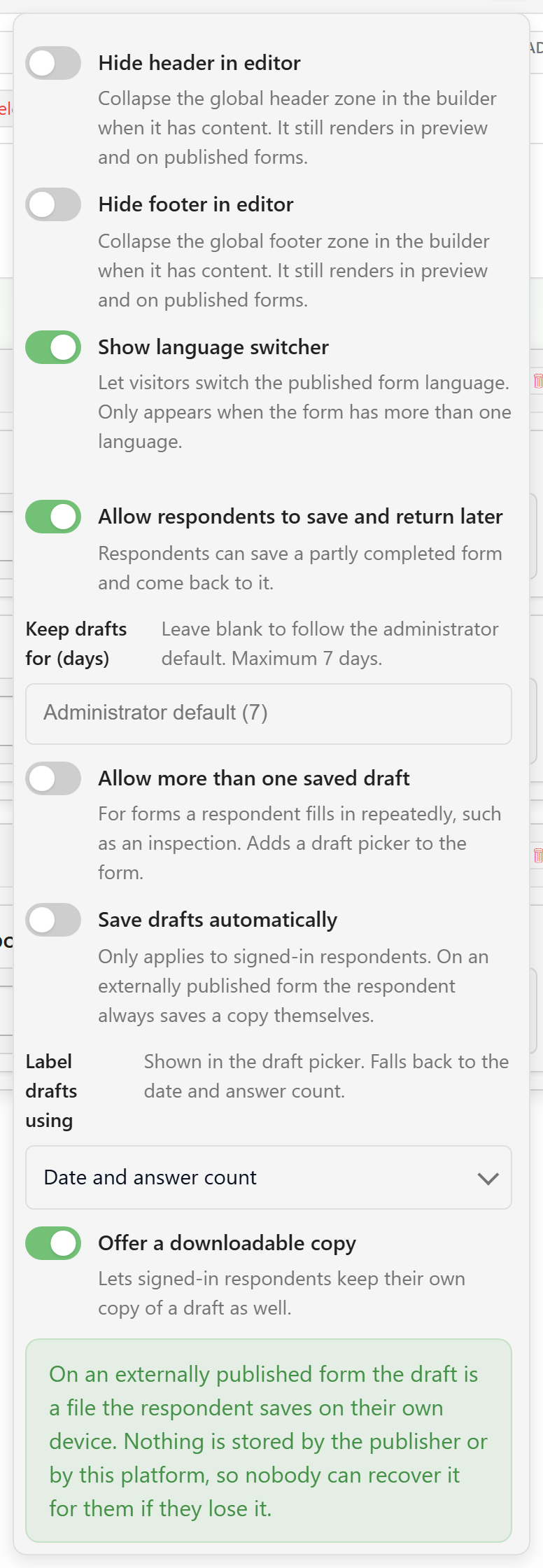
| Option | What it does | How to decide |
|---|---|---|
| Keep drafts for (days) | How long a saved draft survives before it is removed. Blank follows the administrator default; your administrator sets the maximum, and the platform caps retention at 30 days. | Match the real-world gap. A form waiting on a monthly report needs longer than one waiting on a phone call. |
| Allow more than one saved draft | Adds a draft picker so a respondent can keep several part-finished responses side by side, up to five per respondent per form. | On for forms filled in repeatedly, such as inspections, site visits, and weekly reports. Off for one-off applications. |
| Save drafts automatically | Saves in the background instead of only when the respondent asks. Applies to signed-in respondents. | On for long internal forms. Leave off when respondents share a device, where an automatic save is a surprise. |
| Label drafts using | The field whose answer names each draft in the picker. Falls back to the date and answer count. | Choose the field a respondent would use to tell two drafts apart, such as a site name, a request title, or a reference. |
| Offer a downloadable copy | Lets signed-in respondents also keep their own copy of a draft as a file. | On when people move between devices or want their own record. |
Save the form when you are done. Draft configuration is part of the schema, so it is versioned with everything else.
What the respondent gets
Section titled “What the respondent gets”The form gains a small control group beside it: save the answers so far, and load a copy that was saved earlier.
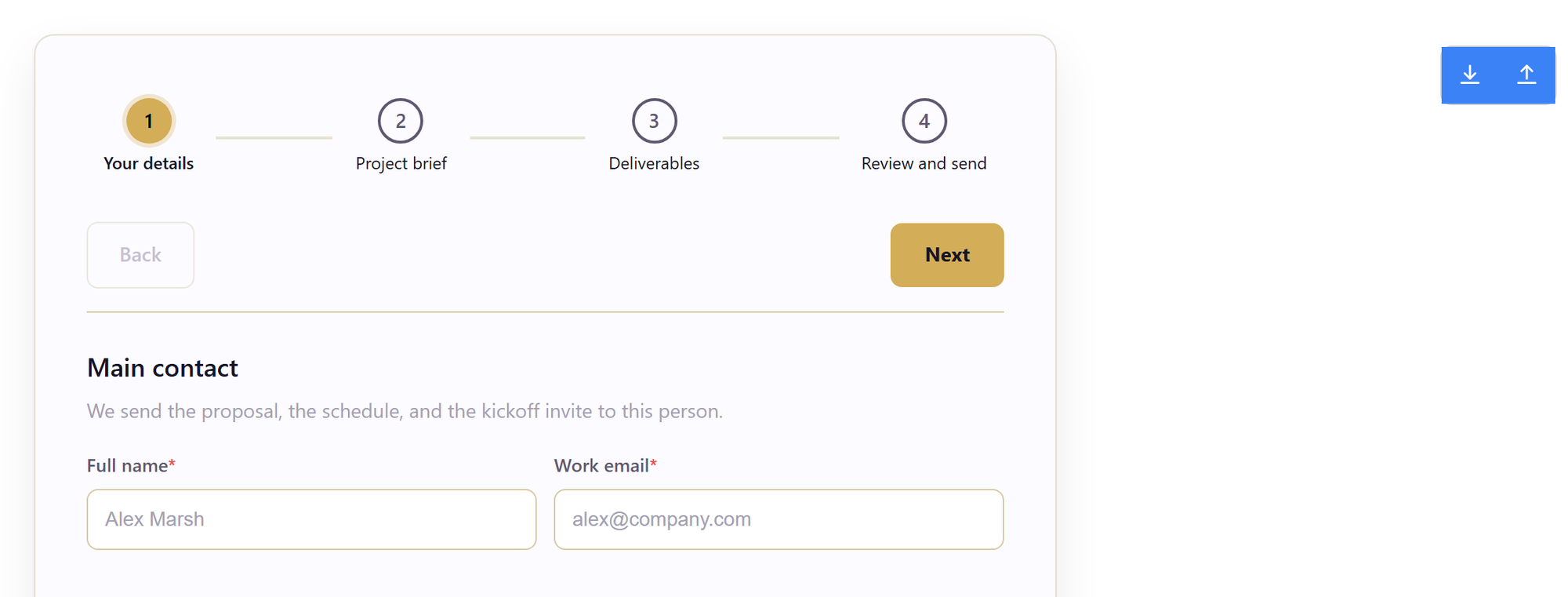
The wording respondents see follows the same pattern throughout:
- Save & continue later stores the current answers.
- Save a copy of my answers downloads the draft as a file.
- Load a saved copy restores from a downloaded file.
- After saving to an account: “Saved to your account. Removed after N days.”
- After saving a file: “Saved. Keep this file safe — it contains your answers.”
- On return: “We restored your saved answers,” with a count of restored answers and attachments.
All of this text is part of the form’s translatable chrome, so a form with translation sets shows it in the respondent’s language.
Two different promises
Section titled “Two different promises”Signed-in respondents get drafts stored against their account. They can come back on another device, keep several drafts if you allowed it, and discard a draft they no longer want.
Externally published forms work differently: the draft is a file the respondent saves on their own device. Neither the publisher nor the platform stores anything. If they lose the file, nobody can recover it for them. The settings panel says this in the form itself, and it is worth repeating in your own instructions to respondents.
The platform caps a draft file at 25 MB. A form carrying several large attachments can exceed that. The respondent is then asked to submit now or remove an attachment, rather than being left with a save that failed without saying so.
When a draft no longer matches the form
Section titled “When a draft no longer matches the form”Forms change while drafts are sitting in people’s accounts. When a restored draft does not line up with the current form, the renderer restores what it can and says what it could not: “N restored, but M could not be,” naming the fields to re-enter. A draft saved by a newer version of the form is refused rather than partially applied.
This is a good reason to think before renaming or removing a field on a live form with drafts outstanding. Check versions, schema, and storage before a structural change, the same as you would for stored responses.
Things worth knowing
Section titled “Things worth knowing”- A form with a consent field asks the respondent to accept it before a draft can be saved.
- If the same draft is edited in two places, the respondent is asked which version to keep rather than one silently overwriting the other.
- Drafts are answers in progress, not submissions. They do not appear in the response table, in exports, or in analytics.
- Preview shows the draft controls but does not store anything, so nothing you do there creates a real draft.
Related
Section titled “Related”- Configure settings and localization for the rest of the settings panel.
- Publish, submit, and recover for how published copies reach respondents.
- Design the form for navigation choices that shorten a long form.