
Hand
Hand moves your view of the canvas. It changes nothing in the design.
Activating it
Section titled “Activating it”Press H.
The rail highlights the active tool, and only one is active at a time.
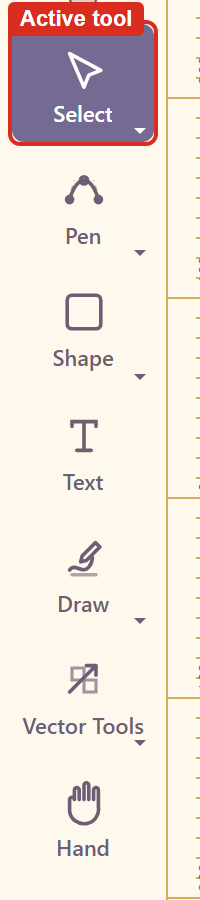
Note that clicking the tool button in the rail does not switch tools on the version tested — the highlight stays where it was. The keyboard shortcut is the reliable route. Troubleshooting has the detail.
What it does
Section titled “What it does”Drag anywhere and the canvas moves under the pointer. Because the tool cannot select, there is no way to move an element by accident while panning.
Why it earns its keyboard shortcut
Section titled “Why it earns its keyboard shortcut”Most early frustration with a canvas tool is dragging something you meant to scroll past. Switching to H before navigating removes that failure completely, and V puts you back to selecting.
Print designs open well below 100% — a poster opens around 31% — so panning at a working zoom is a constant activity rather than an occasional one.
Related
Section titled “Related”Select is what you return to. Work on the canvas covers zoom.