
Allocate people to a project
Allocation happens from inside a project, not from the resource pool. The pool lists people and reports how loaded they are; the project is where you say who is working on what, for how much of their time, and between which dates.
Open the project team
Section titled “Open the project team”Open the project and choose Resources in the left navigation.
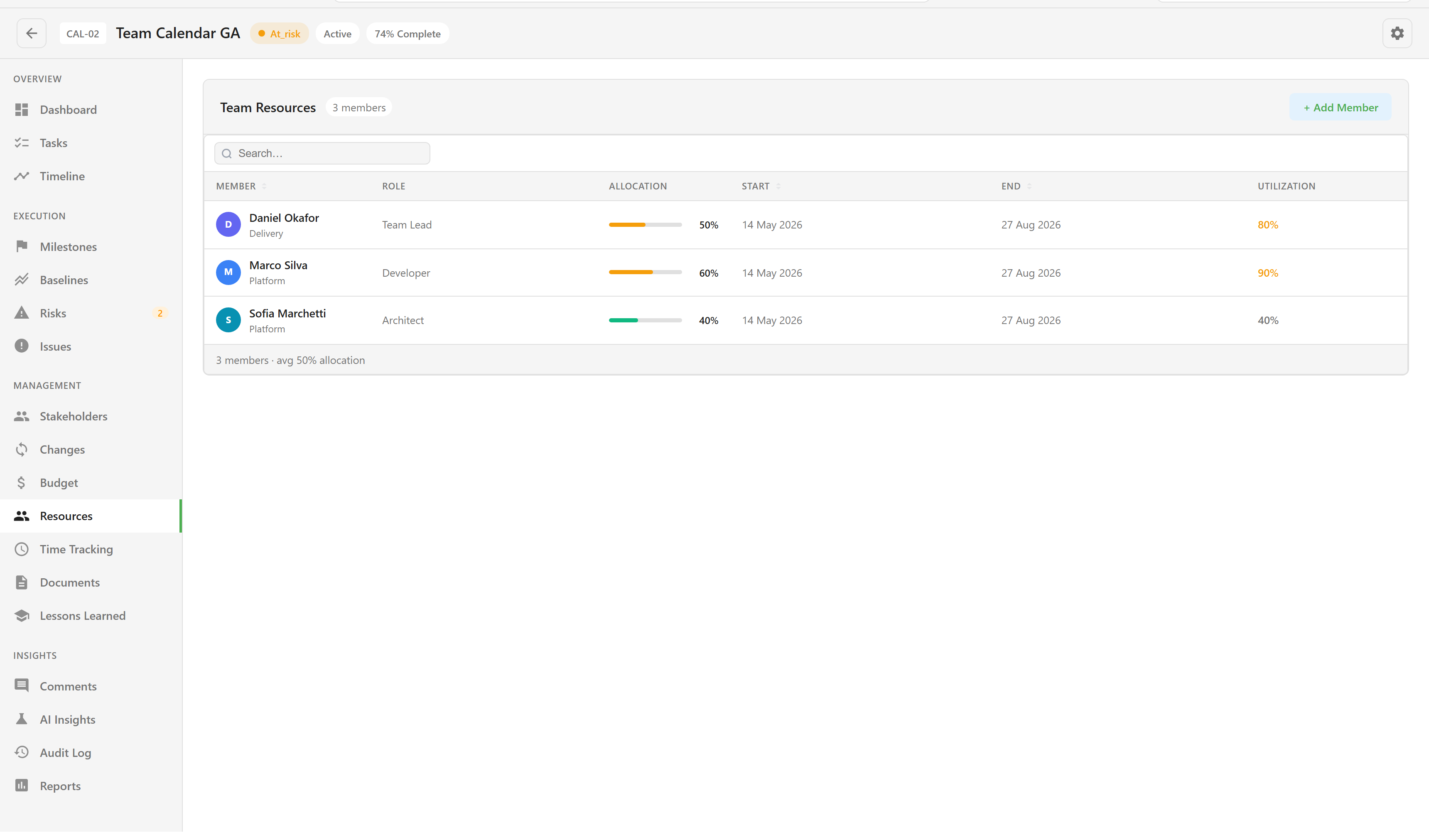
The table gives each member a row: their Role on this project, their Allocation here, the Start and End of that allocation, and their Utilization across everything. The footer summarises the team and warns when anybody is over-allocated.
Add somebody
Section titled “Add somebody”Choose + Add Member and search. The picker accepts three kinds of person and labels which one you have found:
- Platform User: has a Lunar Paper account but no resource record yet. One is created for them.
- Resource Pool: already in the pool. The badge also shows how utilised they already are, which is the number you want before committing them.
- External: neither. A resource is created and flagged external.
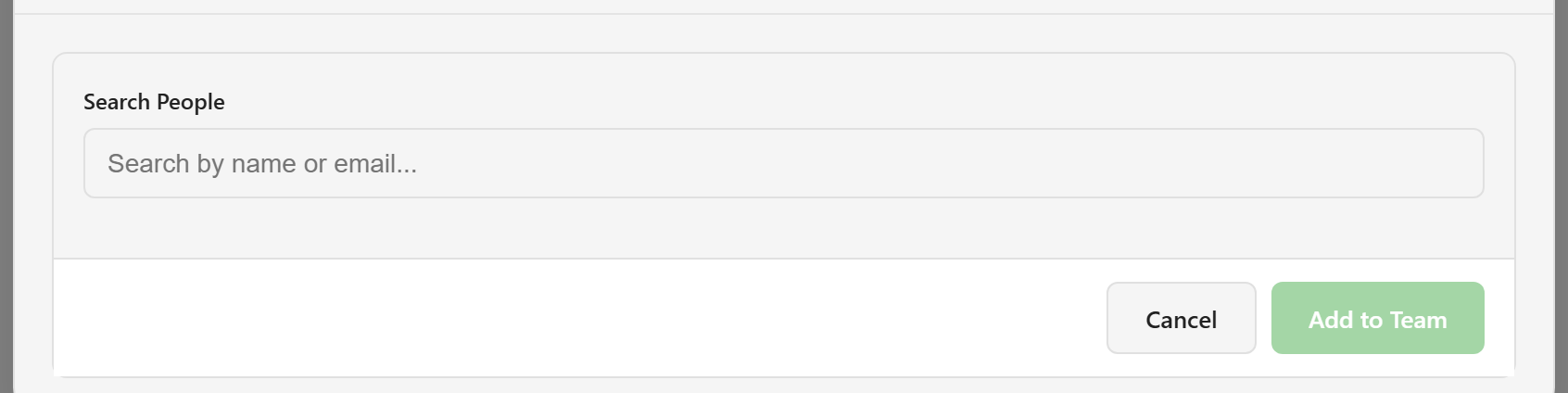
Then set the allocation itself:
| Field | Notes |
|---|---|
| Role on Project | Defaults to “Same as resource role”. Use the project’s own role list where the person is doing something different here. |
| Allocation % | A slider from 10 to 100 in steps of 10. Defaults to 100. |
| Start Date | Defaults to today. |
| End Date | Optional. Leave it open for an ongoing commitment. |
Choose Add to Team.
Choose a percentage that means something
Section titled “Choose a percentage that means something”The percentage is a share of that person’s working time, and it is the only number the platform adds up. Somebody on three projects at 50%, 40%, and 30% shows 120% and turns red, whether their capacity says 40 hours or 20.
Because nothing converts the figure to hours, treat it as a planning commitment rather than a timesheet. Half-time on two projects is 100%, and that is the signal you want the pool to show.
Change or end an allocation
Section titled “Change or end an allocation”The pencil on a row opens Edit Allocation with the same four fields. Use it when somebody’s share changes rather than removing and re-adding them, so the record stays continuous.
The bin removes the person from the team. It does this immediately, with no confirmation, so read the row before you click it.
Bring in people already doing the work
Section titled “Bring in people already doing the work”When a board is linked to the project, ↻ Sync from Tasks appears once there are task assignees who are not on the team. It adds them in bulk at 50% each, creating resources where needed, and reports how many it added and how many were already there.
The same thing happens one person at a time whenever somebody is assigned a task on a linked board. Allocation and utilisation covers what that does to the pool’s numbers.