Audio reference
The audio controls live in the animation timeline, because you usually edit audio and animation timing together.

Narration actions
Section titled “Narration actions”| Action | Purpose |
|---|---|
| Record | Record microphone narration for the current slide. |
| Import | Import narration or background music from an audio file. |
| AI Voice | Generate narration from speaker notes or slide content. |
| Language selector | Edit a specific narration language track. |
| Narration block | Preview, edit, duplicate, delete, or reorder narration timing. |
Background music settings
Section titled “Background music settings”| Setting | Purpose |
|---|---|
| Enabled | Turns presentation-level music on or off. |
| Upload / library / AI music | Adds a music source when available. |
| Volume | Sets music loudness. |
| Loop | Repeats music during playback. |
| Fade in / fade out | Smooths the start and end. |
| Duck during narration | Lowers music while narration plays. |
| Duck volume | Sets how quiet the music gets during narration. |
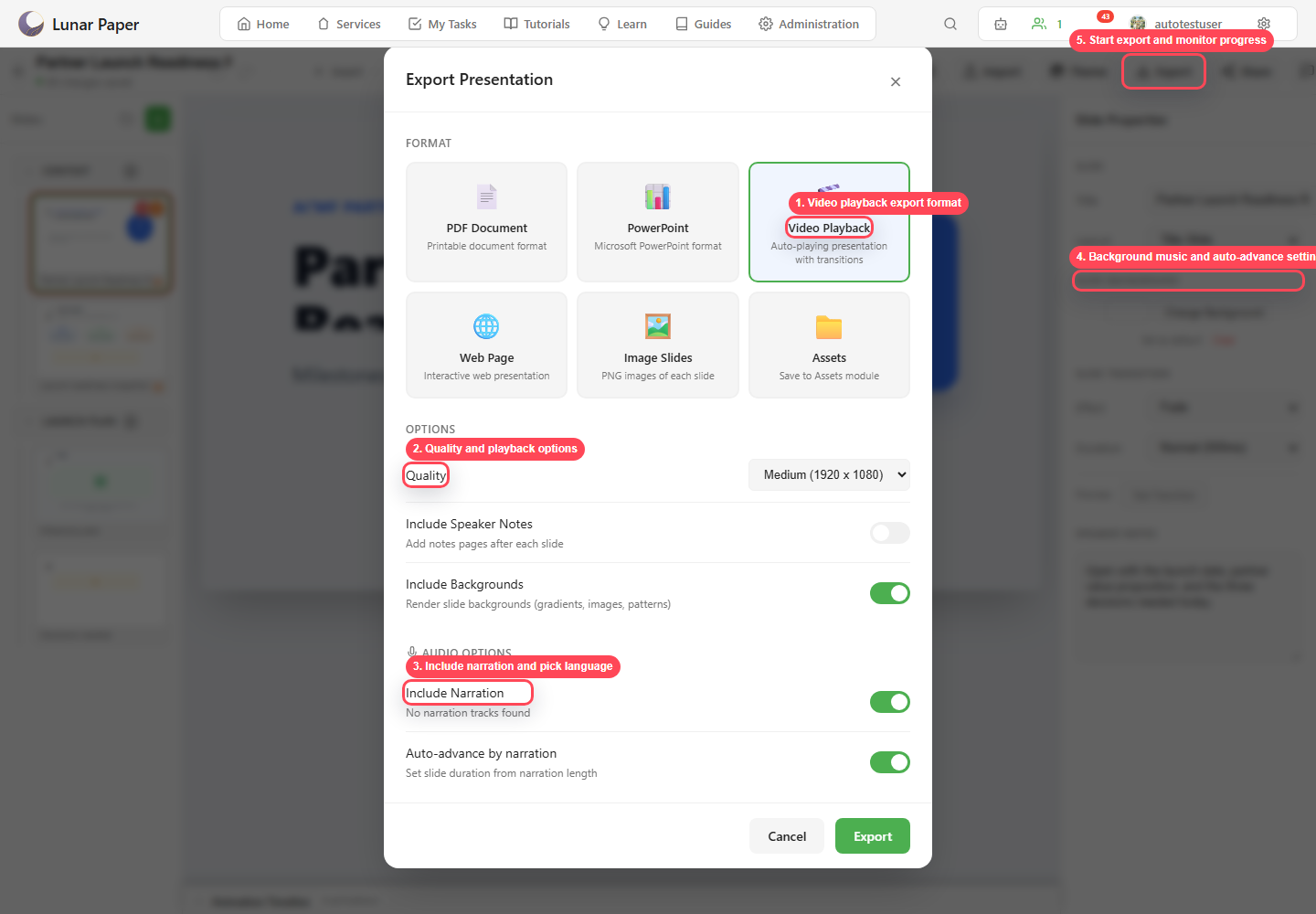
Export settings
Section titled “Export settings”Use video or web export when audio should travel with the deck.