Forms
Forms is Lunar Paper’s service-scoped intake and data-collection module. Use it to design multi-page forms, apply validation and conditional logic, publish authenticated or external copies, collect files and signatures, and review or export the responses.
Where Forms lives
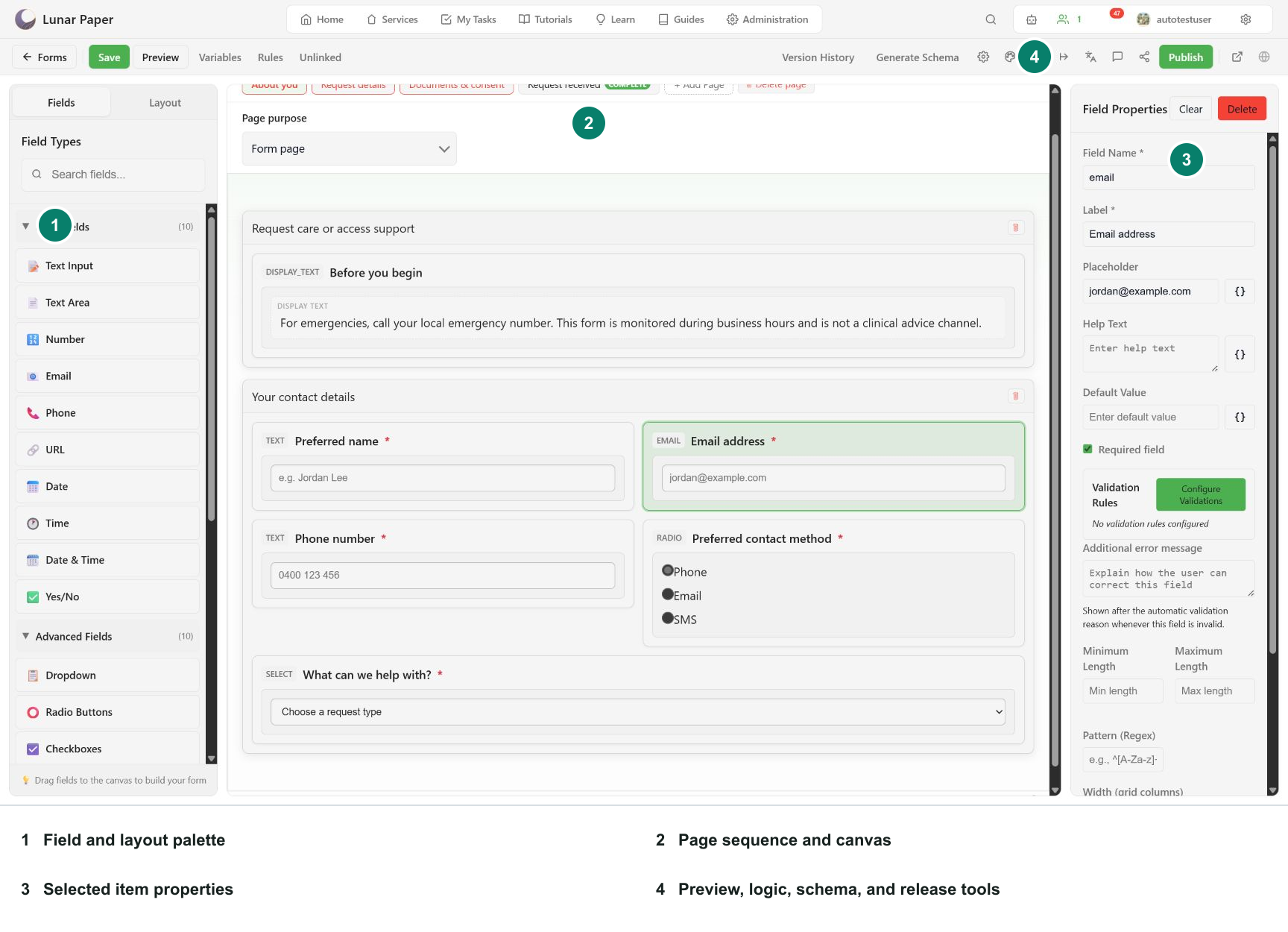
Section titled “Where Forms lives”Open a service and choose Forms from Process Modules. Forms, submissions, publishing configuration, comments, and generated storage all stay scoped to that service.
The lifecycle
Section titled “The lifecycle”- Create a blank form, import a schema, or start with AI.
- Shape pages, sections, fields, layouts, repeaters, and respondent navigation.
- Add validation, variables, conditional rules, translations, and regional policy.
- Preview the shared renderer on desktop, tablet, and phone.
- Save versions, generate storage schema, and review unlinked columns.
- Configure access, publishing locations, and post-submission actions.
- Publish, submit, inspect responses, export CSV, and review analytics.
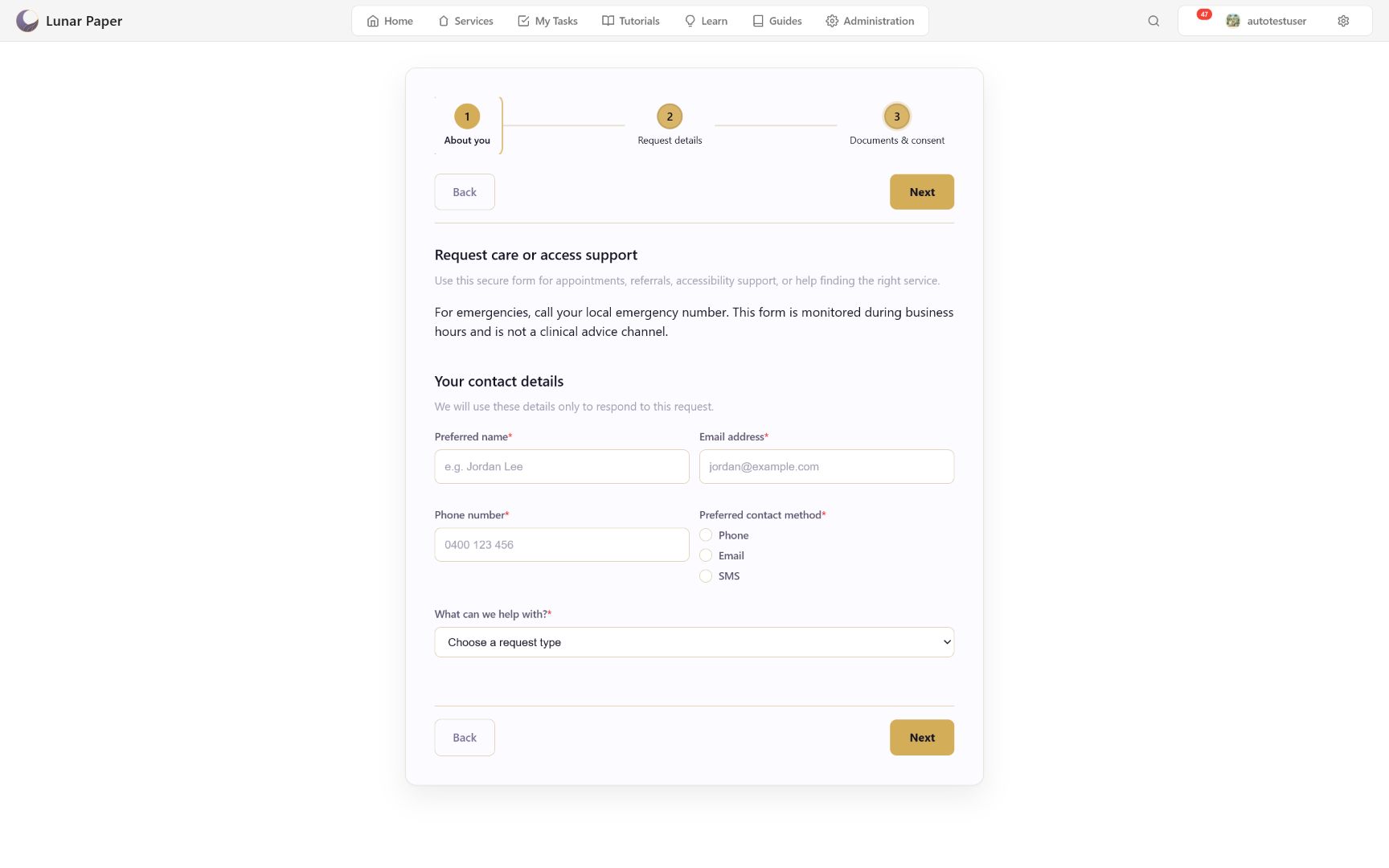
Draft preview, the authenticated published form, and submitted-response playback share one renderer, so field behavior and layout stay consistent across authoring, delivery, and audit. New forms use engine 1.2.0; older forms open without rewriting their saved schema. Builder chrome always uses Lunar Paper platform UI, while the form itself uses the selected theme or a locked Brand Hub version.
Where to go
Section titled “Where to go”| If you want to | Go to |
|---|---|
| Publish a working form in about fifteen minutes | Quickstart |
| Follow a specific workflow end to end | Guides — thirteen task walkthroughs |
| Find which page covers a capability | Forms capabilities |
| Look up fields, layouts, or builder settings | Field types, Layouts, Builder and settings |
| Look up response columns, exports, or metrics | Submissions and analytics |
| Check builder shortcuts and accessibility | Keyboard and accessibility |
| Understand how rendering and engines work | Rendering and form engines |
| Understand how answers are stored | Form data model and storage |
| Understand delivery, access, and safety | Publishing, access, and security |
| Understand translation, formatting, and logic together | Localization, variables, and rules |
| Fix something that is not behaving | Troubleshooting |
The examples in these screenshots
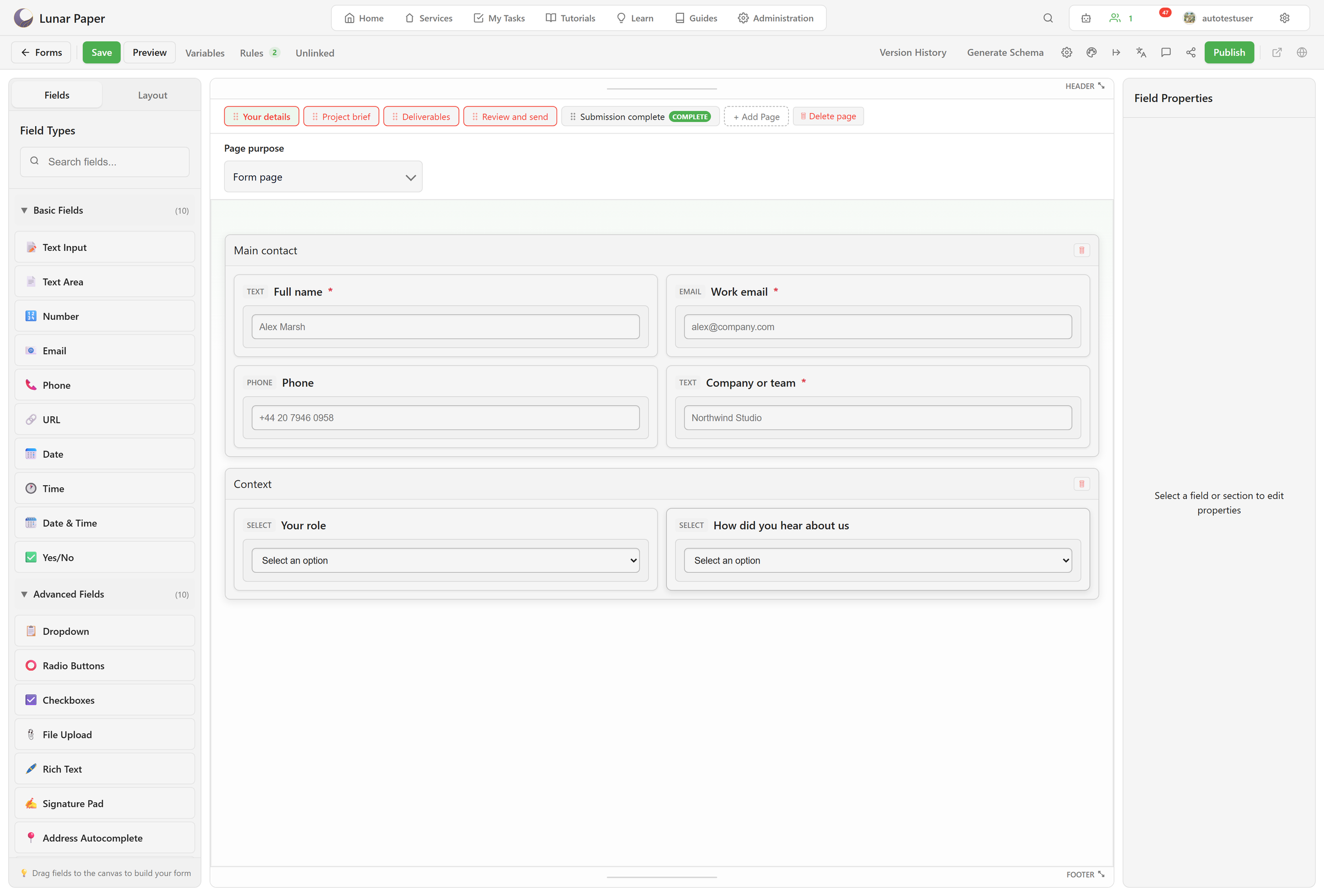
Section titled “The examples in these screenshots”Most captures use CareArc Patient Access & Support Request, a fictional clinic intake form. It collects contact preferences, request type, urgency, clinic, accessibility needs, an appointment window, optional attendees, consent, and a typed signature. Design, theming, AI, and draft captures use Client project intake, a four-page studio enquiry form with a deliverables repeater and gated stepper navigation.