
Export and publish
Four things in the toolbar get a design out, and they do different jobs.
Check design
Section titled “Check design”Check design runs a preflight before the design goes anywhere.
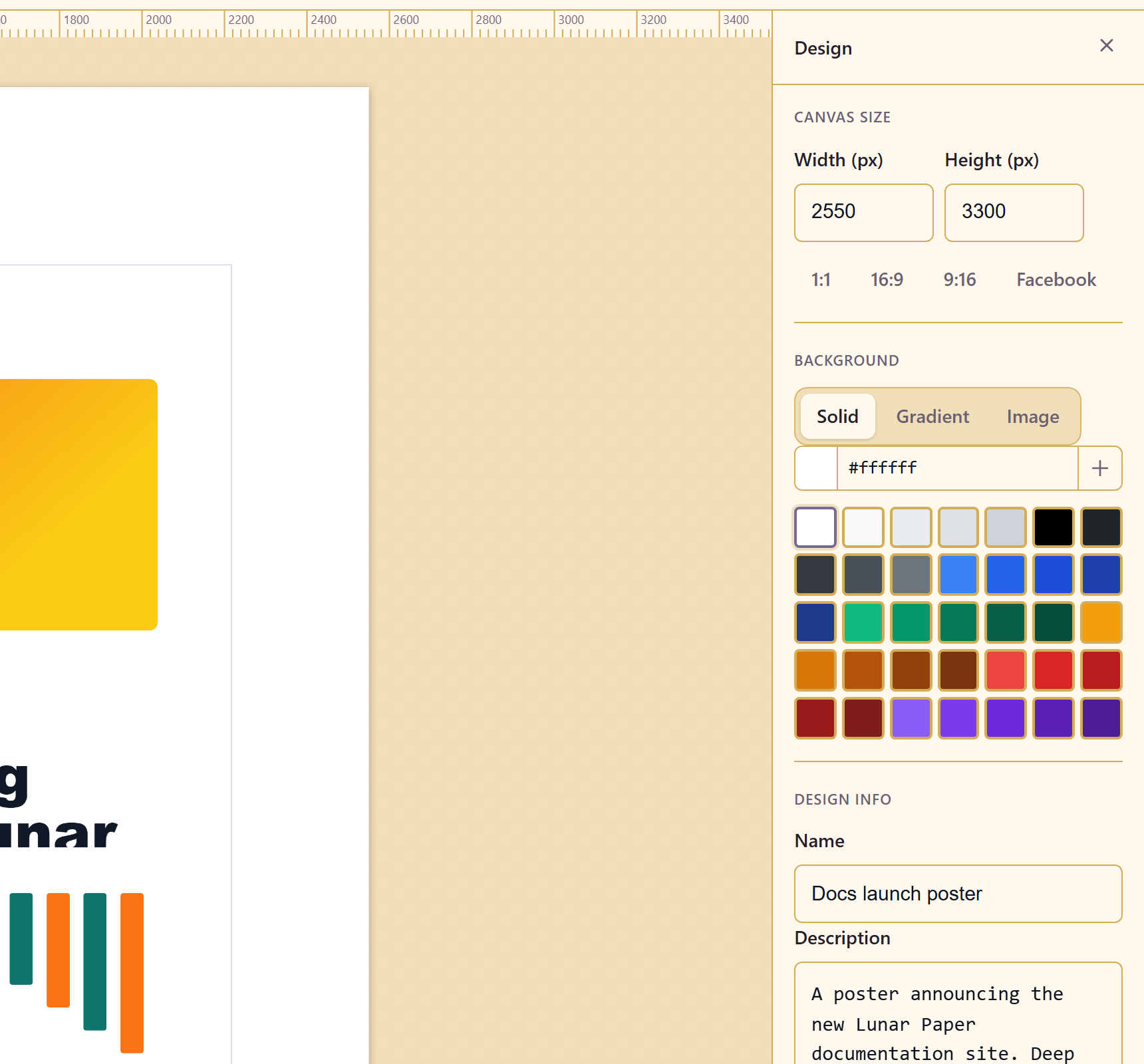
Run it on anything going to print. A preflight is the cheapest place to find a resolution problem or an element outside the safe area; a printer is the most expensive.
Export
Section titled “Export”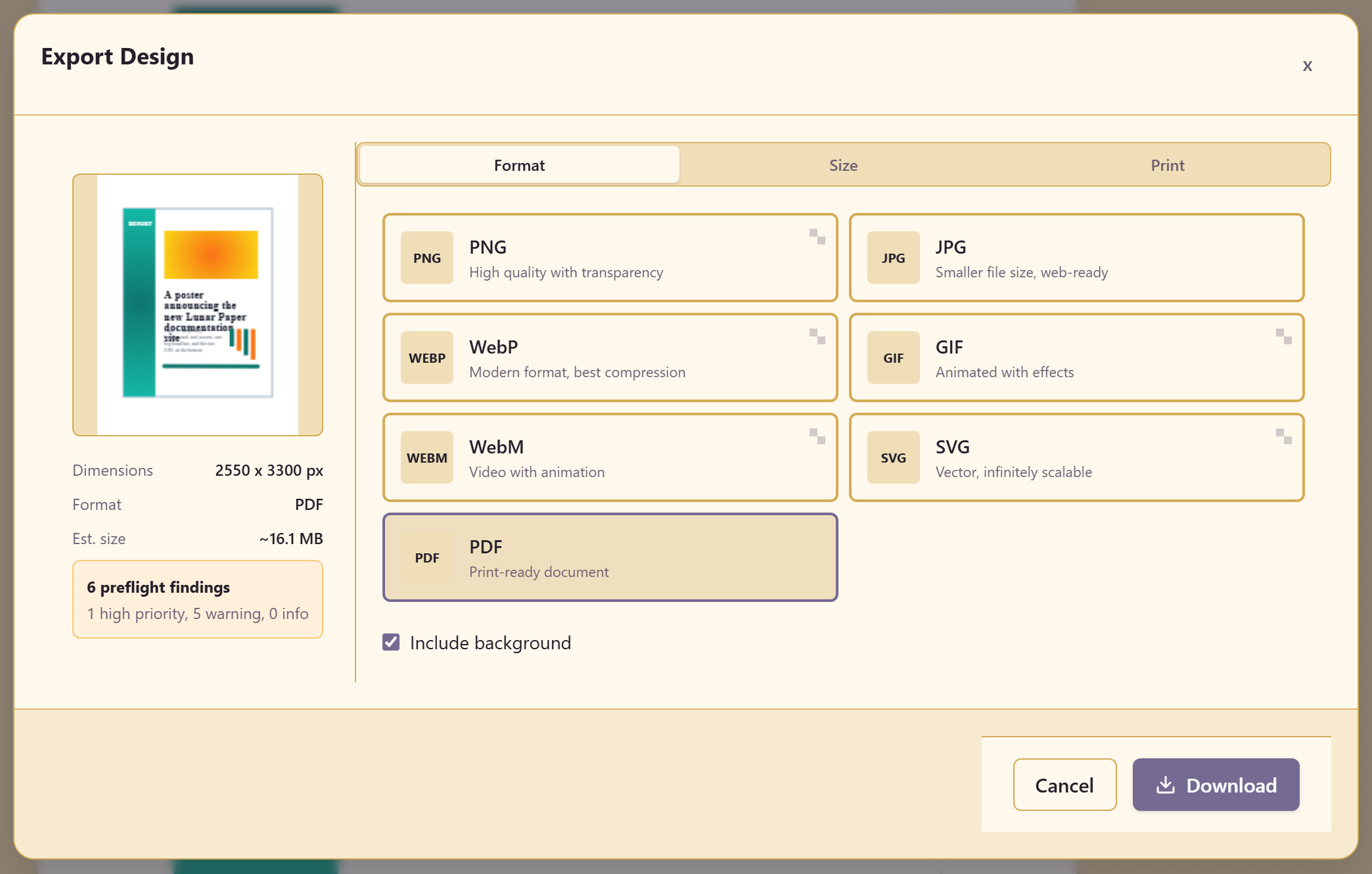
Export Design produces the file. Match the settings to the export intent you chose in the brief — print work and screen work want different things.
Document settings
Section titled “Document settings”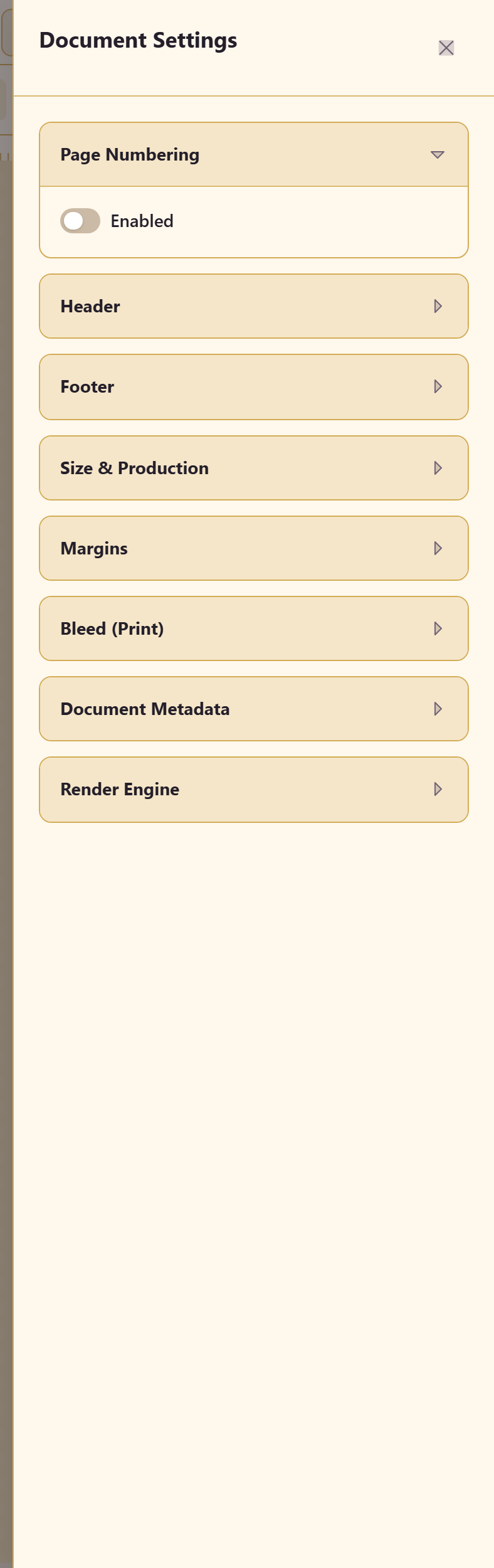
Document Settings holds document-level options that apply to the whole design rather than to one element.
Share and publish
Section titled “Share and publish”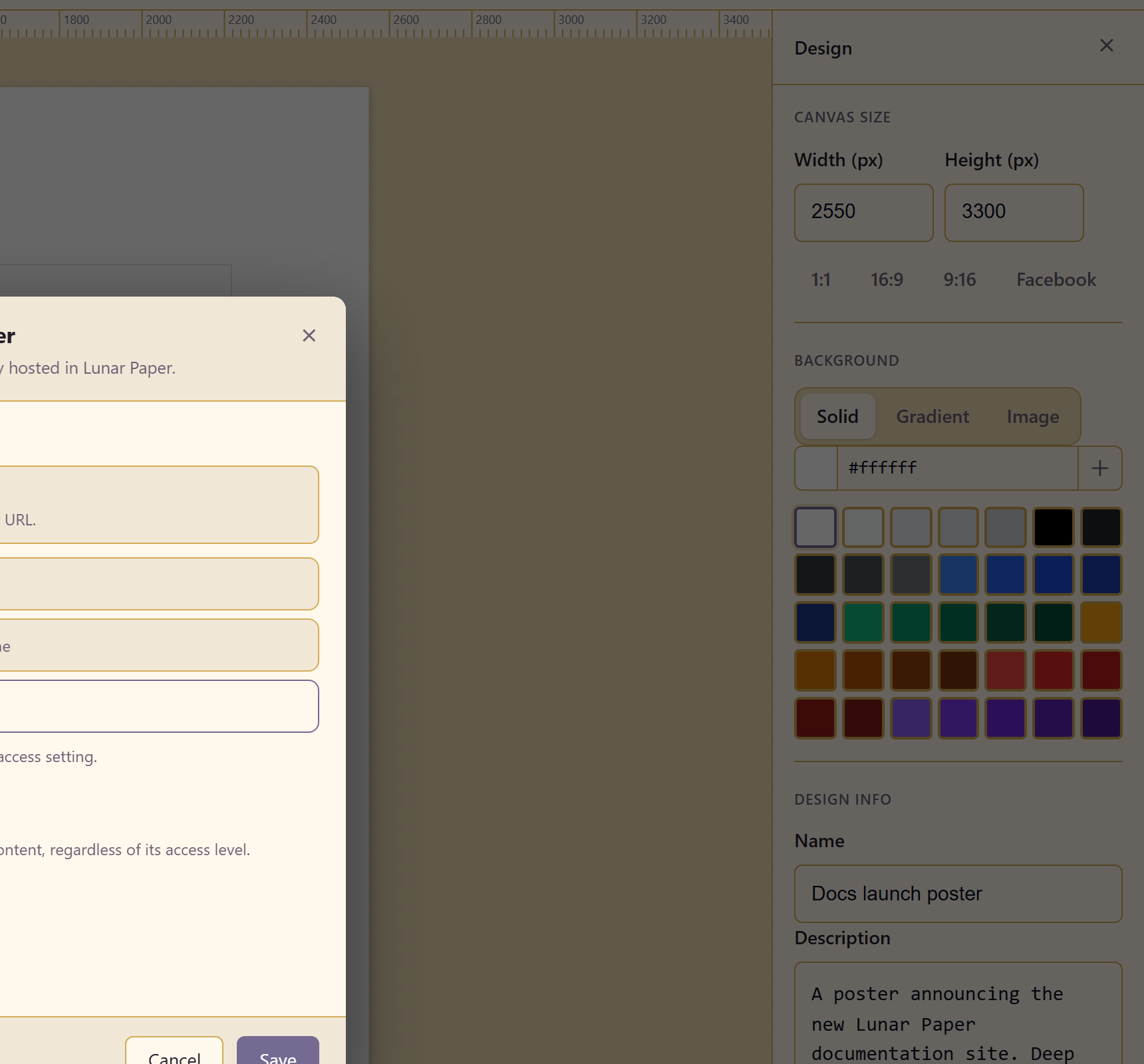
Share gives other people access to the design itself, so they can open and edit it. Publish puts the finished design out for readers.
The distinction matters. Share is for collaborators; publish is for the audience.
Version history
Section titled “Version history”Version History, on Shift+H, holds earlier states. Take the shortcut seriously on a design you are about to experiment with.
Related
Section titled “Related”Generate with AI sets the export intent at the start. Work on the canvas covers the rest of the toolbar.