
Keyboard shortcuts
These shortcuts work inside Audio Studio.
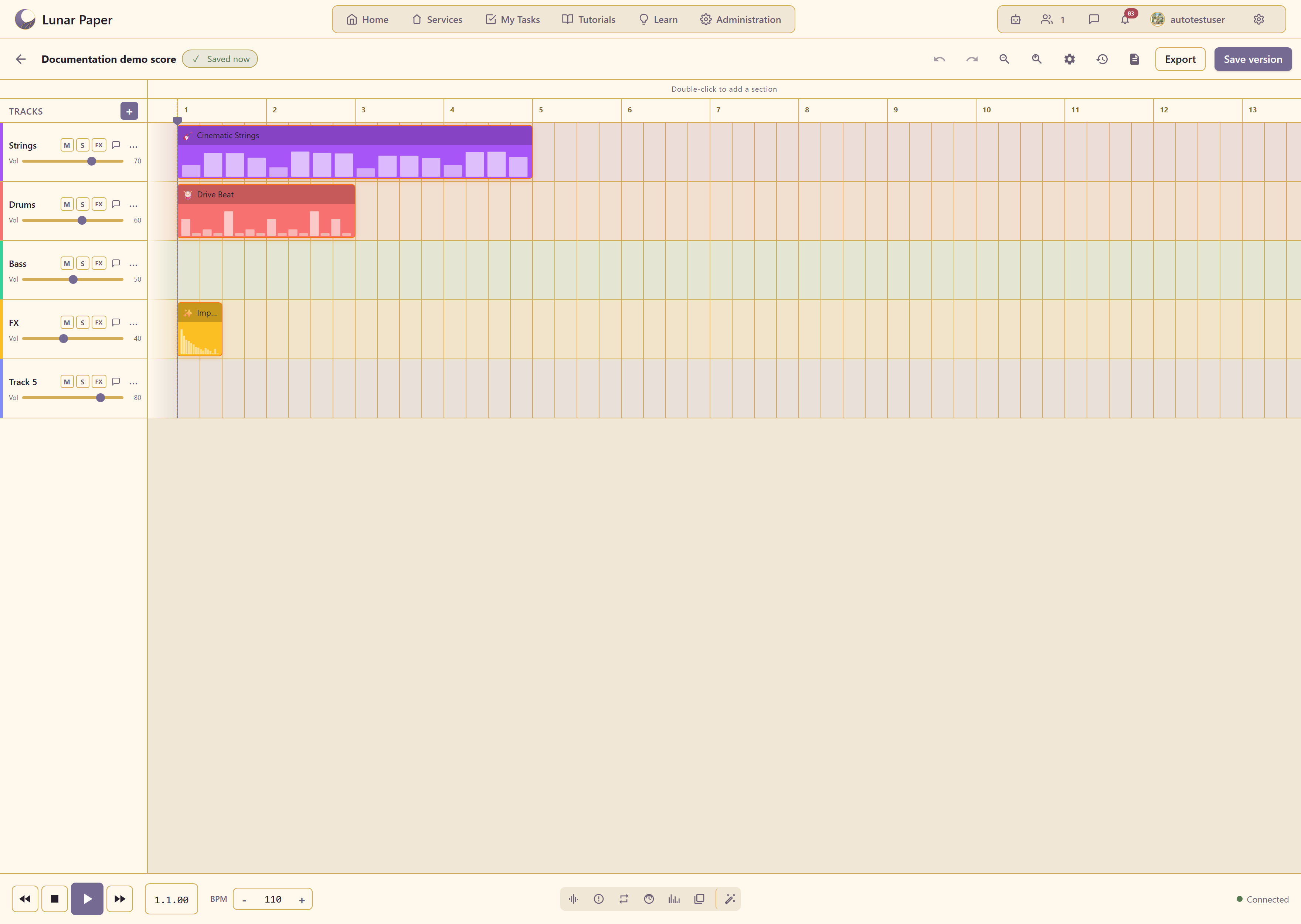
Playback and transport
Section titled “Playback and transport”| Shortcut | Action |
|---|---|
Space |
Play / stop. |
Home |
Jump to the start of the project. |
End |
Jump to the end of the project. |
← |
Move the playhead left by one bar. |
→ |
Move the playhead right by one bar. |
Editing
Section titled “Editing”| Shortcut | Action |
|---|---|
Ctrl+S |
Save the project. |
Ctrl+Z |
Undo the last edit. |
Ctrl+Shift+Z |
Redo a previously undone edit. |
Delete |
Delete the selected section or track. |
Ctrl+Plus |
Zoom in on the timeline. |
Ctrl+Minus |
Zoom out on the timeline. |
Panels
Section titled “Panels”| Shortcut | Action |
|---|---|
M |
Toggle the Mixer panel. |
S |
Toggle the Spatial panel. |
P |
Toggle the Presets panel. |
L |
Toggle the Loop panel. |
Browser defaults can override some of these shortcuts. If a shortcut does not respond, use the on-screen button instead.
The same actions on screen
Section titled “The same actions on screen”- The on-screen equivalents are labeled in the Editor reference.
- For what the track buttons do, read Work with tracks.
- For editing on the timeline, read Build an arrangement with sections.