
Connector catalogue
There are twenty-two connectors, grouped here the way the Add Connection wizard groups them. Required fields must be filled before a connection can be tested.
Alongside these, Data Hub accepts a direct file upload — CSV, XLSX, or XLS up to 50 MB — which needs no connector at all.
Self-hosted databases
Section titled “Self-hosted databases”Databases you run yourself, on your own hardware or in your own containers. All nine speak SQL directly.
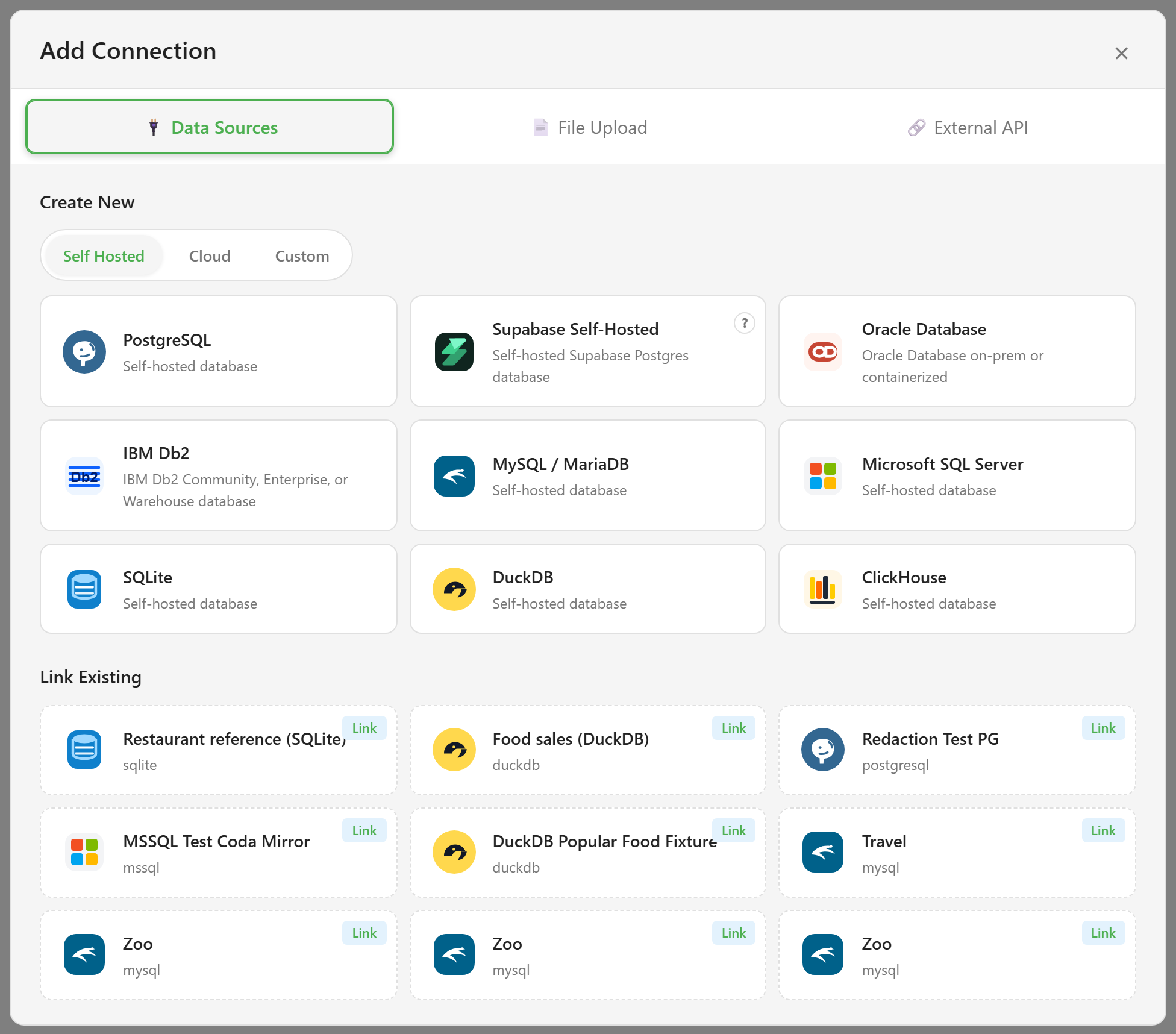
| Connector | Required fields | Also accepts |
|---|---|---|
| PostgreSQL | host, port, database, username, password | schema, ssl |
| Supabase Self-Hosted | host, port, database, username, password | schema, ssl |
| Oracle Database | host, port, serviceName, username, password | schema |
| IBM Db2 (needs an optional driver) | host, port, database, username, password | schema, ssl |
| MySQL / MariaDB | host, port, database, username, password | ssl |
| Microsoft SQL Server | server, port, database, username, password | schema, trustServerCertificate |
| SQLite | filepath | readonly, createIfMissing |
| DuckDB | filepath | schema, readonly, createIfMissing |
| ClickHouse | host | port, database, username, password, secure |
Supabase Self-Hosted is PostgreSQL underneath and takes the same fields. Use it rather than the plain PostgreSQL connector so the connection is labelled for what it is.
SQLite and DuckDB are file-based, so they take a path rather than a host. The path is read by the server, not your browser, so it has to be reachable from wherever the platform runs. On Windows, write the path with forward slashes — backslashes are stripped by the field.
ClickHouse only insists on a host; everything else has a workable default.
Cloud databases and services
Section titled “Cloud databases and services”Managed databases and SaaS products someone else runs.
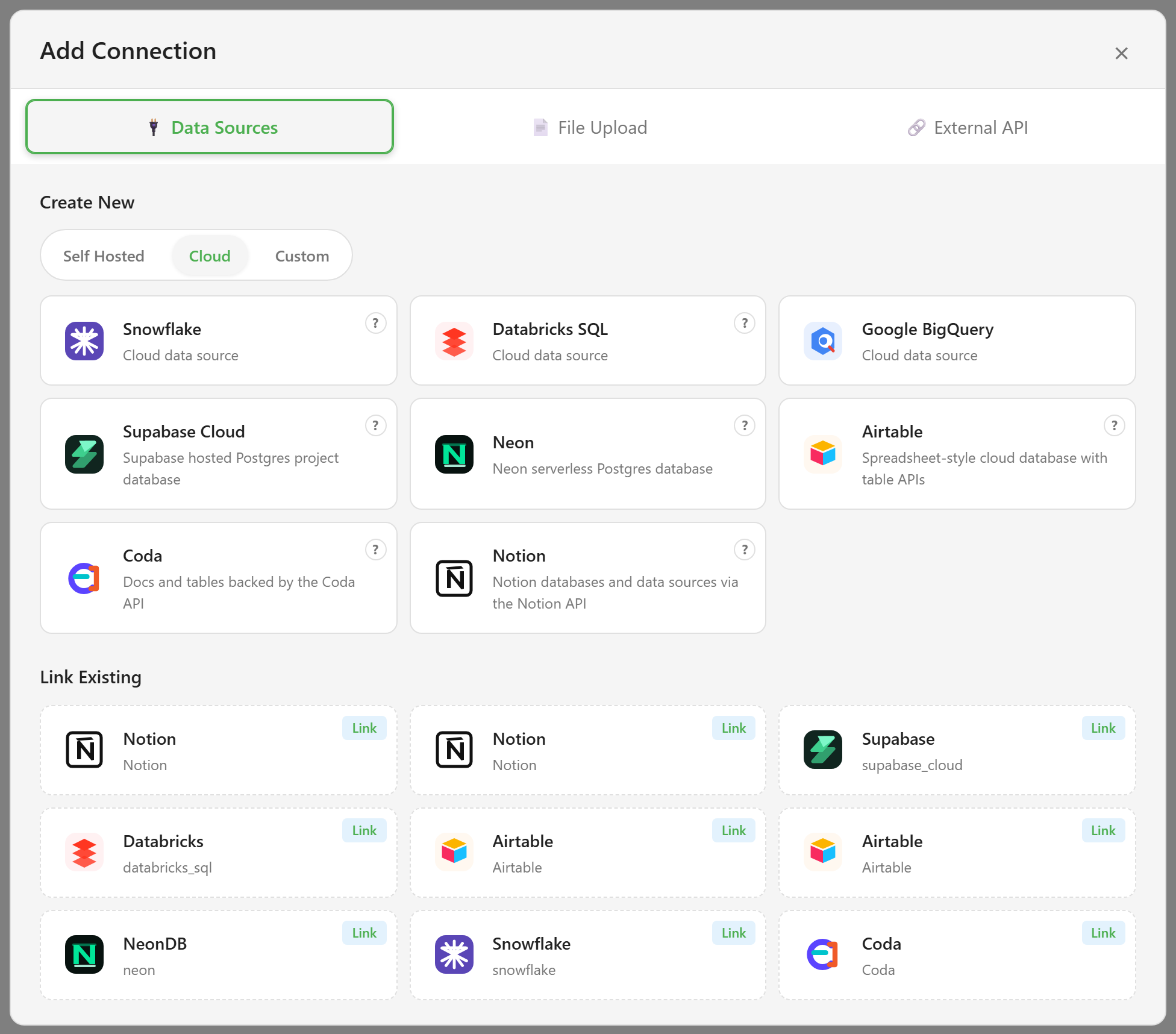
| Connector | Required fields | Also accepts |
|---|---|---|
| Snowflake | warehouse, database, username, password | account, accessUrl, schema, role |
| Databricks SQL | host, path, token | catalog, schema, port |
| Google BigQuery | projectId | dataset, location, credentials, keyFilename |
| Supabase Cloud | host, port, database, username, password | schema, ssl |
| Neon | host, port, database, username, password | schema, ssl |
| Airtable | baseUrl | authType, token, apiKey, apiKeyName, apiKeyIn, extraHeaders |
| Coda | baseUrl | authType, token, apiKey, apiKeyName, apiKeyIn, extraHeaders |
| Notion | baseUrl | authType, token, apiKey, apiKeyName, apiKeyIn, extraHeaders |
The first five run SQL. Airtable, Coda, and Notion are grouped as cloud databases but work differently — they are API-backed, so their data is synced into landed tables rather than queried live, and they use the external-API setup flow rather than the plain database form.
Getting credentials out of these providers is the fiddly part, and it differs for each. Connecting to cloud data walks through Neon, Supabase Cloud, Databricks SQL, Snowflake, Airtable, Coda, and Notion one at a time.
Google BigQuery is the one cloud connector that page does not cover. It takes a project id, optionally a dataset and location, and either inline service-account credentials or a keyFilename pointing at a key file on the server.
Two generic connectors for anything with an HTTP API and no dedicated entry above.
| Connector | Required fields | Also accepts |
|---|---|---|
| REST API | baseUrl | authType, username, password, token, apiKey, apiKeyName, apiKeyIn, extraHeaders |
| External API | baseUrl | authType, username, password, token, apiKey, apiKeyName, apiKeyIn, extraHeaders |
Both accept the same authentication options: basic username and password, a bearer token, or an API key placed in a header or the query string, plus any extra headers you need.
Custom connectors
Section titled “Custom connectors”Connectors defined by a manifest rather than built into the platform.
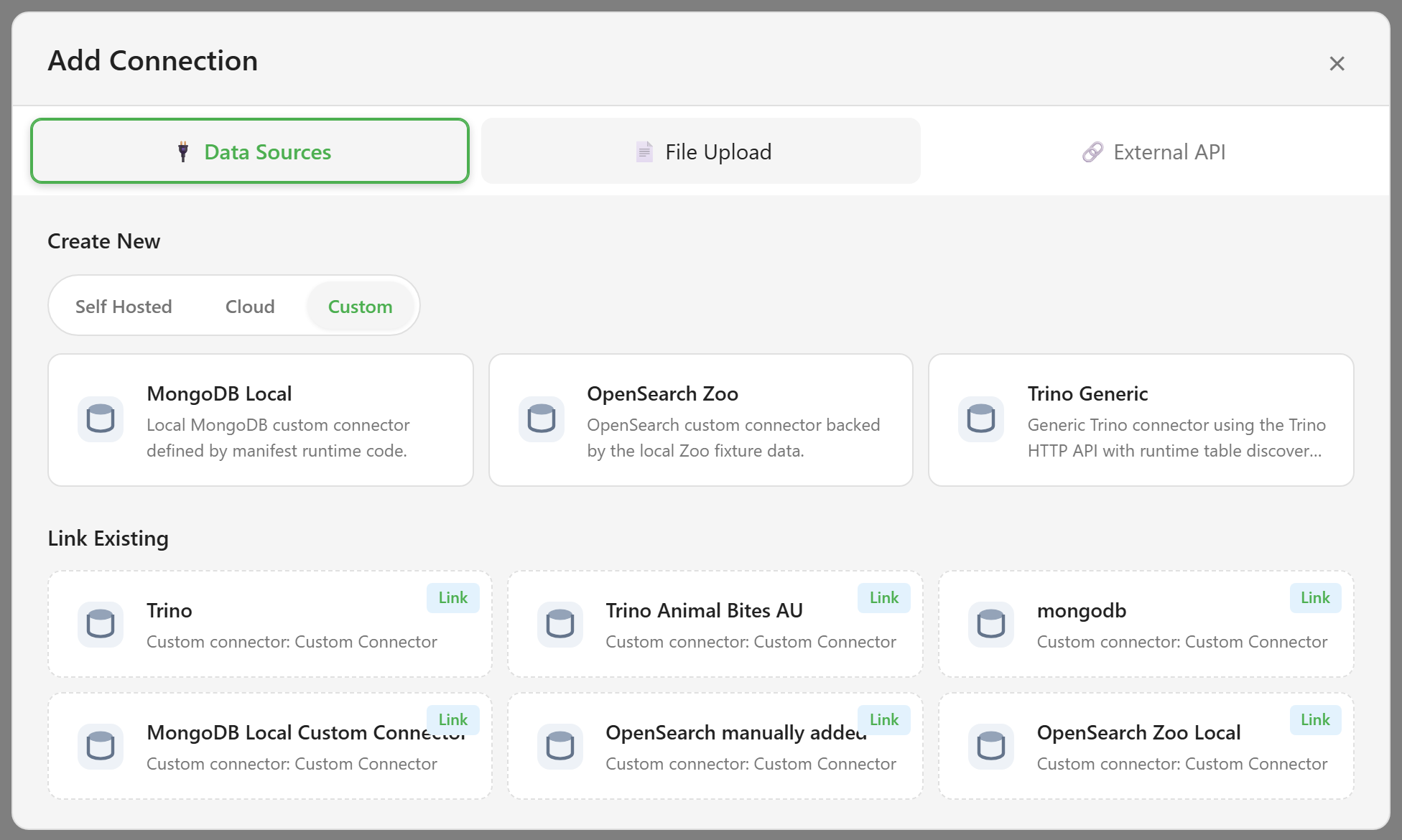
| Connector | Required fields | Also accepts |
|---|---|---|
| MongoDB Local | connectionString, database | — |
| OpenSearch Zoo | baseUrl, username, password, sourceName, primaryKey | schemaJson, sampleRowsJson |
| Trino Generic | baseUrl, catalog, schemaName | username |
Trino Generic talks to the Trino HTTP API and discovers its tables at runtime, with writeback and row-event polling.
Which custom connectors exist depends on what has been installed, so this list may differ on your platform.
Connectors that are not listed
Section titled “Connectors that are not listed”Amazon Redshift exists in the codebase but is deliberately hidden from the catalogue while AWS account and free-trial safety is unresolved. It cannot be selected.
Form Tables is an internal source type. It appears as a connection in every service that has forms, generated from the service’s form submissions, and it has its own tab in the connections sidebar. It is not in the wizard because you do not create it — it appears on its own.
What a connector has to support
Section titled “What a connector has to support”Adding a source to Data Hub is more than making it connect. Each one is expected to list its tables, describe their columns and types, preview rows, export, back saved views, expose primary and foreign keys to the Links canvas, and declare whether Data Hub can write back to it.
That declaration is explicit: a connector either supports full create, update, and delete through the Writeback Lab, or it records a reason it cannot. The Supported badge on the Writeback Lab in the table explorer is that declaration surfacing in the interface.
Related
Section titled “Related”Connect a source walks through the wizard. Connections and services explains why a connection exists at the platform level but is used at the service level.