
Use layouts and repeaters
Two questions decide a form’s structure: what belongs together, and what repeats. Sections and the visual containers answer the first. Repeaters answer the second, in storage as well as on screen: a repeated group becomes child rows rather than numbered columns in the parent response.
Choose a layout container
Section titled “Choose a layout container”Open Layout in the left palette.
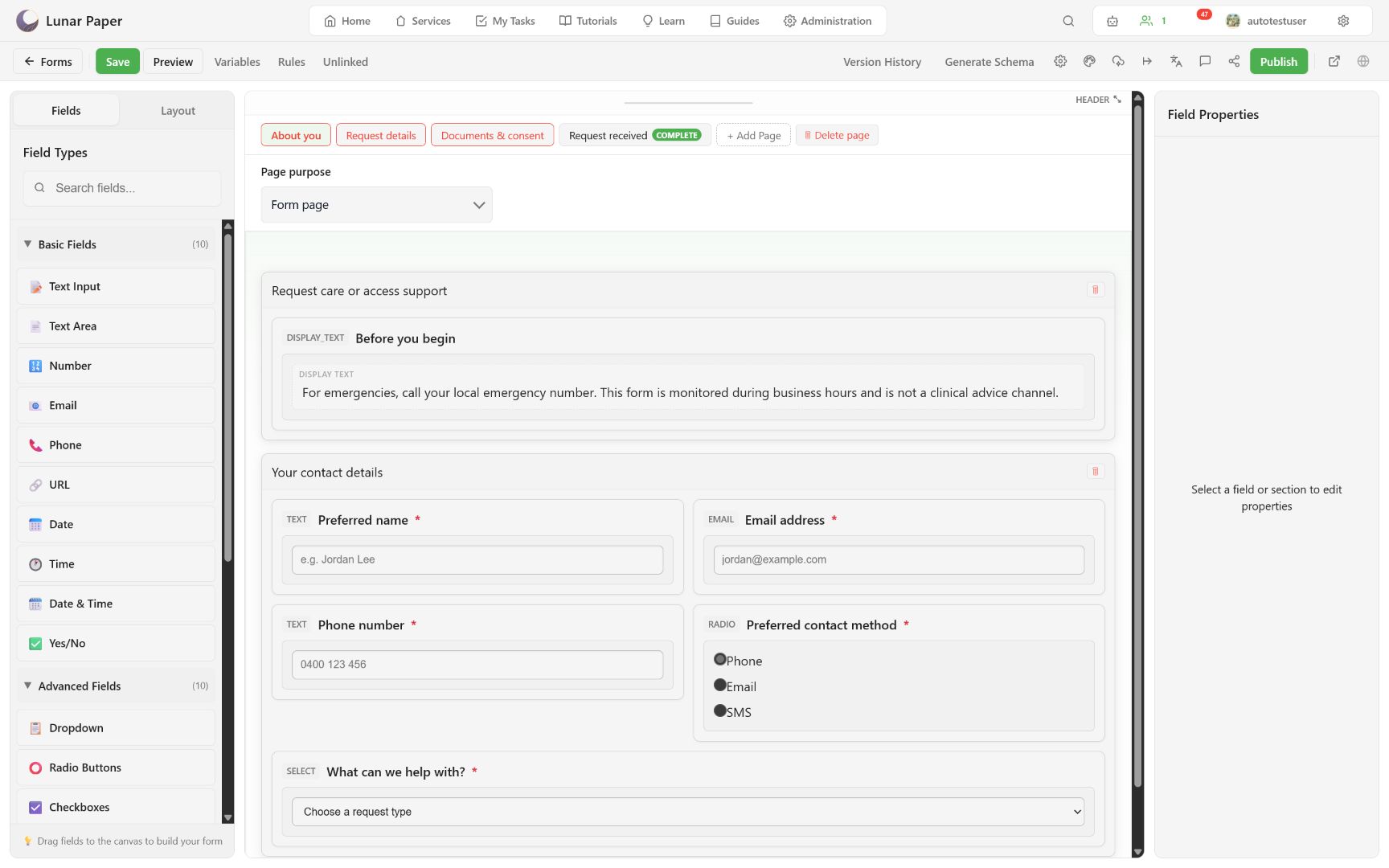
Use:
- Section for the main titled grouping and 12-column layout.
- Repeater for zero or more records with the same fields.
- Tabs or Accordion for related secondary panels.
- Well, Inset, Card, Fieldset, or Collapsible for visual grouping inside the form.
Keep the main page structure shallow. A respondent should understand the page without digging through nested containers.
Style a section
Section titled “Style a section”Select a section to set its title, description, width, collapsible state, border, color, radius, background, padding, and shadow. Section titles are the visible headings in preview and published forms.
Two 6-column sections can sit side by side; a 12-column section spans the page. Always verify the result on phone preview because narrow layouts collapse.
Configure a repeater
Section titled “Configure a repeater”Repeaters store a group of fields as child rows rather than duplicating columns in the parent response.
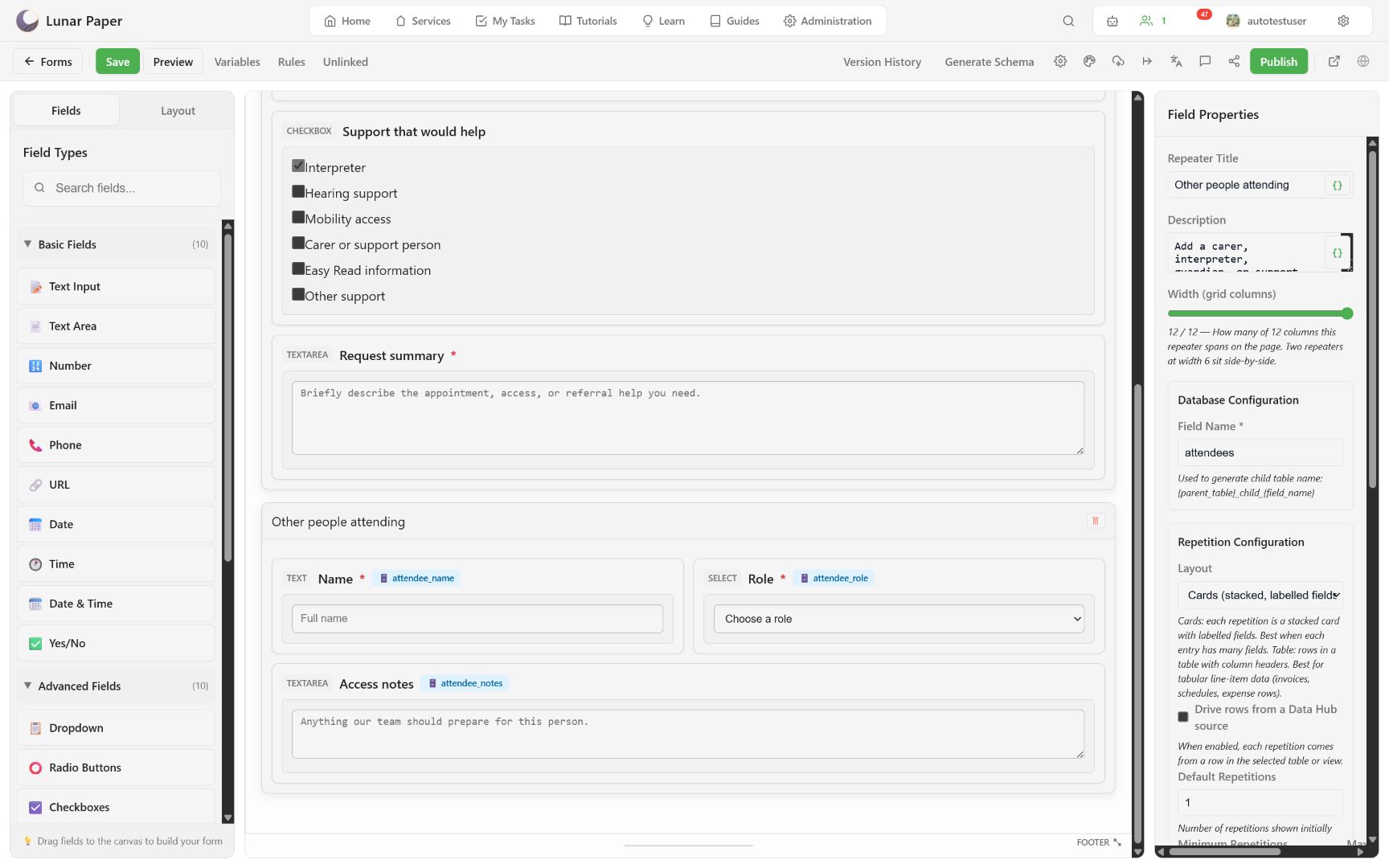
Set:
- a respondent-facing title and description;
- a stable Field Name for the child-table suffix;
- Cards for labelled, stacked entries or Table for compact line items;
- default, minimum, and maximum repetitions;
- add and remove button text;
- optional Data Hub-driven rows;
- normal container width and style.
The generated child table follows the form’s parent table plus the repeater field name. Each nested field also receives its own child-table column.
Test respondent behavior
Section titled “Test respondent behavior”Preview the page and:
- add a row;
- complete its required fields;
- remove a removable row;
- reach the maximum and confirm Add is no longer available;
- confirm minimum rows cannot be removed;
- navigate away and back to verify answers persist.
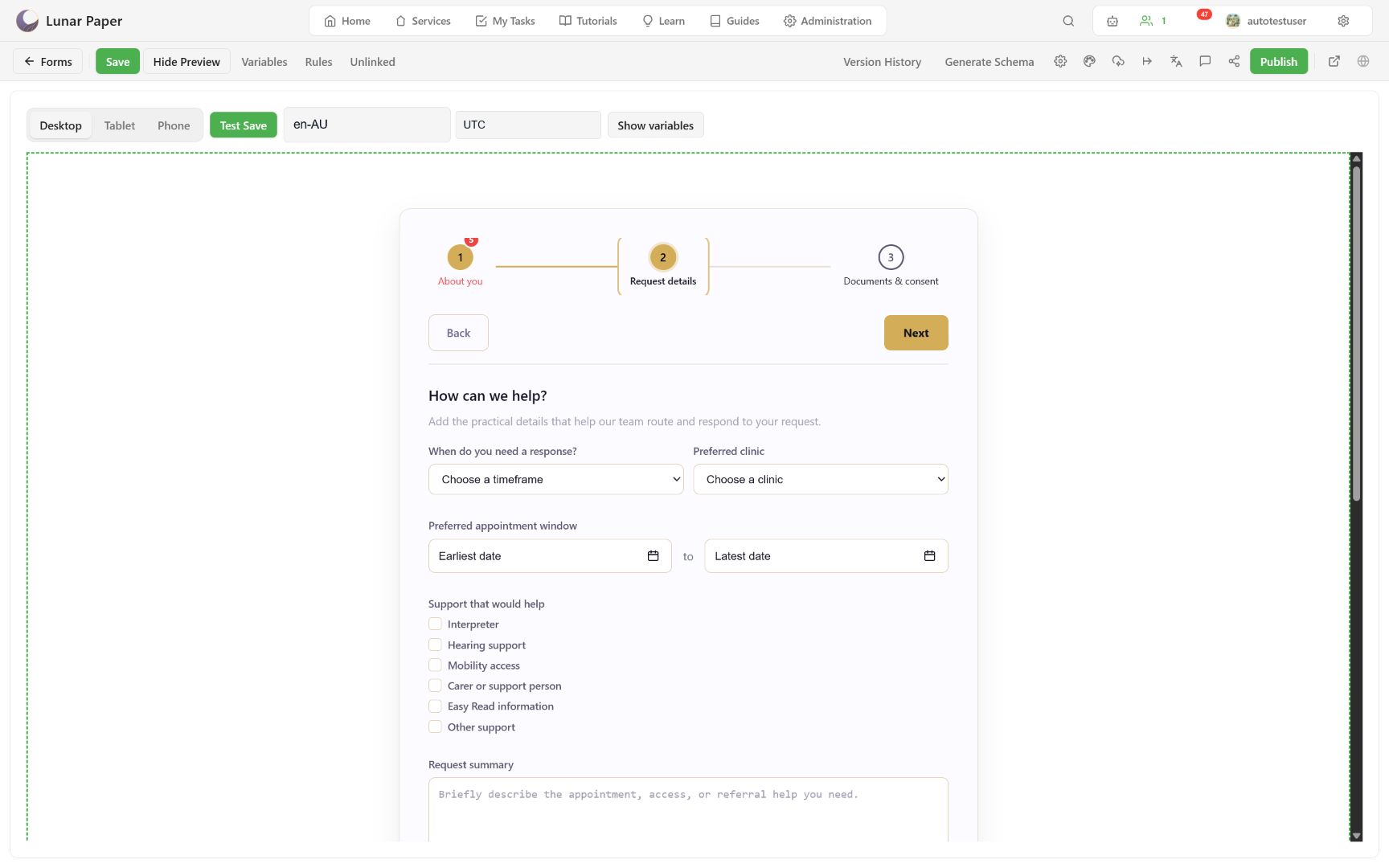
For complex line items, inspect the stored response after a test submission. The response viewer exposes the parent record and an item count that opens the repeater child rows.
Container options and repeater settings are listed in the layout reference. For how a repeater’s child table is generated and named, see Form data model and storage.