
Versions and history
Two features cover the past: Version History takes deliberate snapshots you can restore, and the Activity Log records everything automatically.
Snapshots
Section titled “Snapshots”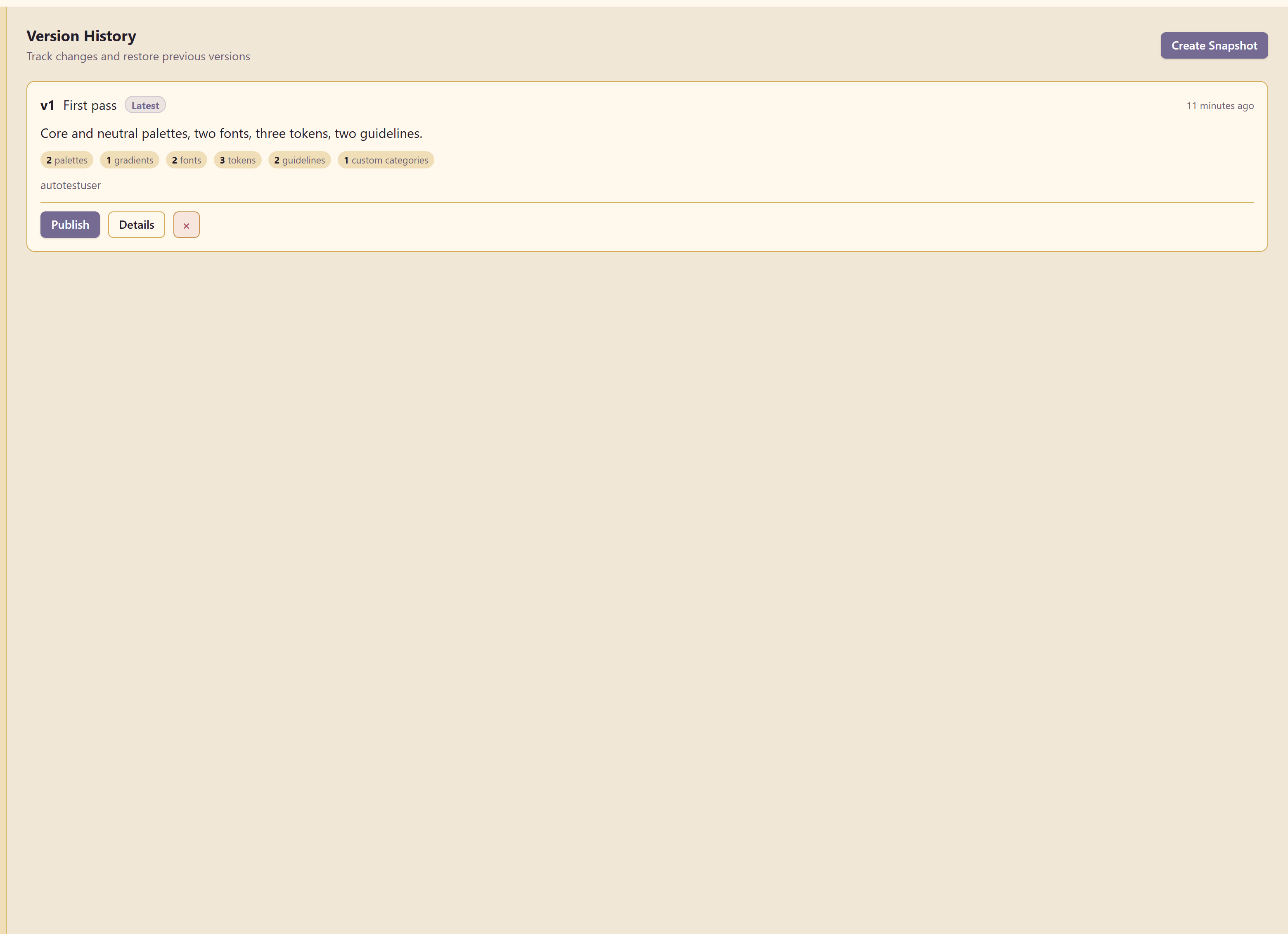
Create Snapshot captures the brand in one restorable version. The dialog lists exactly what that covers: colours, typography, logos, tokens, guidelines, custom branding, and controls.
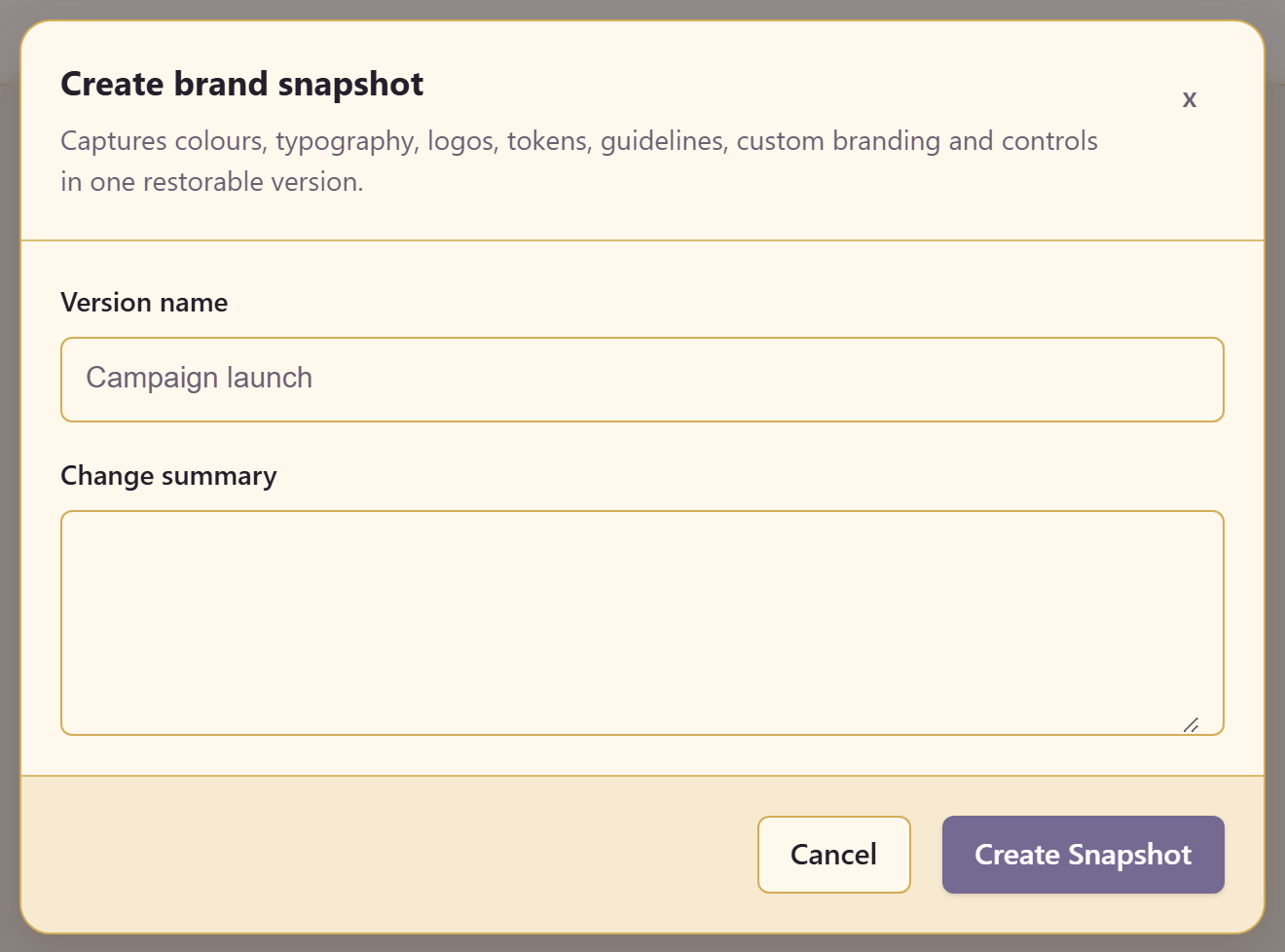
A snapshot takes a version name and a change summary.
Write the summary for someone deciding whether to restore it. “Updated colours” tells them nothing; “pre-rebrand, before the teal changed” tells them everything.
When to take one
Section titled “When to take one”Before anything large and before anything irreversible: a palette overhaul, a font swap, handing the brand to an agency.
Snapshots are cheap and restoring without one is not possible, so the asymmetry is heavily in favour of taking one you did not need.
The activity log
Section titled “The activity log”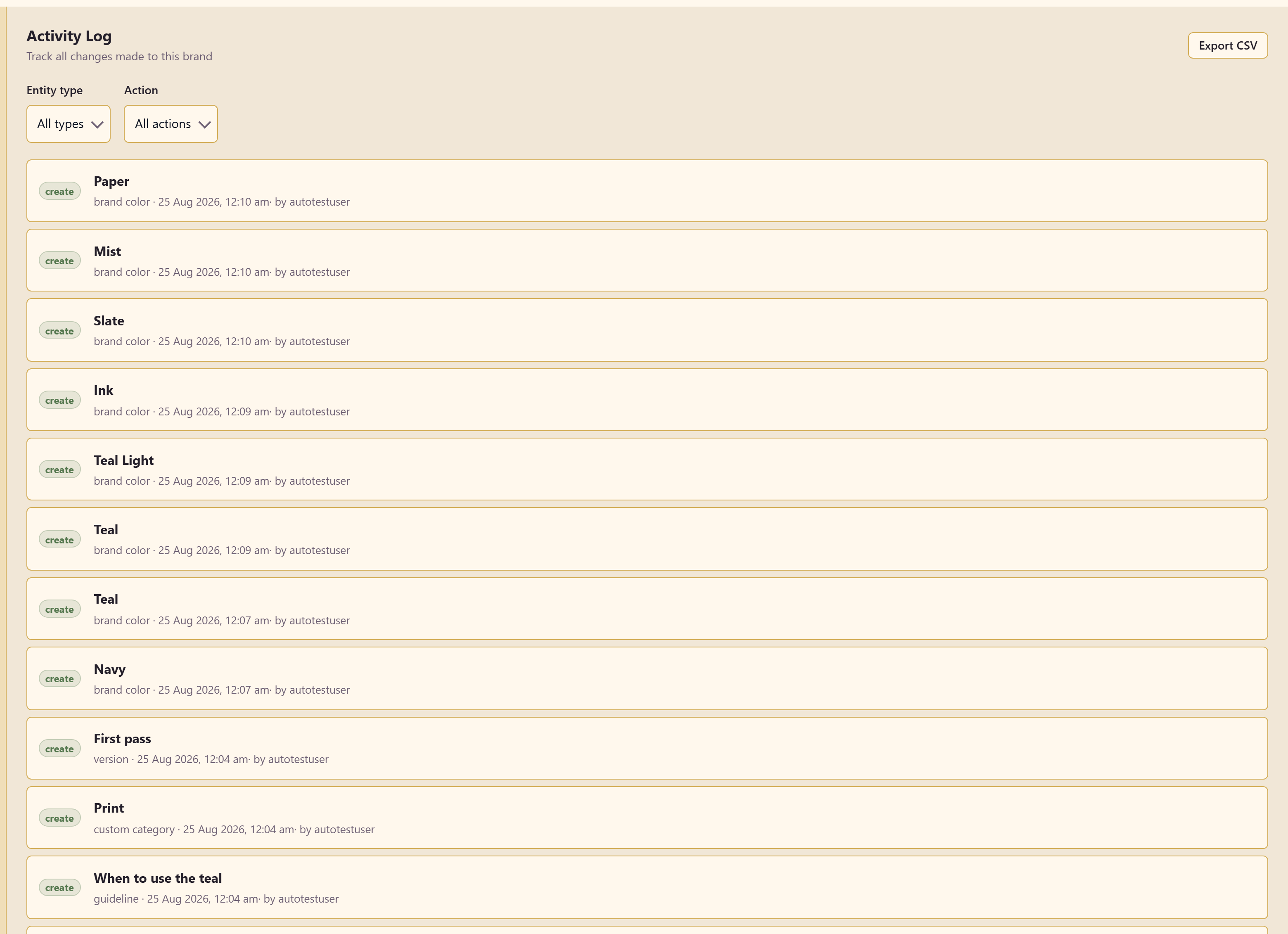
Every change is recorded with its action, the entity it touched, the timestamp, and who made it — create · Lunar Paper Docs brand · by autotestuser.
Filters narrow by entity type and action, and Export CSV takes the log out.
The log answers a different question from version history. Snapshots answer “what did the brand look like then”; the log answers “who changed this and when”. Use the log to find the change and the snapshot to undo it.
Related
Section titled “Related”Brand controls prevents some changes entirely. Export and share covers taking the brand out as a file.