
Browse Sounds
Double-click empty space on the timeline to open the instrument picker, then choose 📁 Browse Sounds.
Not an instrument so much as a way back to work you already have.
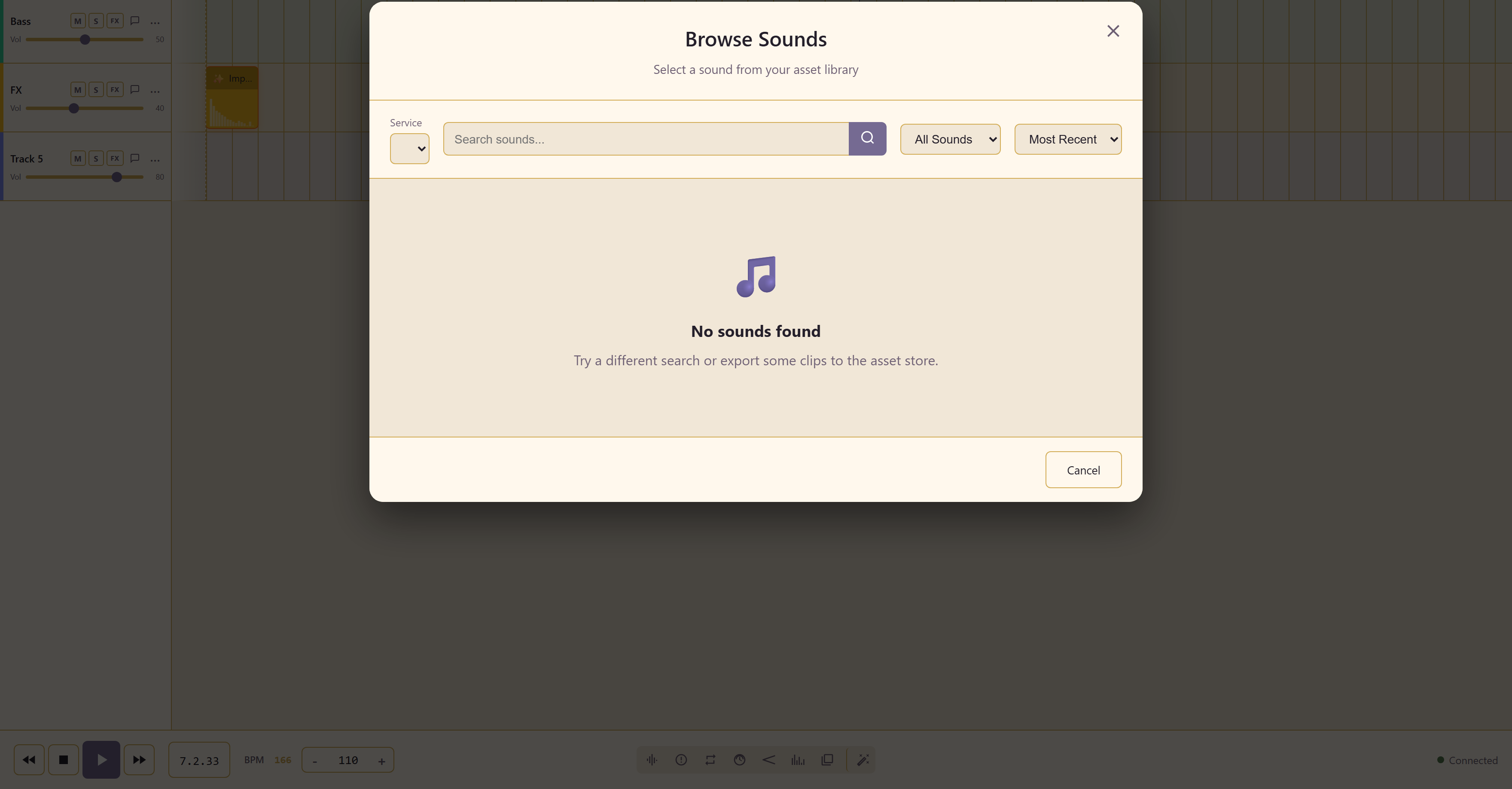
What it lists
Section titled “What it lists”Sounds from the service asset library, filtered by All Sounds or Audio Clips, sorted by Most Recent or Name, and searchable.
How things get there
Section titled “How things get there”Its empty state explains it: export some clips to the asset store.
Clips exported from a project with Export Clip to Asset Store become available here, in this project and every other one in the service.
That is the route for reusing a sound across projects. A drum take recorded once, exported to the asset store, can be dropped into every project in the service rather than replayed each time.
Related
Section titled “Related”Sampler covers sampled instruments rather than your own clips. Asset Library is where the clips live at the service level.