
Piano Roll
Double-click empty space on the timeline to open the instrument picker, then choose 🎼 Piano Roll.
The instrument to reach for when nothing preset fits: you place the notes yourself on a grid, bar by bar.
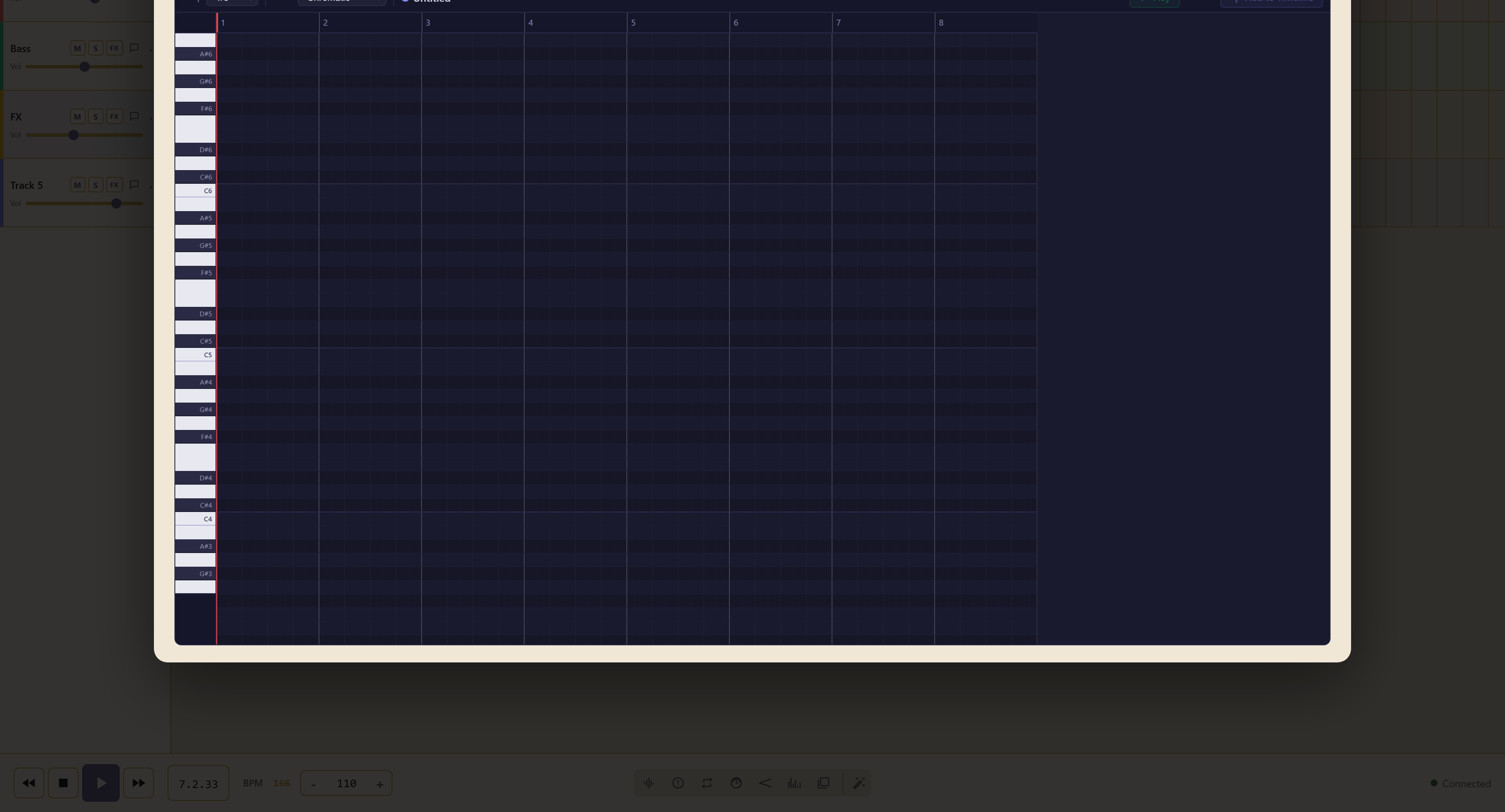
A keyboard runs down the left, bars run across the top, and you write notes into the grid between them. A counter shows how many notes the clip holds.
Snap decides where a note can land: 1/16, 1/8, 1/4, 1/2, 1 Bar, or Off.
Match the snap to the smallest note you intend to write, not the smallest you might. Writing a whole part at 1/16 when everything lands on quarters means every note is one drag away from being slightly wrong.
Off is for the case where the part has to sit deliberately off the grid — a late chord stab, a note dragged behind the beat.
Scale is the more useful of the two. It restricts which notes you can place.
| Scale | Notes |
|---|---|
| Chromatic | Everything — no restriction |
| C Major | The white notes |
| C Minor | Natural minor on C |
| C Pentatonic | Five-note major pentatonic |
| A Minor Penta | Five-note minor pentatonic |
| Blues | Minor pentatonic plus the flat fifth |
| Dorian | Minor with a raised sixth |
| Mixolydian | Major with a flattened seventh |
Setting a scale makes it impossible to write a wrong note, which matters most if you do not read music. Pick the scale that matches the rest of the arrangement and everything you place afterwards will fit.
The two pentatonic scales are the safest. Removing the semitone steps removes almost every way for two notes to clash, so a melody sketched in a pentatonic scale sounds finished sooner.
Finish the clip
Section titled “Finish the clip”Name the clip, use Play to hear it in place, and Add to Timeline to commit it.
Related
Section titled “Related”Mood Chords and Beat Patterns are the preset alternatives. Sampler supplies the sound the notes are played with.