
Audio Launchpad
Double-click empty space on the timeline to open the instrument picker, then choose 🎛️ Audio Launchpad.
Sixteen pads in four rows, each bound to a key.
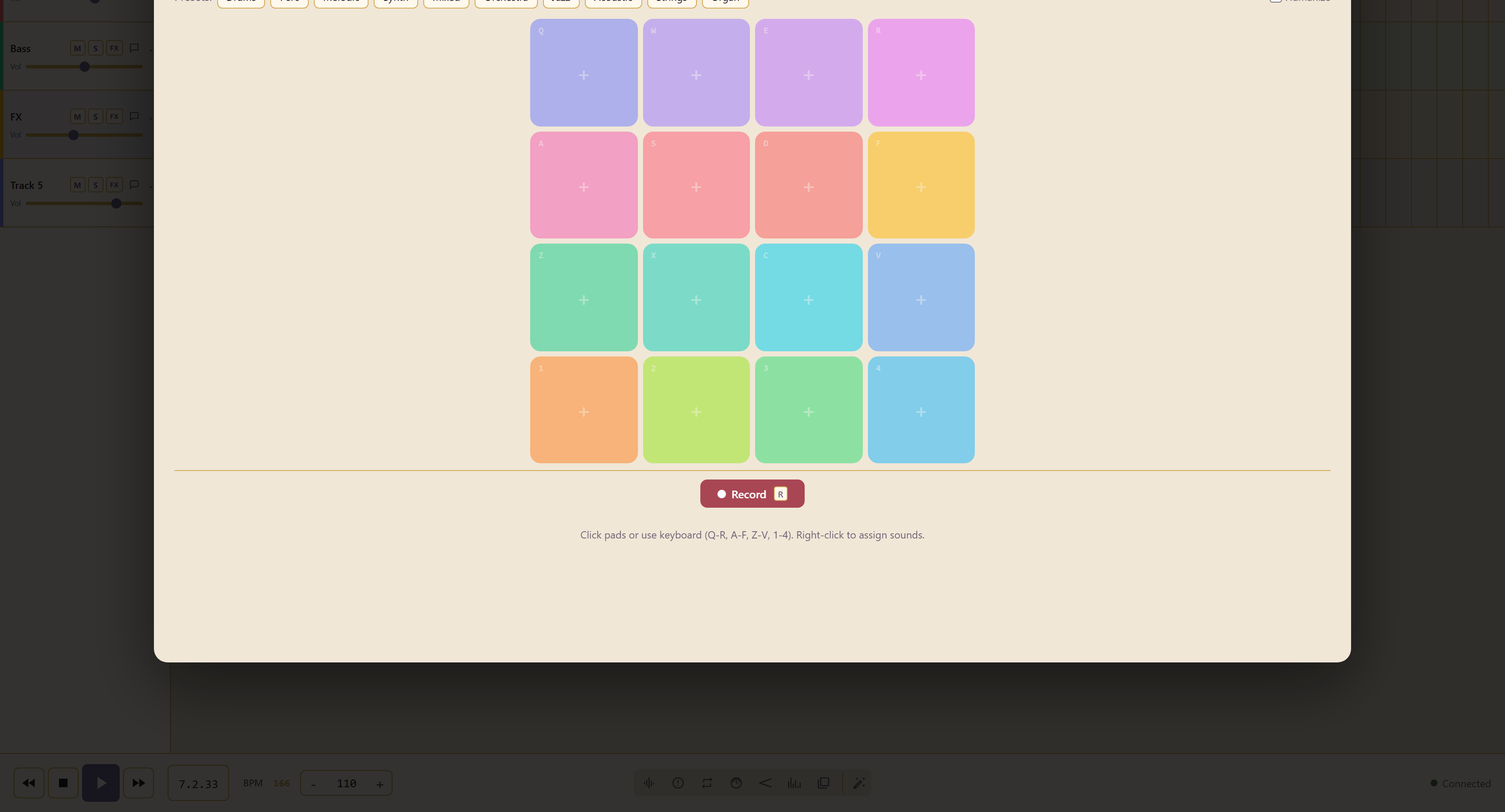
The key map
Section titled “The key map”| Row | Keys |
|---|---|
| Top | Q W E R |
| Second | A S D F |
| Third | Z X C V |
| Bottom | 1 2 3 4 |
The rows sit under the fingers of one hand, so a part can be played rather than clicked. Record, or R, captures what you play.
Ten preset banks
Section titled “Ten preset banks”Drums, Perc, Melodic, Synth, Mixed, Orchestra, Jazz, Acoustic, Strings, and Organ.
Right-click a pad to assign a different sound, which is how you build a bank of your own rather than living with a preset.
Humanize
Section titled “Humanize”Humanize varies timing and level slightly on each hit.
Leave it on for anything that should sound played. Turn it off when the part needs to lock exactly to a sequenced track.
Edit recorded triggers
Section titled “Edit recorded triggers”The clip keeps its pad bank and recorded trigger sequence. Reopen it and choose Performance to adjust trigger timing, velocity, and held lengths where captured. Custom pad sources are saved with the service and can be relinked if unavailable.
Switching views before saving keeps the current take. Edit recorded performances covers editing, append/overdub, and saving an alternate.
Related
Section titled “Related”Sampler is for playing a sampled instrument rather than triggering clips. Drum Kit is a purpose-built kit rather than a pad bank.