
Rendering and form engines
One schema, three render contexts
Section titled “One schema, three render contexts”Forms renders one schema in three contexts:
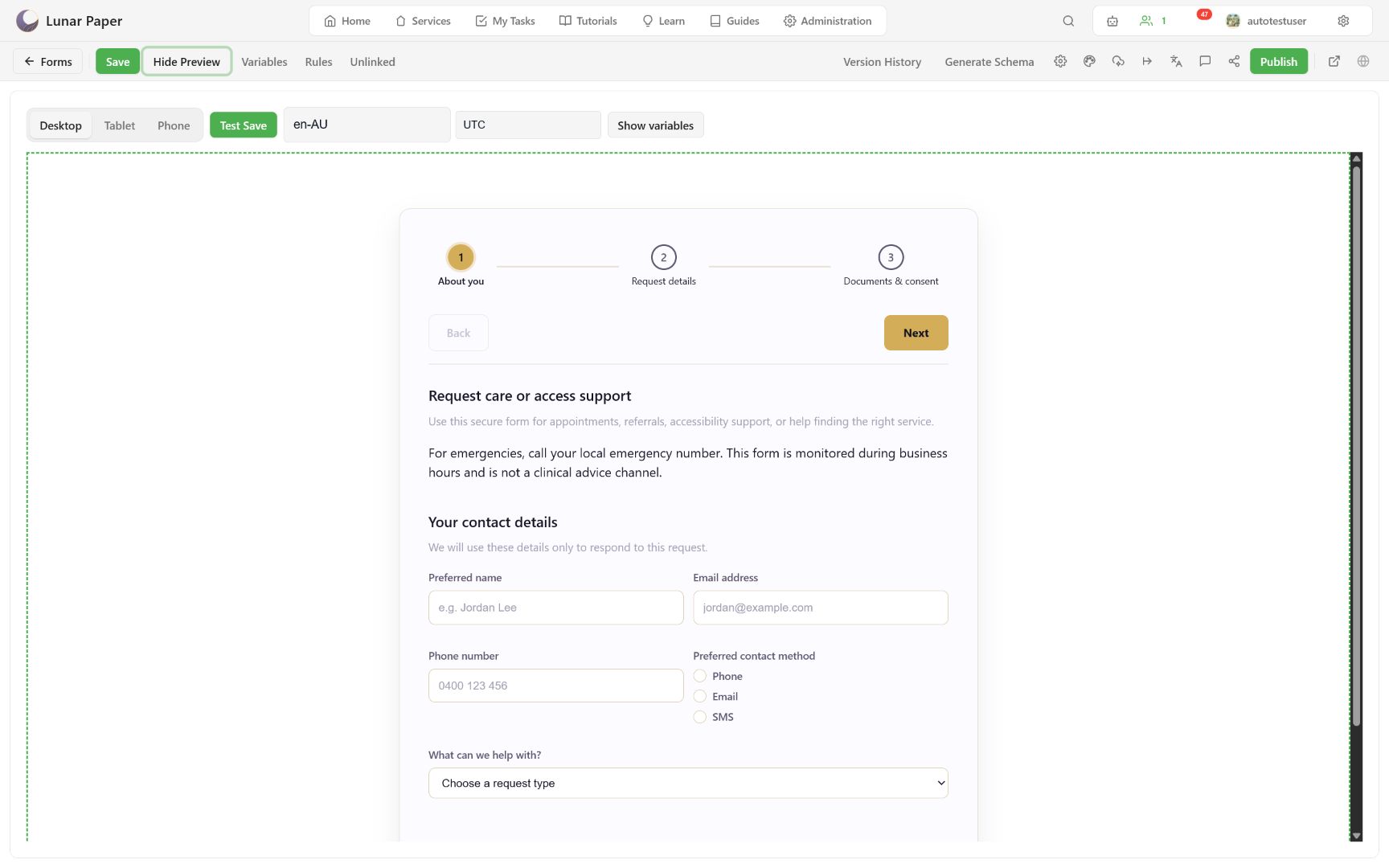
- Builder Preview shows the live draft plus test controls.
- Published form shows active respondent controls and the selected Forms theme.
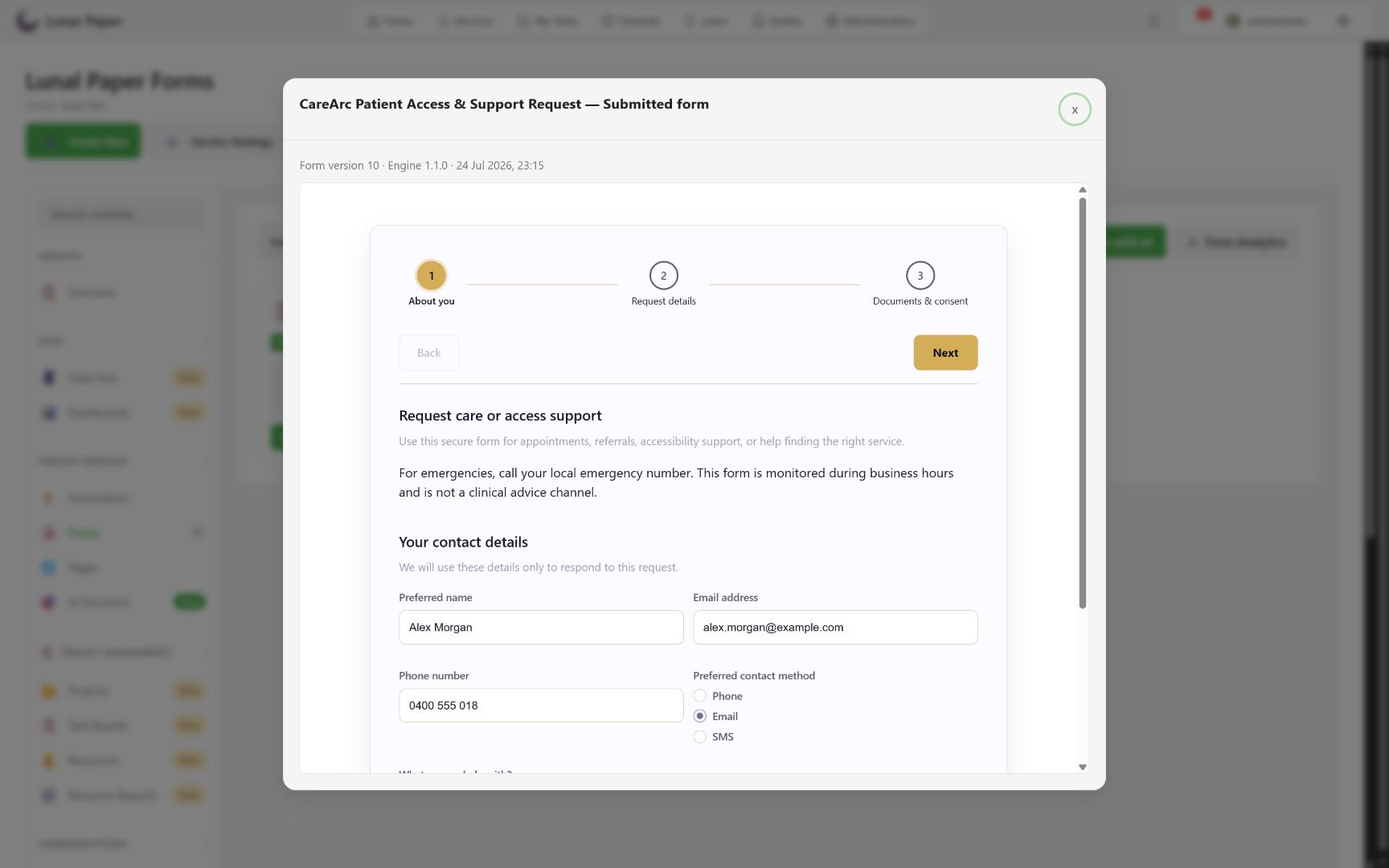
- Submitted response shows the stored version, read-only.
The renderer owns field components, layout containers, validation, navigation, variables, conditional rules, regional behavior, localization, and post-submission presentation. Because all three contexts share it, there is less difference between what an author expects and what a respondent gets.
Platform chrome versus form output
Section titled “Platform chrome versus form output”The builder toolbar, dialogs, panels, save status, comments, access controls, and color controls use Lunar Paper platform UI.
The content authored inside the form is different. Published and preview output uses the selected Forms theme or a locked published Brand Hub version. This boundary keeps platform administration styles out of the respondent-facing design.
Engine versions
Section titled “Engine versions”A form is pinned to an engine version, and each version adds capability the earlier ones cannot render. The builder and settings reference lists what each version adds.
A pinned engine is a compatibility promise, not a preference: an older pin ignores settings it does not understand rather than rendering them badly. That is why opening a legacy form does not require rewriting its schema, and why imported legacy aliases are normalized to supported engine identifiers rather than rejected.
The promise runs one way only. A downgrade is refused while the form uses a newer capability such as a completion page, post-submission actions, or draft saving. The older engine could not render what the form already claims to do. Remove the feature first if a downgrade is genuinely needed.
Submission-complete rendering
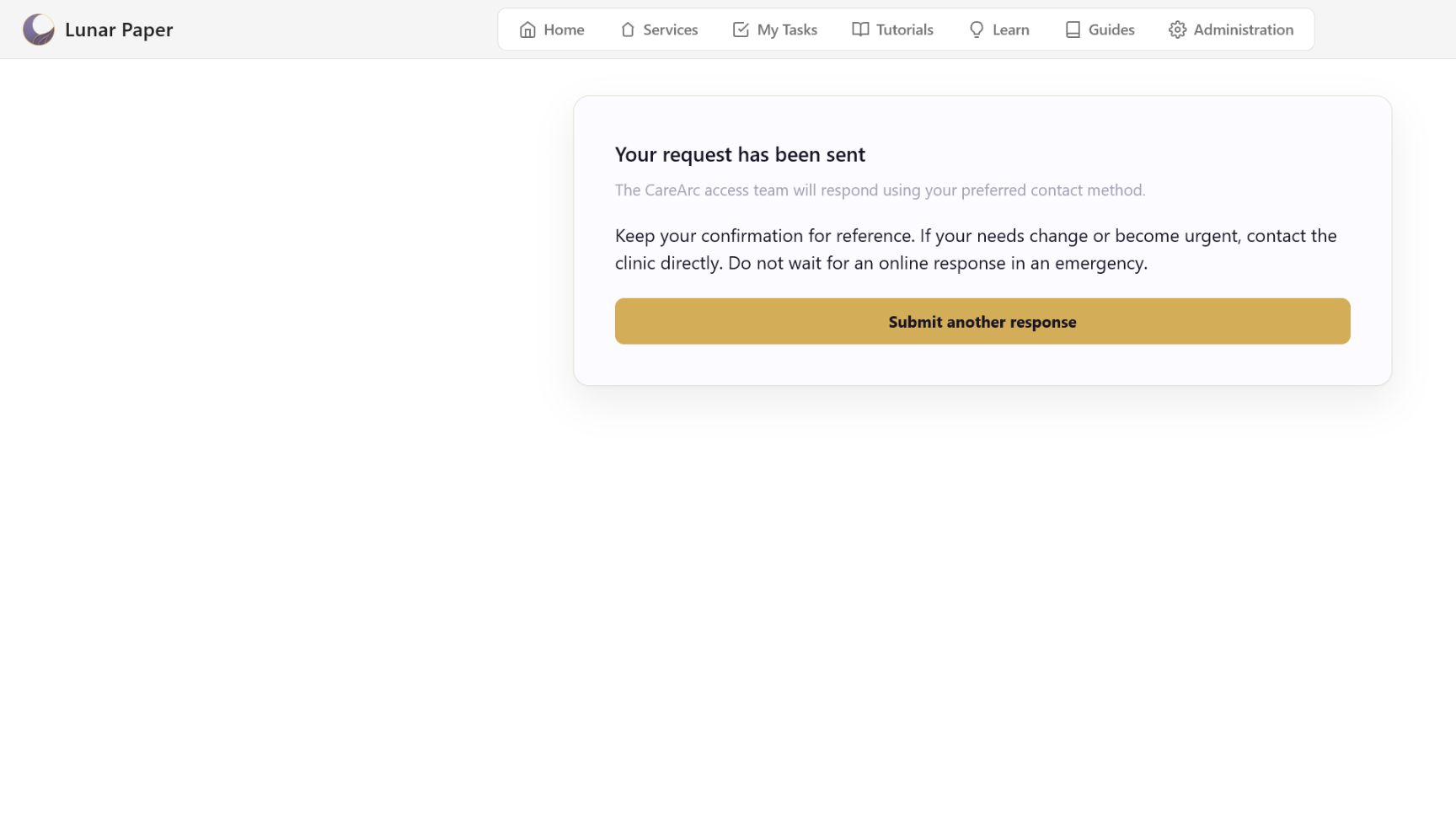
Section titled “Submission-complete rendering”A completion page has the submission-complete role. It is excluded from normal page steps and answer storage. Engine 1.1.0 and later render it once the response is stored, then run later presentation actions such as offering another response.
Why submitted playback records a version
Section titled “Why submitted playback records a version”Forms change over time. Submitted playback identifies the stored form version and engine, so you can read an old response in the structure that accepted it.
Engine capabilities and downgrade rules are tabulated in the builder and settings reference. To exercise the renderer yourself, follow Preview and test.