
Workspace
A Workspace is where a team works out an answer and then writes it down. You point it at source material, the AI researches the question and pins the evidence, and you turn that evidence into documents, charts, and scratchpads you can publish.
It is built around a decision rather than a document. That is the difference from Documents, which is for writing something you already know.
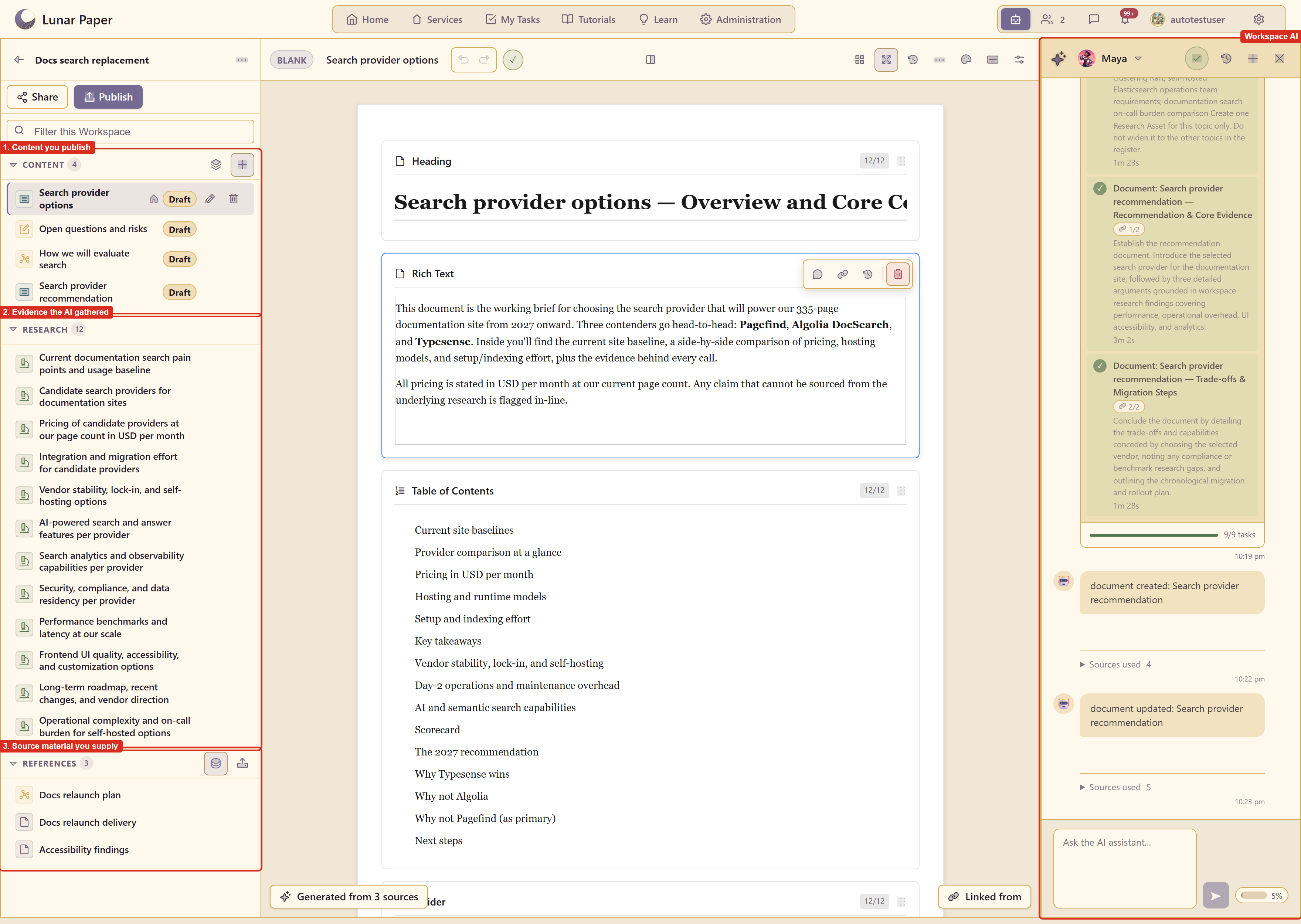
Where Workspace lives
Section titled “Where Workspace lives”Open a service and choose Workspace under Content Modules.
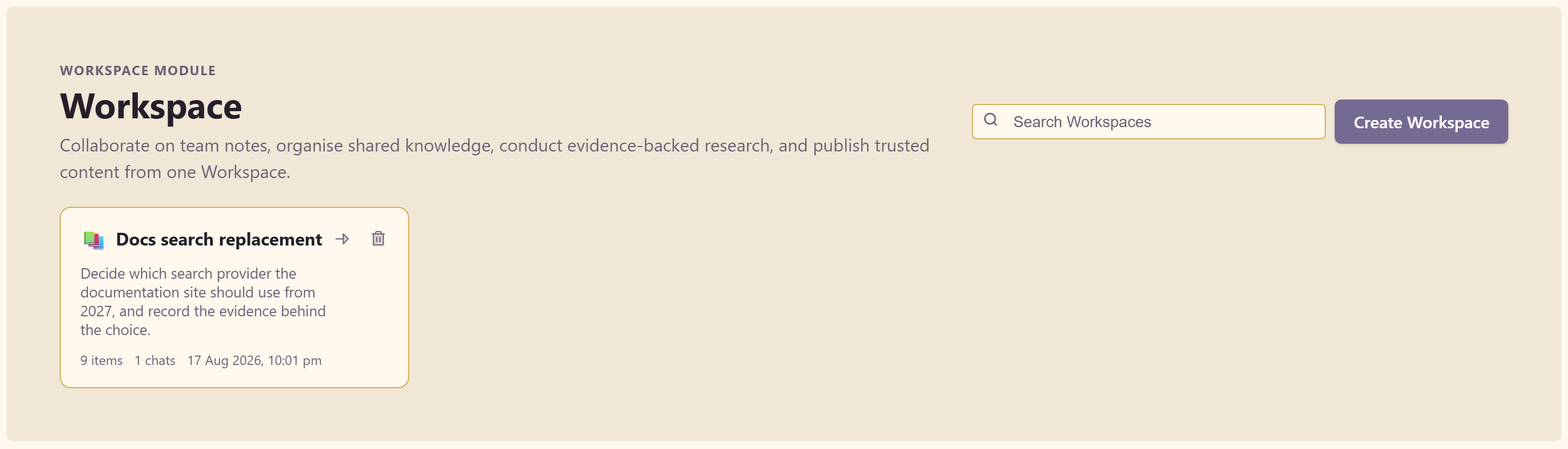
The three rails
Section titled “The three rails”Everything in a workspace sits in one of three lists down the left side, with a filter box above them.
References is the source material — files you upload, or assets pulled in from the service’s Asset Library.
Research is what the AI found. Each item is a question, a status, a summary, findings, and the sources behind them.
Content is what you publish — the documents, charts, and scratchpads written from that evidence.
Work flows bottom to top: references in, research from them, content from that. How a workspace is organised explains why the separation matters.
The AI does the legwork
Section titled “The AI does the legwork”Ask for something and the workspace plans the work itself. Given “compare three search providers on cost, hosting, and setup effort”, the example workspace scaffolded research topics, ran each one separately, and only then planned the document.
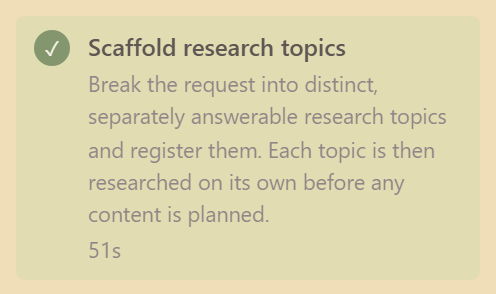
Three things make the output checkable.
Every finding cites its sources. Research items carry real links, and each step in the panel shows how many sources it used.
Gaps are declared. The panel says “Research completed with evidence gaps” instead of presenting a partial answer as a whole one.
Edits are staged. New content is created for you, but changes to content that already exists wait for your approval.
What you get out
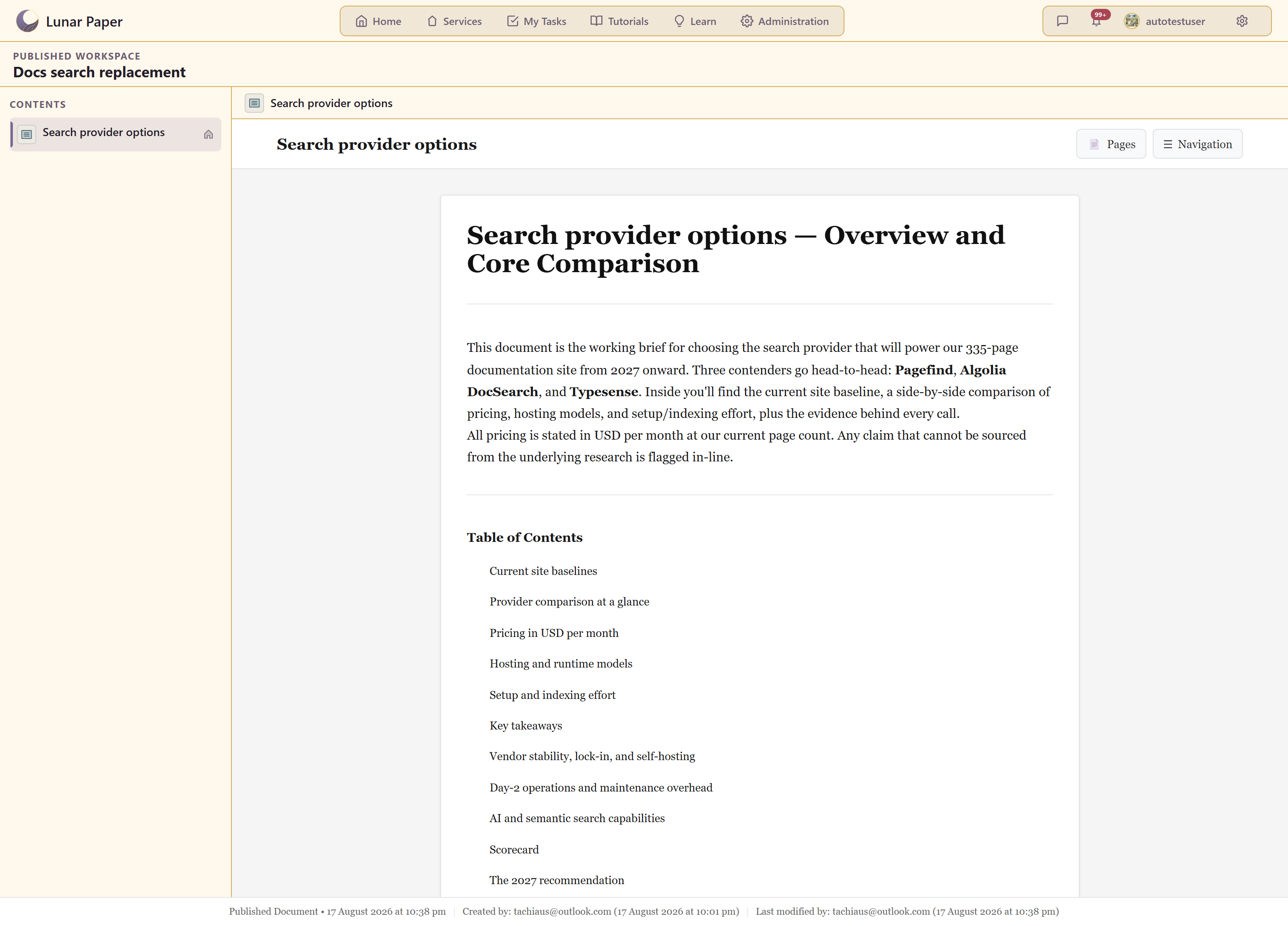
Section titled “What you get out”Content is published from the workspace to a reader-facing page, research can be downloaded as Markdown or pushed into the Asset Library with metadata, and every generated item records what it was made from.
Where to go
Section titled “Where to go”| If you want to | Go to |
|---|---|
| Work through a decision end to end | Quickstart |
| See everything the module can do | Feature list |
| Follow a specific workflow | Guides |
| Bring in source material | Gather references |
| Understand the three rails | How a workspace is organised |
| Understand why the AI works this way | What the AI is for |
| Choose the provider model for Workspace | AI panel reference: choose the Workspace model |
| Keep the AI on a short leash | Control what the AI does |
| Set status, keywords, or a collection | Content and metadata settings |
| Learn every control in the AI panel | AI panel reference |
| Fix something that is not behaving | Troubleshooting |
The example in these screenshots
Section titled “The example in these screenshots”Captures use Docs search replacement, a Decision workspace in service 20 that works out which search provider this documentation site should use. Its twelve research items and its two documents were produced by the workspace AI from three requests.